
RealGraphix - Minecraft Skins & Skin History
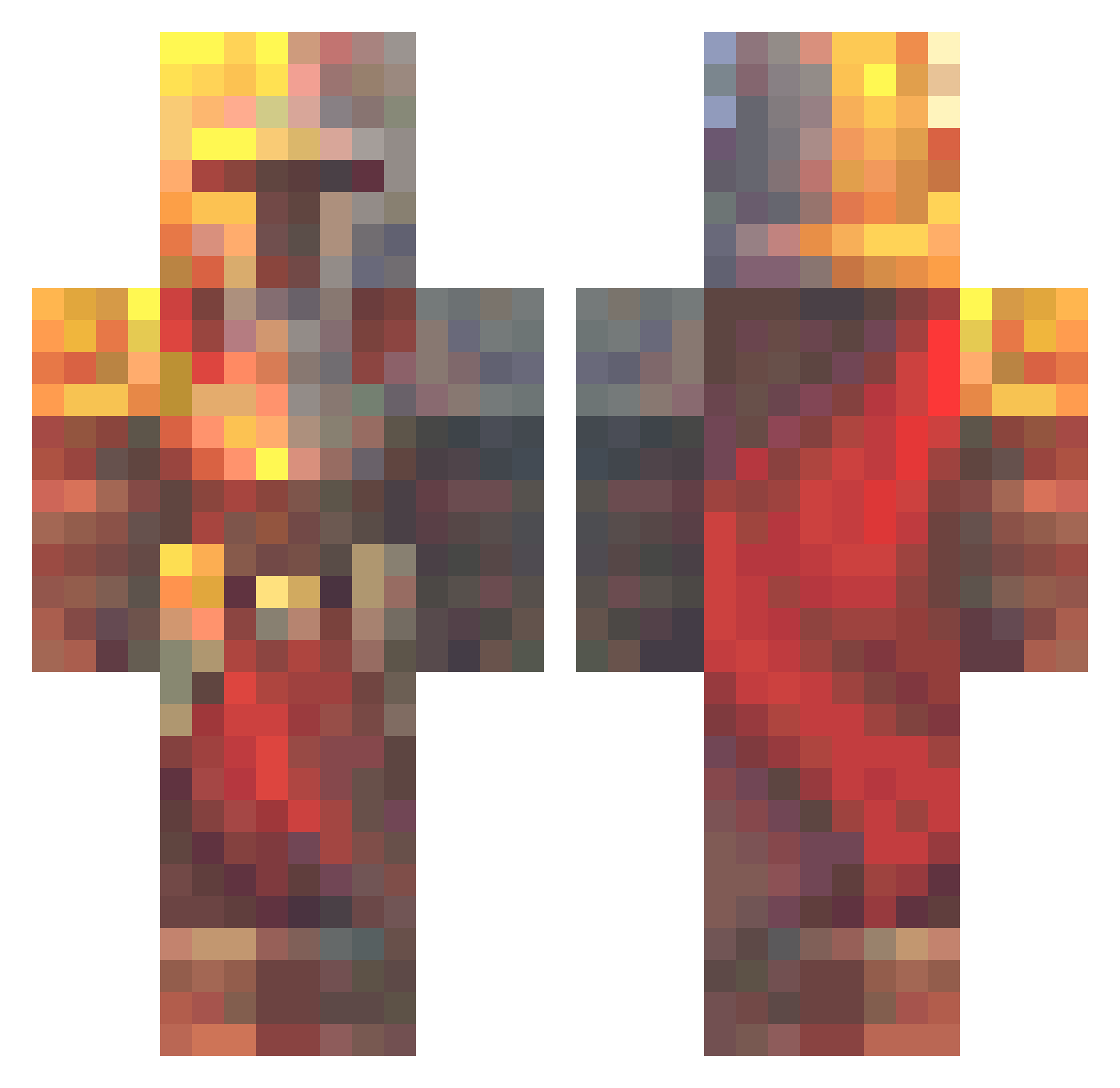
Current Minecraft skin of the player RealGraphix, loaded from the official Mojang API. Rotate the 3D model with your mouse or finger, then download the skin as a PNG file and use it in Minecraft: Bedrock Edition or Java Edition for free. When RealGraphix changes their skin, this page updates automatically and the old skin stays in the history below.
Other players with this skin (683)
RealGraphix was the 657th player we have seen with this skin, first spotted on 15.11.2026. The same skin was seen on these players. Open a nickname to see their current skin and skin history.
 Jimbob4888 KyloAndTeo Ethan5958 Doglord327 ScorpionV ElementOne Alpbei Szymun309 OsamaBinLaughin Merthrive Nunya976 Stucky_987 overteckyous Gustavo_J Dem0n_L0rd AngelHelm_ DeputyFingers XtpCode Repmac77 Clugiamp MonkeyDDragonZ JosephMabe Nephox JackosnJoeJunior J_of_the_Desert ShirtyLemon ProjectCrusade katFan1337 Disco_22 Connfeti Marshall1q fariswho munatonprinssi69 DedicatedJ calebjtv AcePlains555532 Selephium Sw1mm3r omrctn Arob420 Elupo Hotzenprotz Luxad Cringe_Venda DrasticJewel strange1704 EmirhaNN_ iamsimba KalashCriminal ItsQuertz RGC_Fall Moonlight2498 knoertel Foud0 pryy555 Lualkil JO__KO Mulliv kejdzojk X_TheDominator_X
More Medieval Minecraft skins
How to install the RealGraphix skin
- Press the Download button above to save the skin as a PNG file.
- Minecraft: Bedrock Edition (PE): open the Dressing Room from the main menu (or tap your character → Edit Character), go to Classic Skins → Owned, press the + (new skin) button, choose the downloaded PNG and pick the Classic (Steve) model. Works on PC and mobile; consoles cannot import custom skins.
- Minecraft: Java Edition: open the Minecraft Launcher, go to the Skins tab, click New Skin, load the PNG, pick the Classic (Steve) model and press Save & Use. You can also upload it at minecraft.net → Profile → Change Skin.
The skin does not show up after import - what should I do?
Restart Minecraft and open the Dressing Room again - imported skins sometimes appear only after a restart. Also make sure you selected the imported skin and picked the Classic (Steve) model.
Which model should I choose, Classic or Slim?
This skin is designed for the Classic (Steve) model. If you pick the wrong model, the arms of the skin will look stretched or squeezed.
Is the skin of RealGraphix free to download?
Yes. Press Download, save the PNG file and use it in Minecraft: Bedrock Edition or Java Edition - no payment or registration needed. The skin also works on multiplayer servers and Realms.
More skins
Looking for more? Go back to all Minecraft skins and check the top skins of the week, month and all time, or find any player's skin by nickname.