
ReNullx - Minecraft Skins & Skin History
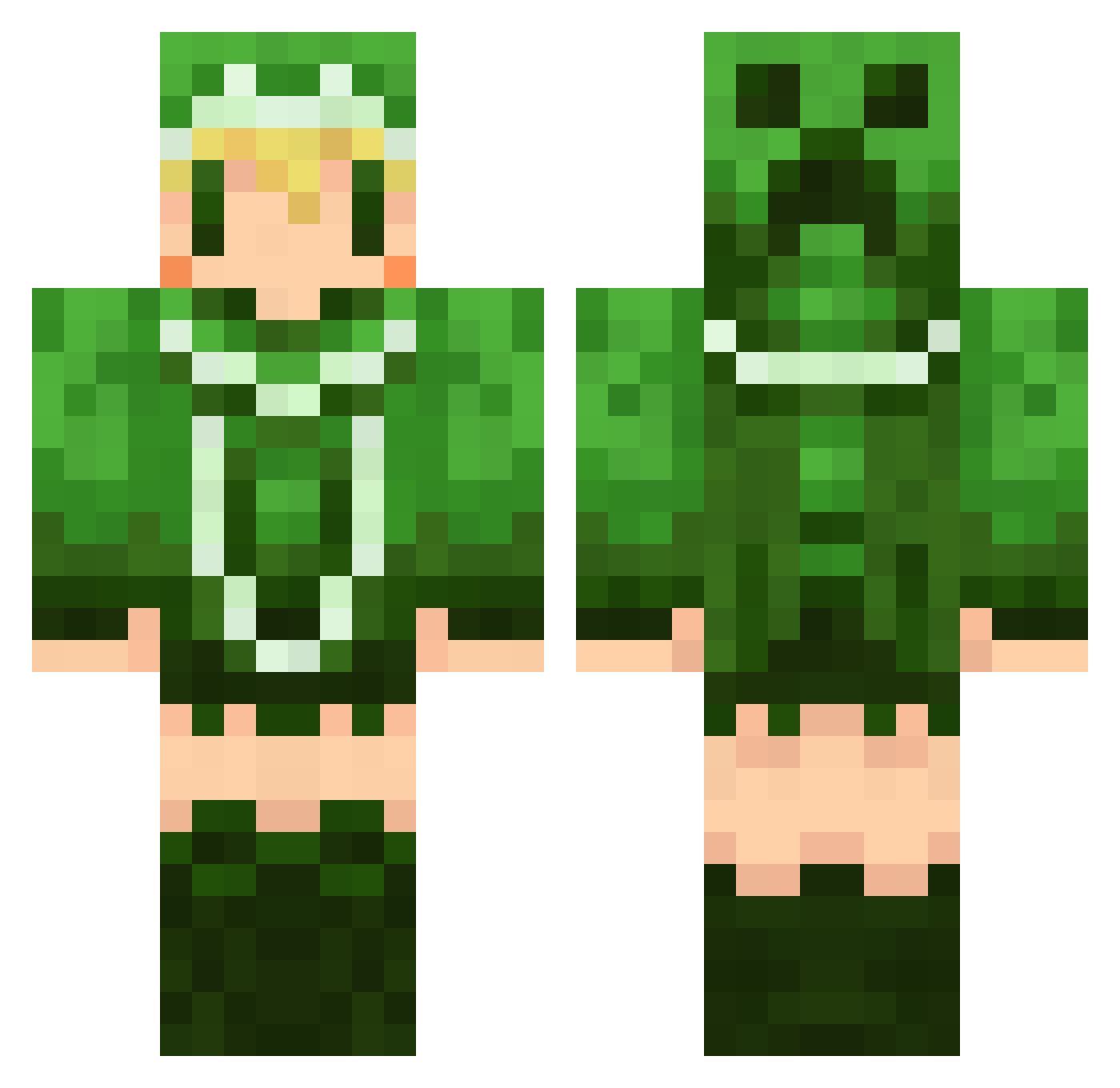
Current Minecraft skin of the player ReNullx, loaded from the official Mojang API. Rotate the 3D model with your mouse or finger, then download the skin as a PNG file and use it in Minecraft: Bedrock Edition or Java Edition for free. When ReNullx changes their skin, this page updates automatically and the old skin stays in the history below.
Other players with this skin (498)
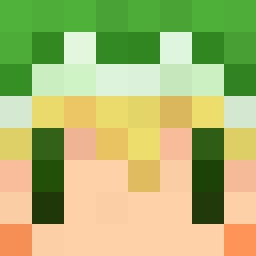
ReNullx was the 188th player we have seen with this skin, first spotted on 28.08.2026. The same skin was seen on these players. Open a nickname to see their current skin and skin history.
 siriaru1926 Fulady dark_eyes01 thonetjp tinango pedophi LunaGoodMan syu0syu merikunn Arzxia siro321 lain111 kurage0906 wei_weber dneeto emeleee riputoe Pawr yuiriee Mitsun72 harutiro kabotya3 MD0066 LIGHTNINNG7 kouma_maid tori33 wattyoAC Bark3333 hatuki816 sodah0823 yaay10 AmamiyaS Ray1101 zuzumi ke3 conji25 sinon_77 RenRen1103 neru78 fateextra02 Yuunagi_Karoko yhoneyk Piyo3 Luchichi mikan_3 shino893 Tea_Leaf623 nanashisaaan kensp ideboku H_SORA rezan414 siiiiiiigu ibuki34 okinami soumen1001 KUZUbox reemkon FairialMia Gsummer
More Creeper Minecraft skins
How to install the ReNullx skin
- Press the Download button above to save the skin as a PNG file.
- Minecraft: Bedrock Edition (PE): open the Dressing Room from the main menu (or tap your character → Edit Character), go to Classic Skins → Owned, press the + (new skin) button, choose the downloaded PNG and pick the Classic (Steve) model. Works on PC and mobile; consoles cannot import custom skins.
- Minecraft: Java Edition: open the Minecraft Launcher, go to the Skins tab, click New Skin, load the PNG, pick the Classic (Steve) model and press Save & Use. You can also upload it at minecraft.net → Profile → Change Skin.
The skin does not show up after import - what should I do?
Restart Minecraft and open the Dressing Room again - imported skins sometimes appear only after a restart. Also make sure you selected the imported skin and picked the Classic (Steve) model.
Which model should I choose, Classic or Slim?
This skin is designed for the Classic (Steve) model. If you pick the wrong model, the arms of the skin will look stretched or squeezed.
Is the skin of ReNullx free to download?
Yes. Press Download, save the PNG file and use it in Minecraft: Bedrock Edition or Java Edition - no payment or registration needed. The skin also works on multiplayer servers and Realms.
More skins
Looking for more? Go back to all Minecraft skins and check the top skins of the week, month and all time, or find any player's skin by nickname.