
Rash_OM - Minecraft Skins & Skin History
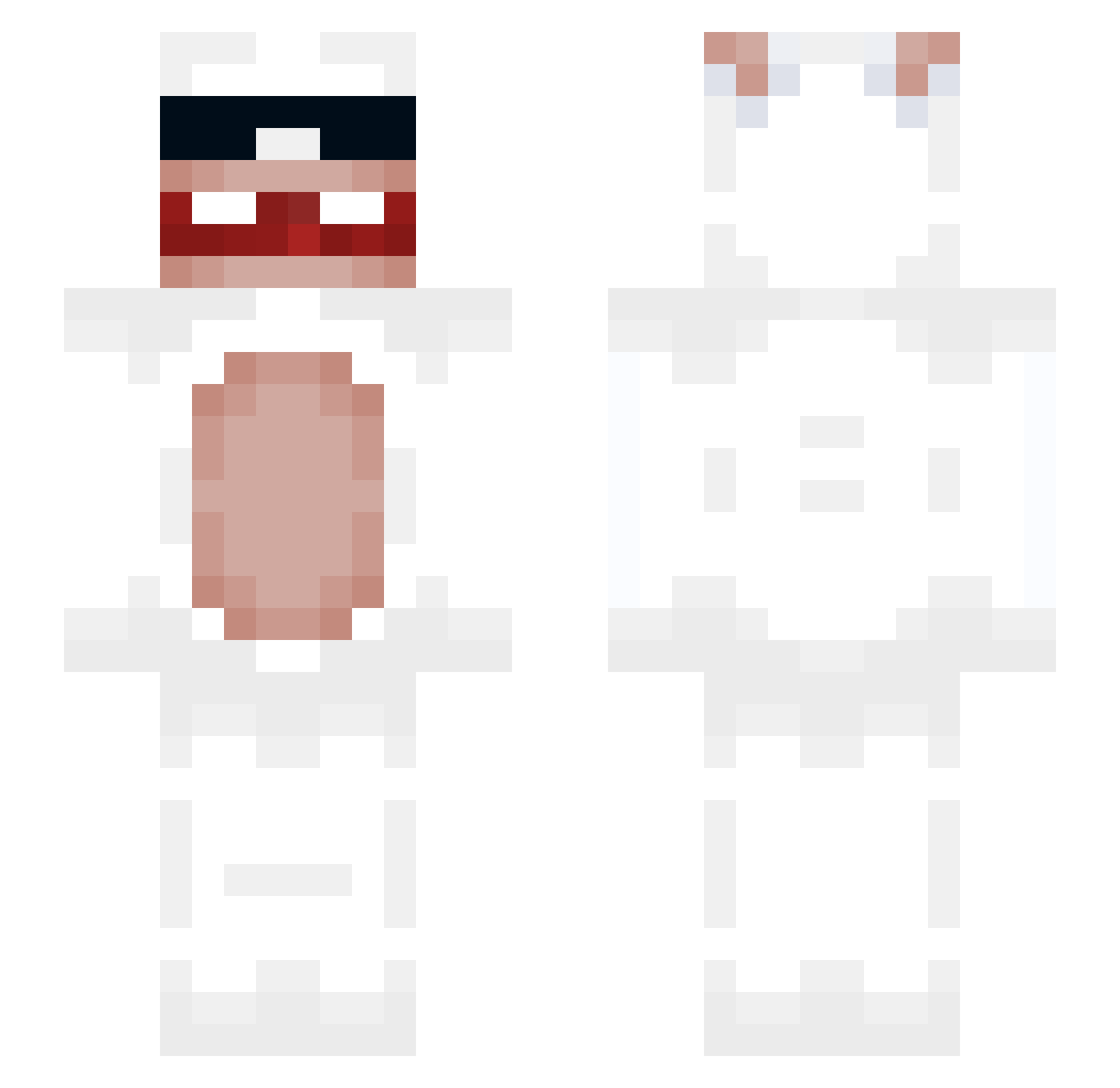
Current Minecraft skin of the player Rash_OM, loaded from the official Mojang API. Rotate the 3D model with your mouse or finger, then download the skin as a PNG file and use it in Minecraft: Bedrock Edition or Java Edition for free. When Rash_OM changes their skin, this page updates automatically and the old skin stays in the history below.
Other players with this skin (59)
Rash_OM was the 8th player we have seen with this skin, first spotted on 12.08.2026. The same skin was seen on these players. Open a nickname to see their current skin and skin history.
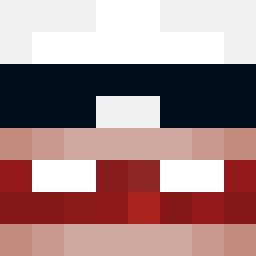 bluntasaur420 xKingzzz BigSigmaGuy EnDnR22 Frih2
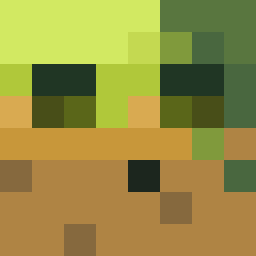 Rachy604 owenlebg11 yuhun0 Lumisoun Hazzgor k4mysh 1kneymar Auberguin_RP
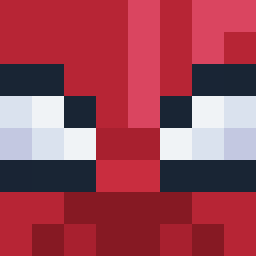 K4cH_ DarkSider93170 HunchoSOC Bapt_Jo09 AbnormalWave391 Pluvvo
 03_lugge
 8Stack Lahim615 Romeomelette Shark1e_ owcaa420
 wowwan Qu1zZz ABUSALIIM goofymate Papafritaconatun Ming99876 xXx_JonTheRapist yunseungsin zekfolk arik_pro__ AKoliptus dpulidoo_ alexxxr44 VerySillyGuy OfficialBfishing Kemikali33 Flowslain 546a 1nie Kekesouslesoleil brickeater09 guoshiming YoJirz freerider5633 kaoyuchi December27th m2nzo Simifins AJAX2200 seishunnokatamoi NotGodzillaYT davidtrain CloakEx Kr0x_0
More Polar Bear Minecraft skins
How to install the Rash_OM skin
- Press the Download button above to save the skin as a PNG file.
- Minecraft: Bedrock Edition (PE): open the Dressing Room from the main menu (or tap your character → Edit Character), go to Classic Skins → Owned, press the + (new skin) button, choose the downloaded PNG and pick the Slim (Alex) model. Works on PC and mobile; consoles cannot import custom skins.
- Minecraft: Java Edition: open the Minecraft Launcher, go to the Skins tab, click New Skin, load the PNG, pick the Slim (Alex) model and press Save & Use. You can also upload it at minecraft.net → Profile → Change Skin.
The skin does not show up after import - what should I do?
Restart Minecraft and open the Dressing Room again - imported skins sometimes appear only after a restart. Also make sure you selected the imported skin and picked the Slim (Alex) model.
Which model should I choose, Classic or Slim?
This skin is designed for the Slim (Alex) model. If you pick the wrong model, the arms of the skin will look stretched or squeezed.
Is the skin of Rash_OM free to download?
Yes. Press Download, save the PNG file and use it in Minecraft: Bedrock Edition or Java Edition - no payment or registration needed. The skin also works on multiplayer servers and Realms.
More skins
Looking for more? Go back to all Minecraft skins and check the top skins of the week, month and all time, or find any player's skin by nickname.