
Rand0m_Bloom - Minecraft Skins & Skin History
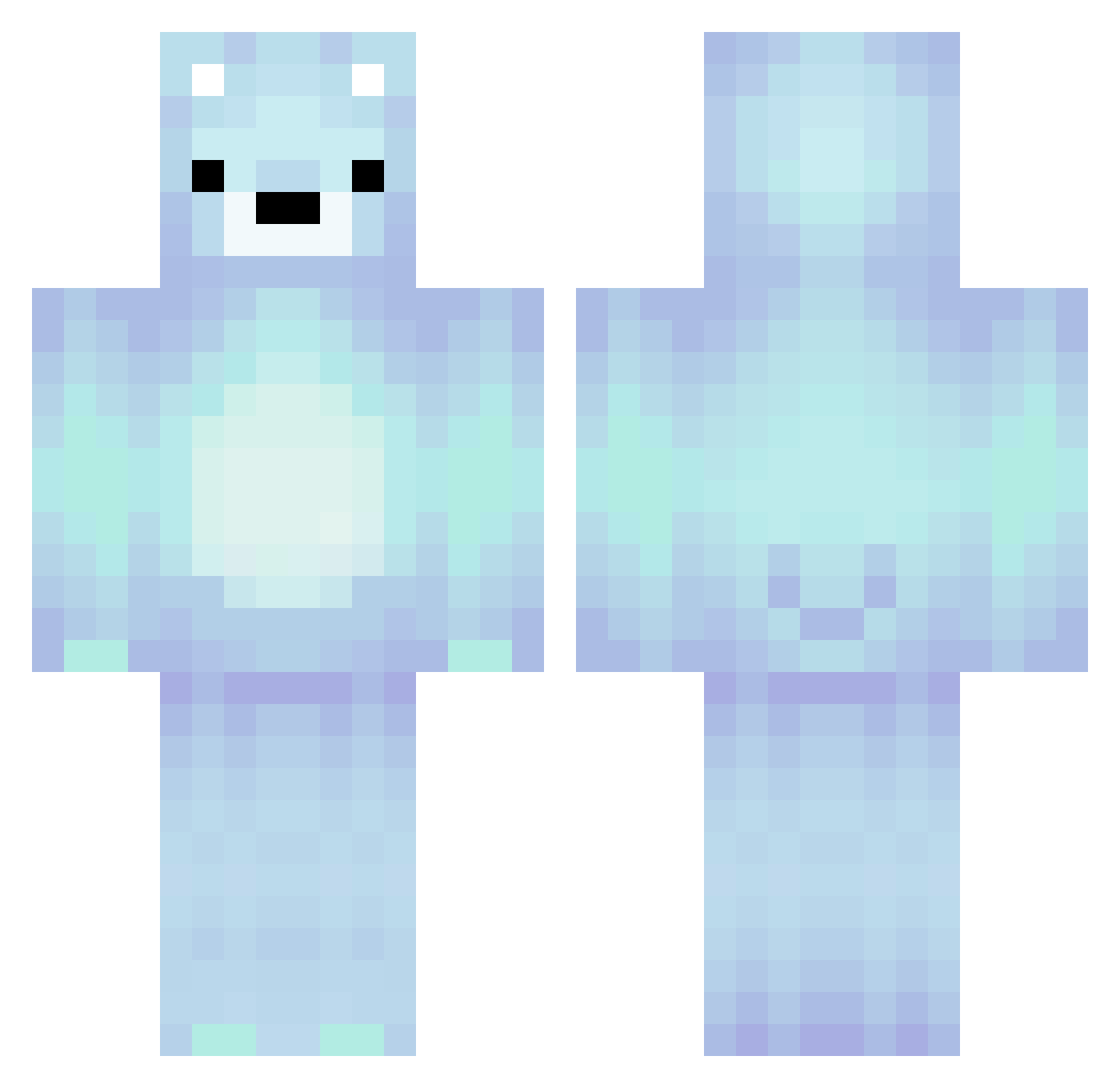
Current Minecraft skin of the player Rand0m_Bloom, loaded from the official Mojang API. Rotate the 3D model with your mouse or finger, then download the skin as a PNG file and use it in Minecraft: Bedrock Edition or Java Edition for free. When Rand0m_Bloom changes their skin, this page updates automatically and the old skin stays in the history below.
Other players with this skin (234)
Rand0m_Bloom was the 49th player we have seen with this skin, first spotted on 19.08.2026. The same skin was seen on these players. Open a nickname to see their current skin and skin history.
 Fenix155 NX_US cthegoat9814 BambooYeeter Shadoweddevil Oitza_Birsana IAmSRY zoro2011 cadagoat967 ByHermit realDomishaaa Rev_Frosch wakena glacier_123 Simogabry db00907 twisteddd7 King_Nicky Sussykitten2 HeidiGeb barakbach
 doyeon1224 Ofer0420 Timingpython TheLadyoftheBean LEOic aschulte22 wallibear__ Amaurixyz Isaiah4G CheetahCheet236 MasterHarsh MysticPhunky aNtiques_ UrchinTagMePls Olliebug2016829 banananacat Snowferr
 Alergator2000 Montyyx Fmo0204 stealthhunter247 naroie _Ali815 othmnn n199ardi3z Xz_Astro_zX hichhunt9966 eeeeeezzzzzzzzzz Justagamergaming parfum2551 ToiYeuCauLam Kinsas Seo846 ceruleantears oClutch_ jackie12343 Gamernh02 Mondgold X_oblivion
More Polar Bear Minecraft skins
How to install the Rand0m_Bloom skin
- Press the Download button above to save the skin as a PNG file.
- Minecraft: Bedrock Edition (PE): open the Dressing Room from the main menu (or tap your character → Edit Character), go to Classic Skins → Owned, press the + (new skin) button, choose the downloaded PNG and pick the Classic (Steve) model. Works on PC and mobile; consoles cannot import custom skins.
- Minecraft: Java Edition: open the Minecraft Launcher, go to the Skins tab, click New Skin, load the PNG, pick the Classic (Steve) model and press Save & Use. You can also upload it at minecraft.net → Profile → Change Skin.
The skin does not show up after import - what should I do?
Restart Minecraft and open the Dressing Room again - imported skins sometimes appear only after a restart. Also make sure you selected the imported skin and picked the Classic (Steve) model.
Which model should I choose, Classic or Slim?
This skin is designed for the Classic (Steve) model. If you pick the wrong model, the arms of the skin will look stretched or squeezed.
Is the skin of Rand0m_Bloom free to download?
Yes. Press Download, save the PNG file and use it in Minecraft: Bedrock Edition or Java Edition - no payment or registration needed. The skin also works on multiplayer servers and Realms.
More skins
Looking for more? Go back to all Minecraft skins and check the top skins of the week, month and all time, or find any player's skin by nickname.