
RTKing1015 - Minecraft Skins & Skin History
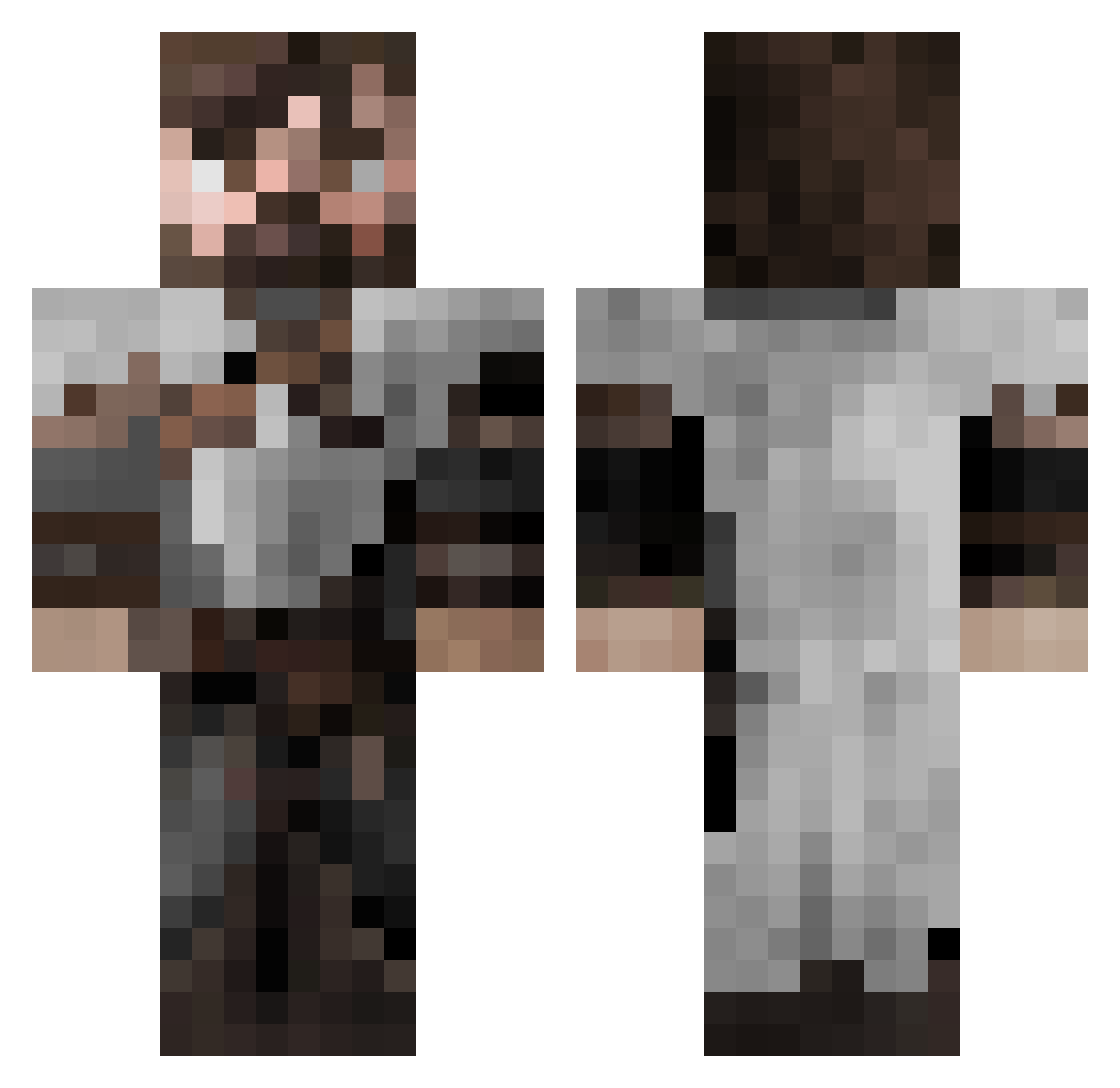
Current Minecraft skin of the player RTKing1015, loaded from the official Mojang API. Rotate the 3D model with your mouse or finger, then download the skin as a PNG file and use it in Minecraft: Bedrock Edition or Java Edition for free. When RTKing1015 changes their skin, this page updates automatically and the old skin stays in the history below.
Other players with this skin (553)
RTKing1015 was the 426th player we have seen with this skin, first spotted on 12.10.2026. The same skin was seen on these players. Open a nickname to see their current skin and skin history.
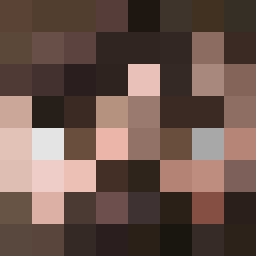 Kevlar81 tday0805 polosummer HeyitsJonny RSK1218 bas3ball3r1 Chestertheowl Serowyy DoctorBear bunter_creeper Wikey9 Blabarex darkai345 Vgspike Koolheim WolfPlayer67 YzWh13 CHATY_MYSLIWSKIE BelfastY Peace_Ov_Cake Axiomatus Pred7661 IulianSeremet ZarcoFZ MrTingg Neokorii keelayz Vihreaninja Enyxi Big__Benji Ausarr Kele511 GlynMostyn Al_JC FlyingCatSpirit Next_Level_Boiii ZTheKing23 Jack79584 Fantao1020 Nexulius kaikay J0ker812 AdaptingMinds AlexTheMan24 Hailfire234 TawhiriTu Rockpop37 AcidicRain38 BarrettParrot GreyGoon AFRICANole Hunter13407 Texx_321 Charlees26 TheJonagorn Infernape501st LesWorth1982 GoIceWolf ama_00 Vermonicus
More Crusader Minecraft skins
How to install the RTKing1015 skin
- Press the Download button above to save the skin as a PNG file.
- Minecraft: Bedrock Edition (PE): open the Dressing Room from the main menu (or tap your character → Edit Character), go to Classic Skins → Owned, press the + (new skin) button, choose the downloaded PNG and pick the Classic (Steve) model. Works on PC and mobile; consoles cannot import custom skins.
- Minecraft: Java Edition: open the Minecraft Launcher, go to the Skins tab, click New Skin, load the PNG, pick the Classic (Steve) model and press Save & Use. You can also upload it at minecraft.net → Profile → Change Skin.
The skin does not show up after import - what should I do?
Restart Minecraft and open the Dressing Room again - imported skins sometimes appear only after a restart. Also make sure you selected the imported skin and picked the Classic (Steve) model.
Which model should I choose, Classic or Slim?
This skin is designed for the Classic (Steve) model. If you pick the wrong model, the arms of the skin will look stretched or squeezed.
Is the skin of RTKing1015 free to download?
Yes. Press Download, save the PNG file and use it in Minecraft: Bedrock Edition or Java Edition - no payment or registration needed. The skin also works on multiplayer servers and Realms.
More skins
Looking for more? Go back to all Minecraft skins and check the top skins of the week, month and all time, or find any player's skin by nickname.