
RELAXOIN - Minecraft Skins & Skin History
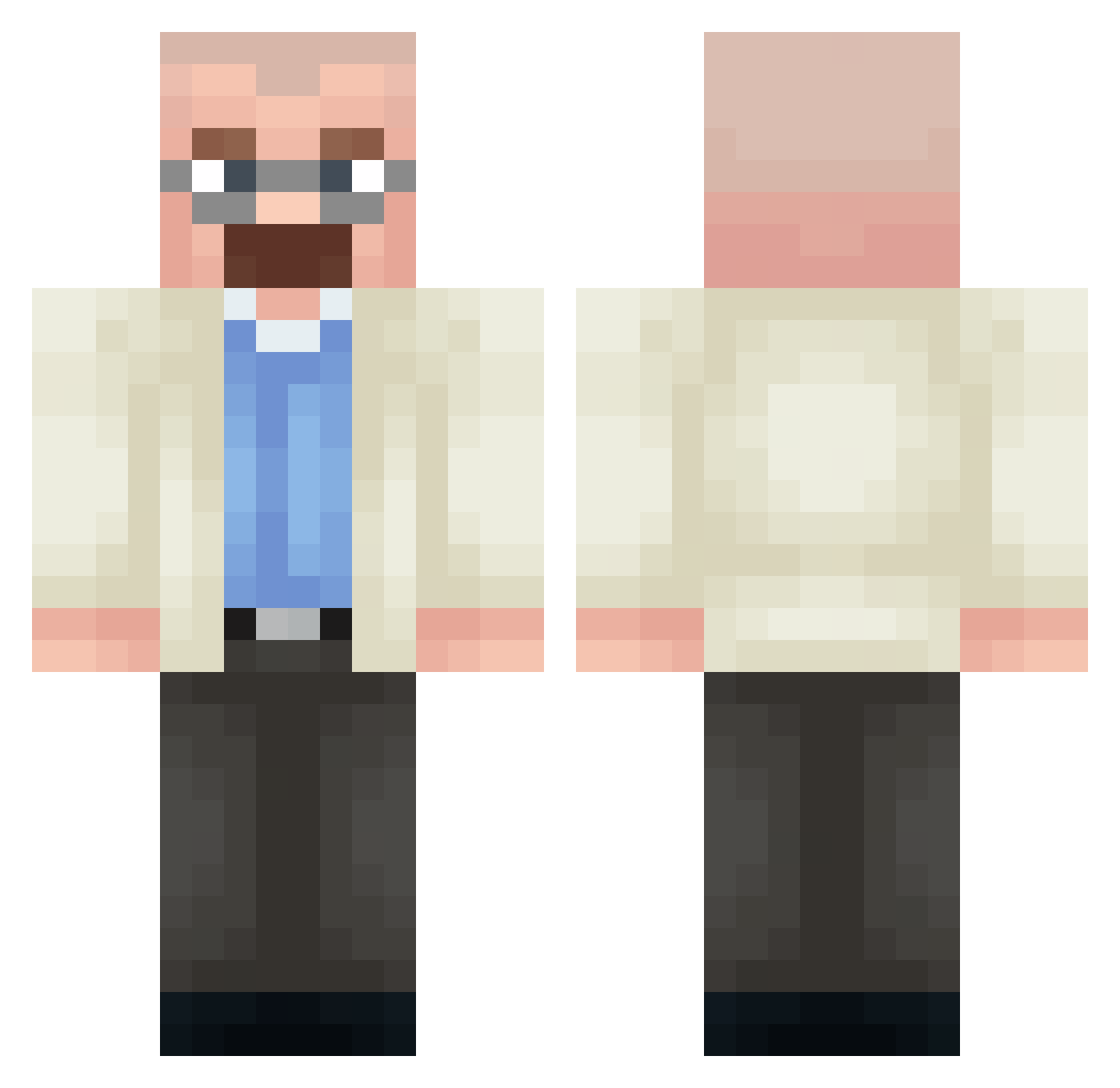
Current Minecraft skin of the player RELAXOIN, loaded from the official Mojang API. Rotate the 3D model with your mouse or finger, then download the skin as a PNG file and use it in Minecraft: Bedrock Edition or Java Edition for free. When RELAXOIN changes their skin, this page updates automatically and the old skin stays in the history below.
Other players with this skin (378)
RELAXOIN was the 85th player we have seen with this skin, first spotted on 17.08.2026. The same skin was seen on these players. Open a nickname to see their current skin and skin history.
 Underness Syrup_Crusader UtkuScofield_ Jham_cxo TafLVR_69420 SpongeBob2512 Matroxmatrix thallesgamer Always_won_ Lilygumboot shw1sky blinkelys Ciles Lesewo M1K0S_ UserAesir zuuzou DrDeadass TonesXYZ Pato_marreco_top judesh0t y7man maligma_ mozbardia Aku09 Kogam bengadva Crxh PleitaVfx Dought_251 0pandy0 Fake_Monte
 WinterPotato47 macaronisalad77 Pago_2007 samos1999 FugiCZE emakingredstone
 MarshalWolf Gabreu7 aleexnl Vianeeeds SHARPKILL JolyGolf33 Y0TABYTE aid4n_n Cyndaquilll JiTarion Fenix322
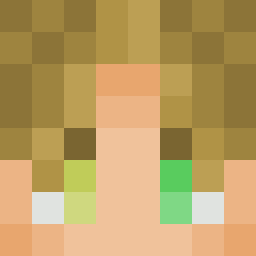 Crack_God_ Pymonator Duplicater _bizzo_
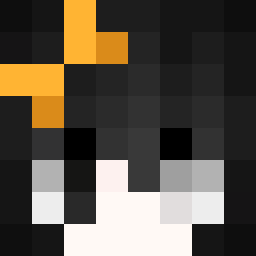 questionar GhosTzRj NeXo7628 Erree_ LiquidRichie snukess Captain_Morgan41
More Heisenberg Minecraft skins
How to install the RELAXOIN skin
- Press the Download button above to save the skin as a PNG file.
- Minecraft: Bedrock Edition (PE): open the Dressing Room from the main menu (or tap your character → Edit Character), go to Classic Skins → Owned, press the + (new skin) button, choose the downloaded PNG and pick the Classic (Steve) model. Works on PC and mobile; consoles cannot import custom skins.
- Minecraft: Java Edition: open the Minecraft Launcher, go to the Skins tab, click New Skin, load the PNG, pick the Classic (Steve) model and press Save & Use. You can also upload it at minecraft.net → Profile → Change Skin.
The skin does not show up after import - what should I do?
Restart Minecraft and open the Dressing Room again - imported skins sometimes appear only after a restart. Also make sure you selected the imported skin and picked the Classic (Steve) model.
Which model should I choose, Classic or Slim?
This skin is designed for the Classic (Steve) model. If you pick the wrong model, the arms of the skin will look stretched or squeezed.
Is the skin of RELAXOIN free to download?
Yes. Press Download, save the PNG file and use it in Minecraft: Bedrock Edition or Java Edition - no payment or registration needed. The skin also works on multiplayer servers and Realms.
More skins
Looking for more? Go back to all Minecraft skins and check the top skins of the week, month and all time, or find any player's skin by nickname.