
QuestPLUS - Minecraft Skins & Skin History
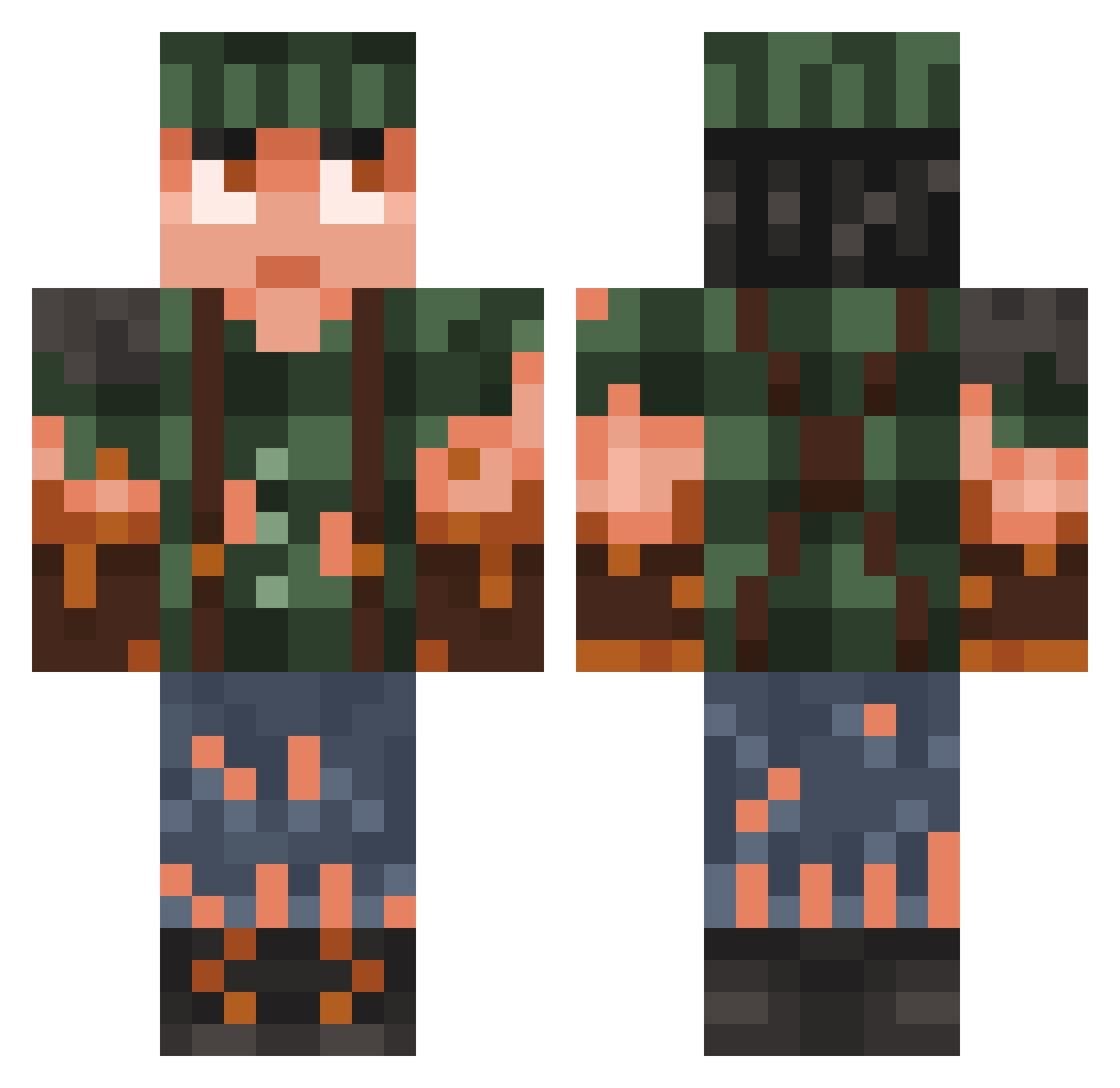
Current Minecraft skin of the player QuestPLUS, loaded from the official Mojang API. Rotate the 3D model with your mouse or finger, then download the skin as a PNG file and use it in Minecraft: Bedrock Edition or Java Edition for free. When QuestPLUS changes their skin, this page updates automatically and the old skin stays in the history below.
Other players with this skin (937)
QuestPLUS was the 298th player we have seen with this skin, first spotted on 31.08.2026. The same skin was seen on these players. Open a nickname to see their current skin and skin history.
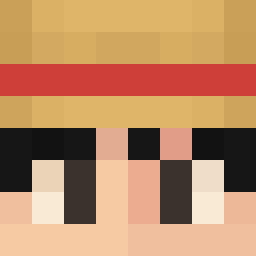 Timsen009
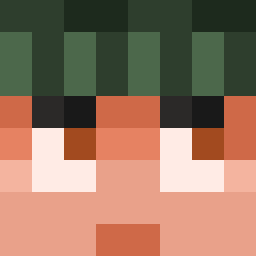 Aiden1887 CHICKENJOYCE Timo2448 Sanderp20 Stray0 omarrrrrrrrrrrrr KeyZord HobboDeadly Tenrik MartinSMN BraedenM Acrae KopanoVaz DursunEren iDrwool Allu195 ImFalo Ranger_Lyle EliasFlash KarateSnaps haeng1 Vinnicraft209
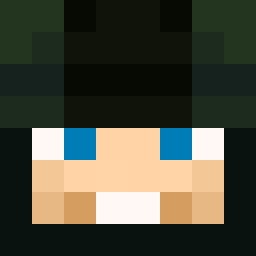 Odinek16 hari_777 BroWz_Eu jiwoojune bubbaJugo Noyoub Unit_R4E3W Thumbtack43 Flolo2311 schlintl Entermine J0keRxDD Ricky_Lafluer420 Oonke Mr_Zelenka HipsterDstroyer SilverZeus55 SOYELCANAS LS_Smile ATA57 GKaD MoinNickhier Mu9em AlexJayThumper SpringHeelJackal Mahanot JoeDalton12 Wessemispro I1III1II Skin7098 zfrom Farocrime Jackwhyers RekreaktivAndrik whose_nose ninjaoliversm Nicgres
More Survivor Minecraft skins
How to install the QuestPLUS skin
- Press the Download button above to save the skin as a PNG file.
- Minecraft: Bedrock Edition (PE): open the Dressing Room from the main menu (or tap your character → Edit Character), go to Classic Skins → Owned, press the + (new skin) button, choose the downloaded PNG and pick the Classic (Steve) model. Works on PC and mobile; consoles cannot import custom skins.
- Minecraft: Java Edition: open the Minecraft Launcher, go to the Skins tab, click New Skin, load the PNG, pick the Classic (Steve) model and press Save & Use. You can also upload it at minecraft.net → Profile → Change Skin.
The skin does not show up after import - what should I do?
Restart Minecraft and open the Dressing Room again - imported skins sometimes appear only after a restart. Also make sure you selected the imported skin and picked the Classic (Steve) model.
Which model should I choose, Classic or Slim?
This skin is designed for the Classic (Steve) model. If you pick the wrong model, the arms of the skin will look stretched or squeezed.
Is the skin of QuestPLUS free to download?
Yes. Press Download, save the PNG file and use it in Minecraft: Bedrock Edition or Java Edition - no payment or registration needed. The skin also works on multiplayer servers and Realms.
More skins
Looking for more? Go back to all Minecraft skins and check the top skins of the week, month and all time, or find any player's skin by nickname.