
Prophet3953 - Minecraft Skins & Skin History
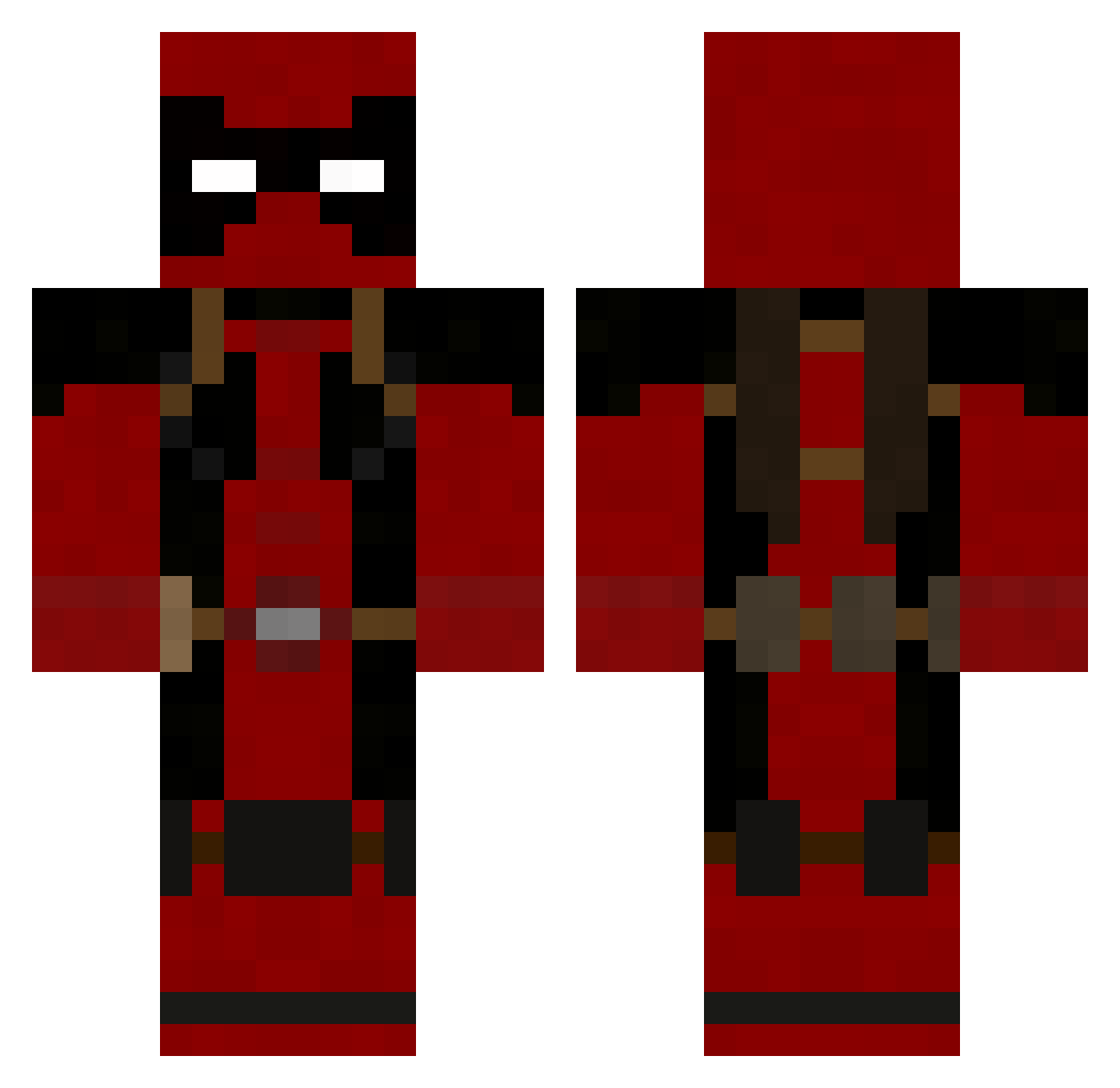
Current Minecraft skin of the player Prophet3953, loaded from the official Mojang API. Rotate the 3D model with your mouse or finger, then download the skin as a PNG file and use it in Minecraft: Bedrock Edition or Java Edition for free. When Prophet3953 changes their skin, this page updates automatically and the old skin stays in the history below.
Other players with this skin (191)
Prophet3953 was the 140th player we have seen with this skin, first spotted on 02.10.2026. The same skin was seen on these players. Open a nickname to see their current skin and skin history.
 bluescreenodeth Siegfried777 SilktailWaxwing salamonda Halo1947 WhiteyLee Savinsky1 Gluci96 StayMetal115 DeepFriedVeggie Monkey_Troll Keniryu CrazyClownBoy6 BrokyBOOM DTC508 SirFridge_ He1n5kl Treshder Dean813 M0skys__ Mirnin Joshh1 nyonyo33 baadoon branncott Cocatox Mighty_Mousetrap NeutrinoEbber376 Parkinsons_Peek JimmYooho87 SGM_GLORY The16thsage Nighthawxx JonasVII northsun985 sgbwfmh RAGEPORTO Astory27 VincentSyd TLN_Zinaye Suulix thomas0999 ThePon23 CursedBean Burntgrass manwithoutname novadrop GoshhhJoshhh TasteSaltyLife DrakeCore_ DePhrag TrolololNinja ATK_74 Kontsa1212 Cyganero666 SharinXD MahShuDontFit Takyen IKaraskon SuperstargamerX
More Deadpool Minecraft skins
How to install the Prophet3953 skin
- Press the Download button above to save the skin as a PNG file.
- Minecraft: Bedrock Edition (PE): open the Dressing Room from the main menu (or tap your character → Edit Character), go to Classic Skins → Owned, press the + (new skin) button, choose the downloaded PNG and pick the Classic (Steve) model. Works on PC and mobile; consoles cannot import custom skins.
- Minecraft: Java Edition: open the Minecraft Launcher, go to the Skins tab, click New Skin, load the PNG, pick the Classic (Steve) model and press Save & Use. You can also upload it at minecraft.net → Profile → Change Skin.
The skin does not show up after import - what should I do?
Restart Minecraft and open the Dressing Room again - imported skins sometimes appear only after a restart. Also make sure you selected the imported skin and picked the Classic (Steve) model.
Which model should I choose, Classic or Slim?
This skin is designed for the Classic (Steve) model. If you pick the wrong model, the arms of the skin will look stretched or squeezed.
Is the skin of Prophet3953 free to download?
Yes. Press Download, save the PNG file and use it in Minecraft: Bedrock Edition or Java Edition - no payment or registration needed. The skin also works on multiplayer servers and Realms.
More skins
Looking for more? Go back to all Minecraft skins and check the top skins of the week, month and all time, or find any player's skin by nickname.