
Pr0xi - Minecraft Skins & Skin History
Current Minecraft skin of the player Pr0xi, loaded from the official Mojang API. Rotate the 3D model with your mouse or finger, then download the skin as a PNG file and use it in Minecraft: Bedrock Edition or Java Edition for free. When Pr0xi changes their skin, this page updates automatically and the old skin stays in the history below.
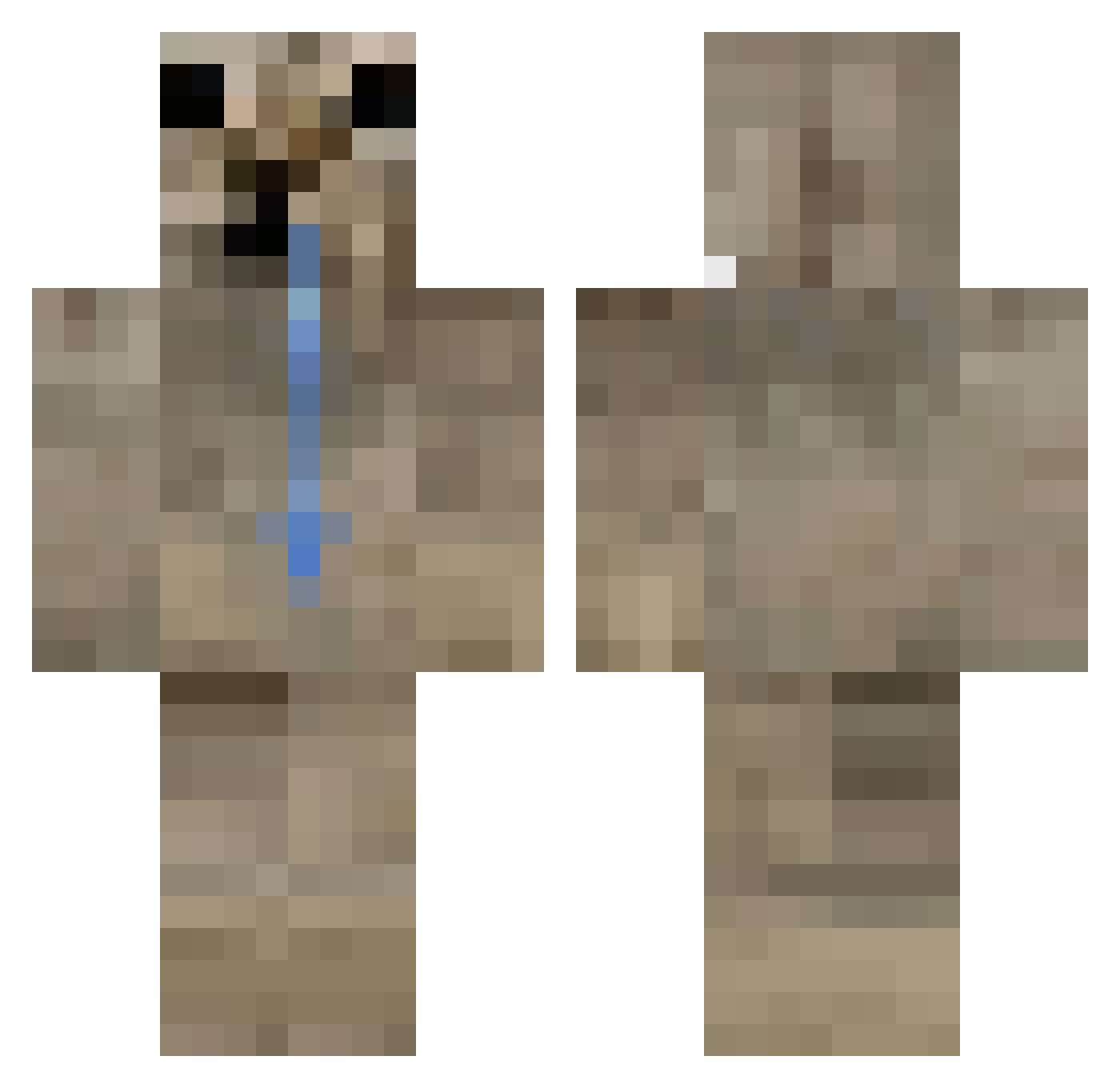
Other players with this skin (433)
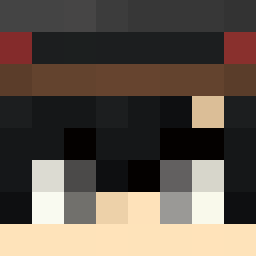
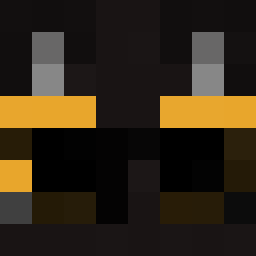
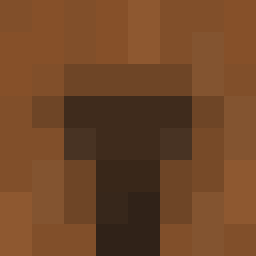
Pr0xi was the 35th player we have seen with this skin, first spotted on 28.07.2026. The same skin was seen on these players. Open a nickname to see their current skin and skin history.
 bandeado
 pepitoelcrack10
 mine0812craft
 piizami
 FrancisFrost Evolution1x s2z_
 IGreninja
 OguriKap BrainDeadJoe
 crazycat42 Chesseh
 kriper_00
 Qeremy LociTheMCfan kingyubeen oddels chomperty
 rtnq
rtnq Maci0s Spaicyxz lapisbott Elmasaje79 JorgeMatador BoonRealCua catsabina egee0 RaresJF GH02Ts
 sucuklu_yumurta0 iezq Just_omega Spitefullplate Nevotb Seba2k_
 YkKxvin
 alex_pt Kit_kotiks
 wasapO_o borjavirus Keffireek_ ggomul
 NotAProBeliveMe Pablokk
 gardenman Luzzy04
 FR4NCO13 RaresADV Lightely wenzy2
 7_4j
7_4j kenimoT MaikelFxa qSoot CruxCrusafix1
 Mewzu_
 162009
 wpza
wpza gemirzic
 Emojo28
How to install the Pr0xi skin
- Press the Download button above to save the skin as a PNG file.
- Minecraft: Bedrock Edition (PE): open the Dressing Room from the main menu (or tap your character → Edit Character), go to Classic Skins → Owned, press the + (new skin) button, choose the downloaded PNG and pick the Classic (Steve) model. Works on PC and mobile; consoles cannot import custom skins.
- Minecraft: Java Edition: open the Minecraft Launcher, go to the Skins tab, click New Skin, load the PNG, pick the Classic (Steve) model and press Save & Use. You can also upload it at minecraft.net → Profile → Change Skin.
The skin does not show up after import - what should I do?
Restart Minecraft and open the Dressing Room again - imported skins sometimes appear only after a restart. Also make sure you selected the imported skin and picked the Classic (Steve) model.
Which model should I choose, Classic or Slim?
This skin is designed for the Classic (Steve) model. If you pick the wrong model, the arms of the skin will look stretched or squeezed.
Is the skin of Pr0xi free to download?
Yes. Press Download, save the PNG file and use it in Minecraft: Bedrock Edition or Java Edition - no payment or registration needed. The skin also works on multiplayer servers and Realms.
More skins
Looking for more? Go back to all Minecraft skins and check the top skins of the week, month and all time, or find any player's skin by nickname.