
PixlePixle - Minecraft Skins & Skin History
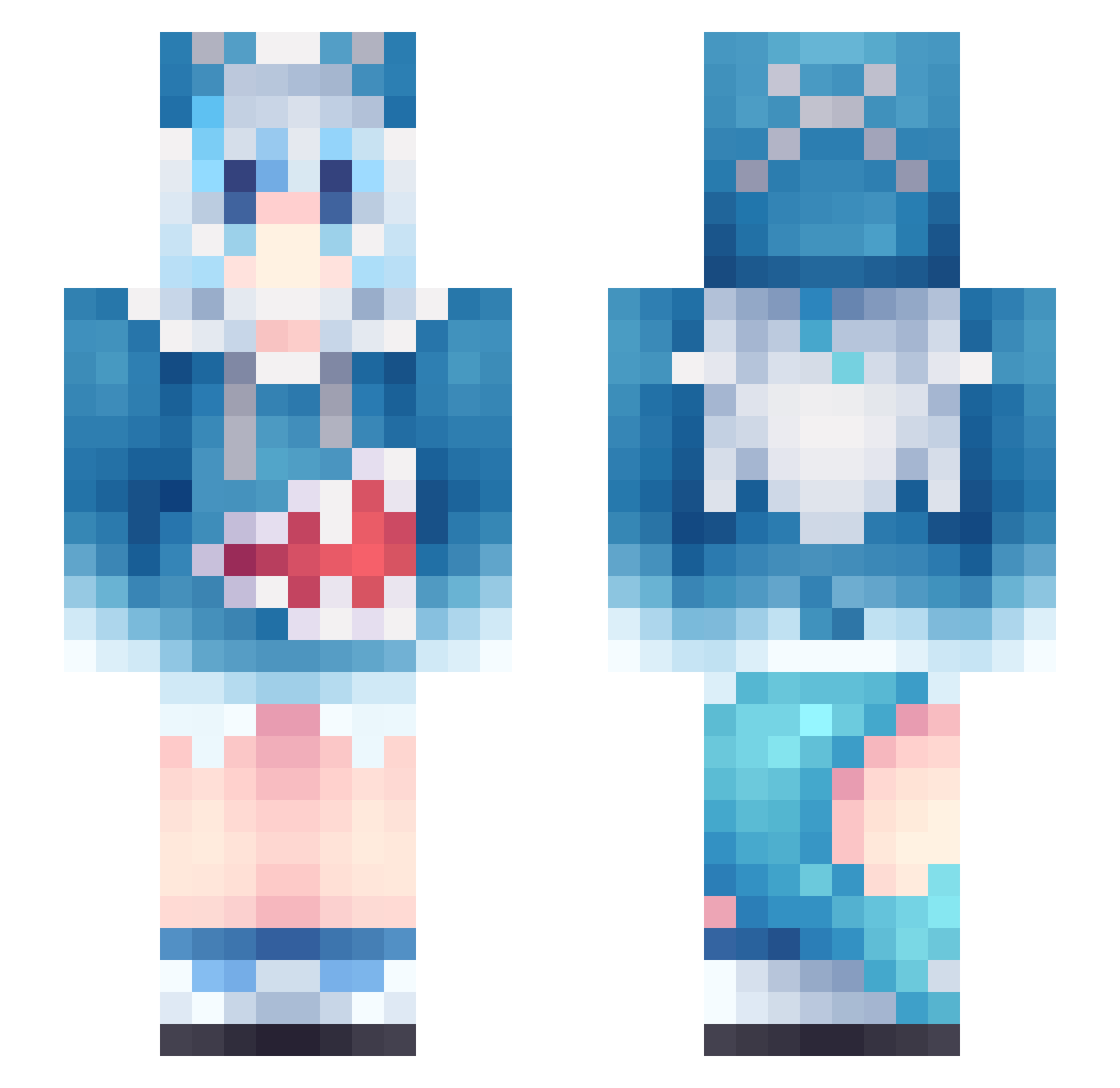
Current Minecraft skin of the player PixlePixle, loaded from the official Mojang API. Rotate the 3D model with your mouse or finger, then download the skin as a PNG file and use it in Minecraft: Bedrock Edition or Java Edition for free. When PixlePixle changes their skin, this page updates automatically and the old skin stays in the history below.
Other players with this skin (1303)
PixlePixle was the 1285th player we have seen with this skin, first spotted on 17.11.2026. The same skin was seen on these players. Open a nickname to see their current skin and skin history.
 Ryxnox_ XingBaoBao lvgchen Hireadth Dmgd3 XiangZi009 F4RAF abtyan solraly t_nisi9 JiaJia1207 Yan314666 Futuro1 Dochhhh zhangdm zxcursed666piska TCHUNY softpanda15 MerlinL30 Ruma0527 onceagain1 ziggazfan123 Chinesecabbage3 Mateosz kino2346 LebronShen yoo6j KoreanYaoi SynYor1n Soul_jade_Doll Jiandan11 dkswlgn Biboja69 xome11 wikniss Shuuko CJC152 AkariSato newspring10 skeletal1999 UfjLn1212 5h1v3r CuzBear DatLimeTress xingyue62 JJooe Anonymous_XT Monturo Chifuyui ssarpbn1 lemon___H Toxifair11 MikeAlfaXRay2000 BestHeNan zheng193 NaviMaeTTY SevenY07 Kim_The_Ugly_One QASWEDFRTG Hoshino_2
More Gawr Gura Minecraft skins
How to install the PixlePixle skin
- Press the Download button above to save the skin as a PNG file.
- Minecraft: Bedrock Edition (PE): open the Dressing Room from the main menu (or tap your character → Edit Character), go to Classic Skins → Owned, press the + (new skin) button, choose the downloaded PNG and pick the Slim (Alex) model. Works on PC and mobile; consoles cannot import custom skins.
- Minecraft: Java Edition: open the Minecraft Launcher, go to the Skins tab, click New Skin, load the PNG, pick the Slim (Alex) model and press Save & Use. You can also upload it at minecraft.net → Profile → Change Skin.
The skin does not show up after import - what should I do?
Restart Minecraft and open the Dressing Room again - imported skins sometimes appear only after a restart. Also make sure you selected the imported skin and picked the Slim (Alex) model.
Which model should I choose, Classic or Slim?
This skin is designed for the Slim (Alex) model. If you pick the wrong model, the arms of the skin will look stretched or squeezed.
Is the skin of PixlePixle free to download?
Yes. Press Download, save the PNG file and use it in Minecraft: Bedrock Edition or Java Edition - no payment or registration needed. The skin also works on multiplayer servers and Realms.
More skins
Looking for more? Go back to all Minecraft skins and check the top skins of the week, month and all time, or find any player's skin by nickname.