
PixeIGamin - Minecraft Skins & Skin History
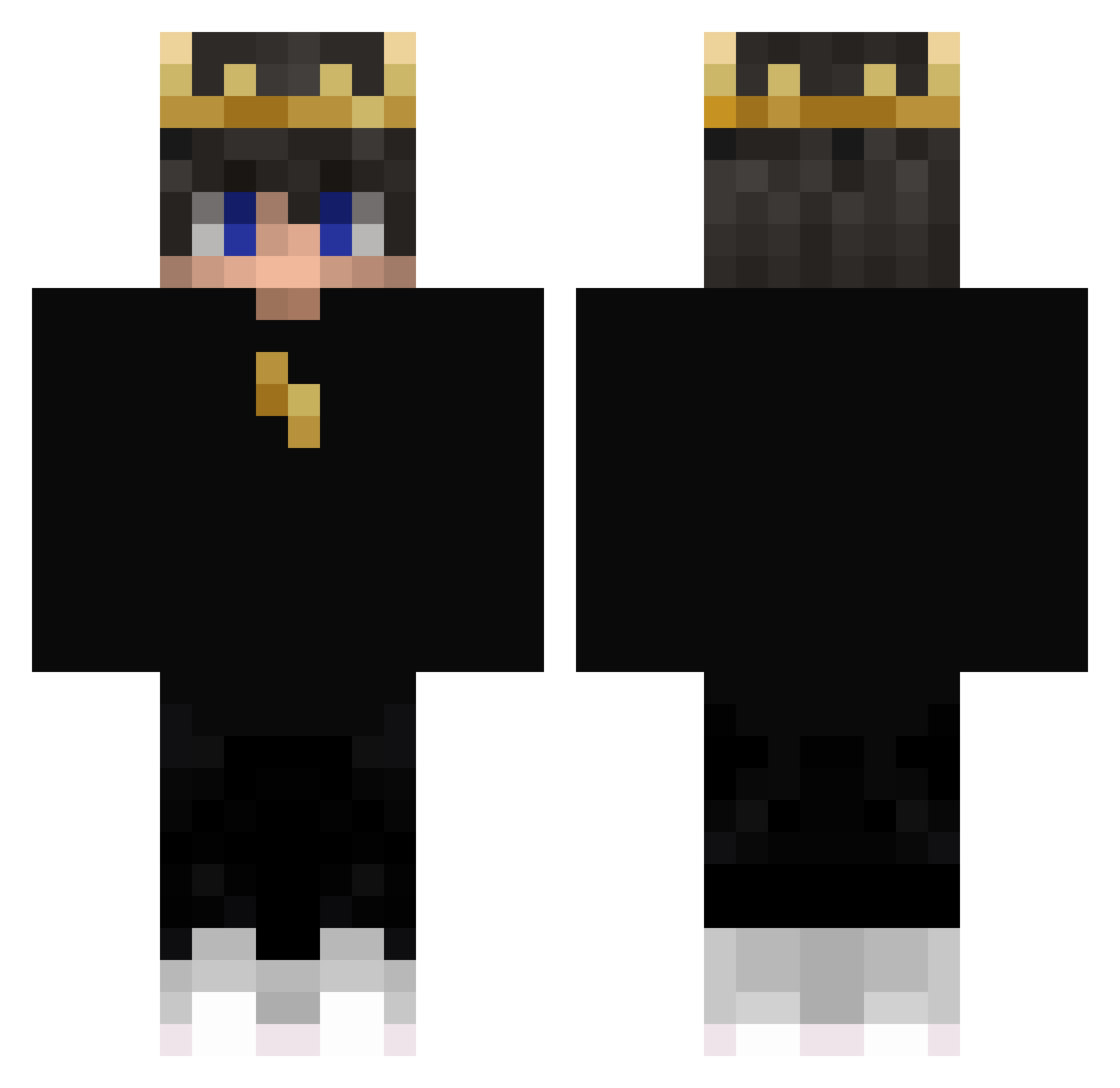
Current Minecraft skin of the player PixeIGamin, loaded from the official Mojang API. Rotate the 3D model with your mouse or finger, then download the skin as a PNG file and use it in Minecraft: Bedrock Edition or Java Edition for free. When PixeIGamin changes their skin, this page updates automatically and the old skin stays in the history below.
Other players with this skin (405)
PixeIGamin was the 289th player we have seen with this skin, first spotted on 10.10.2026. The same skin was seen on these players. Open a nickname to see their current skin and skin history.
 Snoky2 ambors Ra_gi1 eporch Mesiac7485T LOST_F1nn Inspirrer QianZou_ CurlyManHere EnzoGamer1212 PureSouLL cris343 Dimadiy0 Yukinosxd LOLOKIJU Instinct_07 BestBaee Nicolas7u7_ARG Legendryan01 benben0728 BusraChansX Shreddad sighhcs MustafaULU BrianPG12 Lindeboom33 lbeagles16 LIXuan422 ItsJack625 Berdo101 AniProist LemonDropGaming qomae Js2901 FLOXXIES bluediamond123 FitFarmer SirJakob2023 tillie010 Gl0balElite Biggest_Baller Yusecn_ Alargenorseman naif644 GG_GAMRS Tetsuo420 youken44 PlayGamer78 Flash24543 ApeSs AksisK Sk1bsOn3431 ___8 karanplayyx Kowalll188 Btanissleep HunterGames45 zfyammah_ Lightning_Hudson lollo_88
More Lightning Minecraft skins
How to install the PixeIGamin skin
- Press the Download button above to save the skin as a PNG file.
- Minecraft: Bedrock Edition (PE): open the Dressing Room from the main menu (or tap your character → Edit Character), go to Classic Skins → Owned, press the + (new skin) button, choose the downloaded PNG and pick the Classic (Steve) model. Works on PC and mobile; consoles cannot import custom skins.
- Minecraft: Java Edition: open the Minecraft Launcher, go to the Skins tab, click New Skin, load the PNG, pick the Classic (Steve) model and press Save & Use. You can also upload it at minecraft.net → Profile → Change Skin.
The skin does not show up after import - what should I do?
Restart Minecraft and open the Dressing Room again - imported skins sometimes appear only after a restart. Also make sure you selected the imported skin and picked the Classic (Steve) model.
Which model should I choose, Classic or Slim?
This skin is designed for the Classic (Steve) model. If you pick the wrong model, the arms of the skin will look stretched or squeezed.
Is the skin of PixeIGamin free to download?
Yes. Press Download, save the PNG file and use it in Minecraft: Bedrock Edition or Java Edition - no payment or registration needed. The skin also works on multiplayer servers and Realms.
More skins
Looking for more? Go back to all Minecraft skins and check the top skins of the week, month and all time, or find any player's skin by nickname.