
Piorokonarek - Minecraft Skins & Skin History
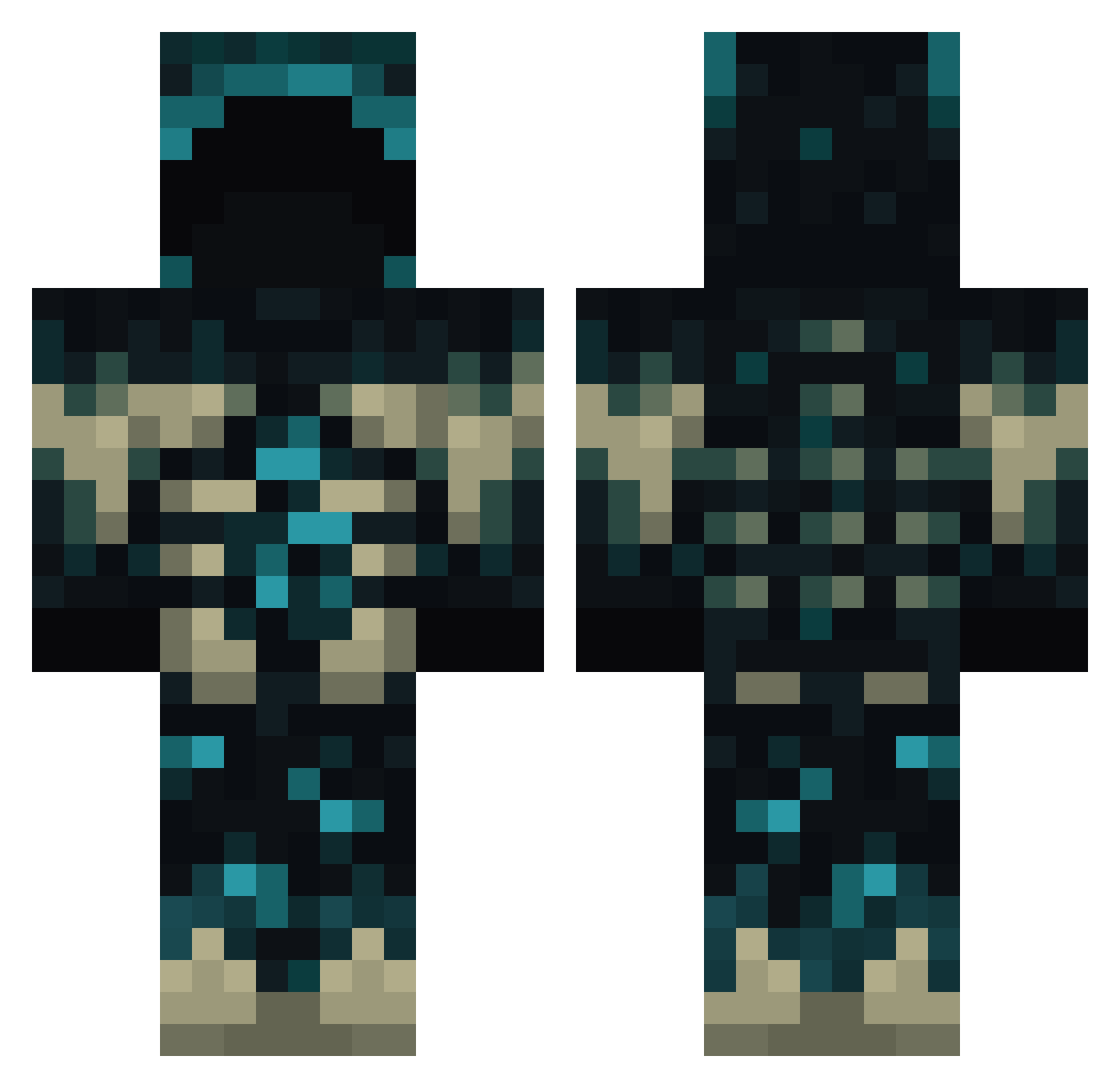
Current Minecraft skin of the player Piorokonarek, loaded from the official Mojang API. Rotate the 3D model with your mouse or finger, then download the skin as a PNG file and use it in Minecraft: Bedrock Edition or Java Edition for free. When Piorokonarek changes their skin, this page updates automatically and the old skin stays in the history below.
Other players with this skin (790)
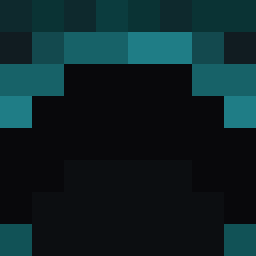
Piorokonarek was the 378th player we have seen with this skin, first spotted on 16.09.2026. The same skin was seen on these players. Open a nickname to see their current skin and skin history.
 nejki238 Childgost Brezel_spass2010 xixisam Plexion1 ZEROKHANZO fartyspawn Tbox9818 ray197m1 RaidenRuby TheeGoobieXD TM44444 zakaryi XTheGabbo025 Gabster1172 KirihaDesu hiddenpan ULFNr1 BuzzScream bit000111 SomeGuyFromEnd NoahTheHitman Redexu DRAGONHUNTER_RED ZenithLeo MinerClara destrada96 Cup__of__Joe sm64_12 TheSkull42 InDreamState Drakenyx Jian_0016 ZDBNS BigLilDude NoLifeRick Leleko17072010 MrWardenich SYNC_y Ligthxzz Apaullo_21 CrocoRock1000 LerbyM LTSAMA Oodlept Iamhere4112 RyukuUwU Quaiza ItsReyd wopzer filiploek SoccerStar4321 KRAKENcighh VXSSS Rockerzeppi13 Sigeners vrckstr93 Amor0 uiel_ventis _Nimot_
More Sculk Minecraft skins
How to install the Piorokonarek skin
- Press the Download button above to save the skin as a PNG file.
- Minecraft: Bedrock Edition (PE): open the Dressing Room from the main menu (or tap your character → Edit Character), go to Classic Skins → Owned, press the + (new skin) button, choose the downloaded PNG and pick the Classic (Steve) model. Works on PC and mobile; consoles cannot import custom skins.
- Minecraft: Java Edition: open the Minecraft Launcher, go to the Skins tab, click New Skin, load the PNG, pick the Classic (Steve) model and press Save & Use. You can also upload it at minecraft.net → Profile → Change Skin.
The skin does not show up after import - what should I do?
Restart Minecraft and open the Dressing Room again - imported skins sometimes appear only after a restart. Also make sure you selected the imported skin and picked the Classic (Steve) model.
Which model should I choose, Classic or Slim?
This skin is designed for the Classic (Steve) model. If you pick the wrong model, the arms of the skin will look stretched or squeezed.
Is the skin of Piorokonarek free to download?
Yes. Press Download, save the PNG file and use it in Minecraft: Bedrock Edition or Java Edition - no payment or registration needed. The skin also works on multiplayer servers and Realms.
More skins
Looking for more? Go back to all Minecraft skins and check the top skins of the week, month and all time, or find any player's skin by nickname.