
Pioni07 - Minecraft Skins & Skin History
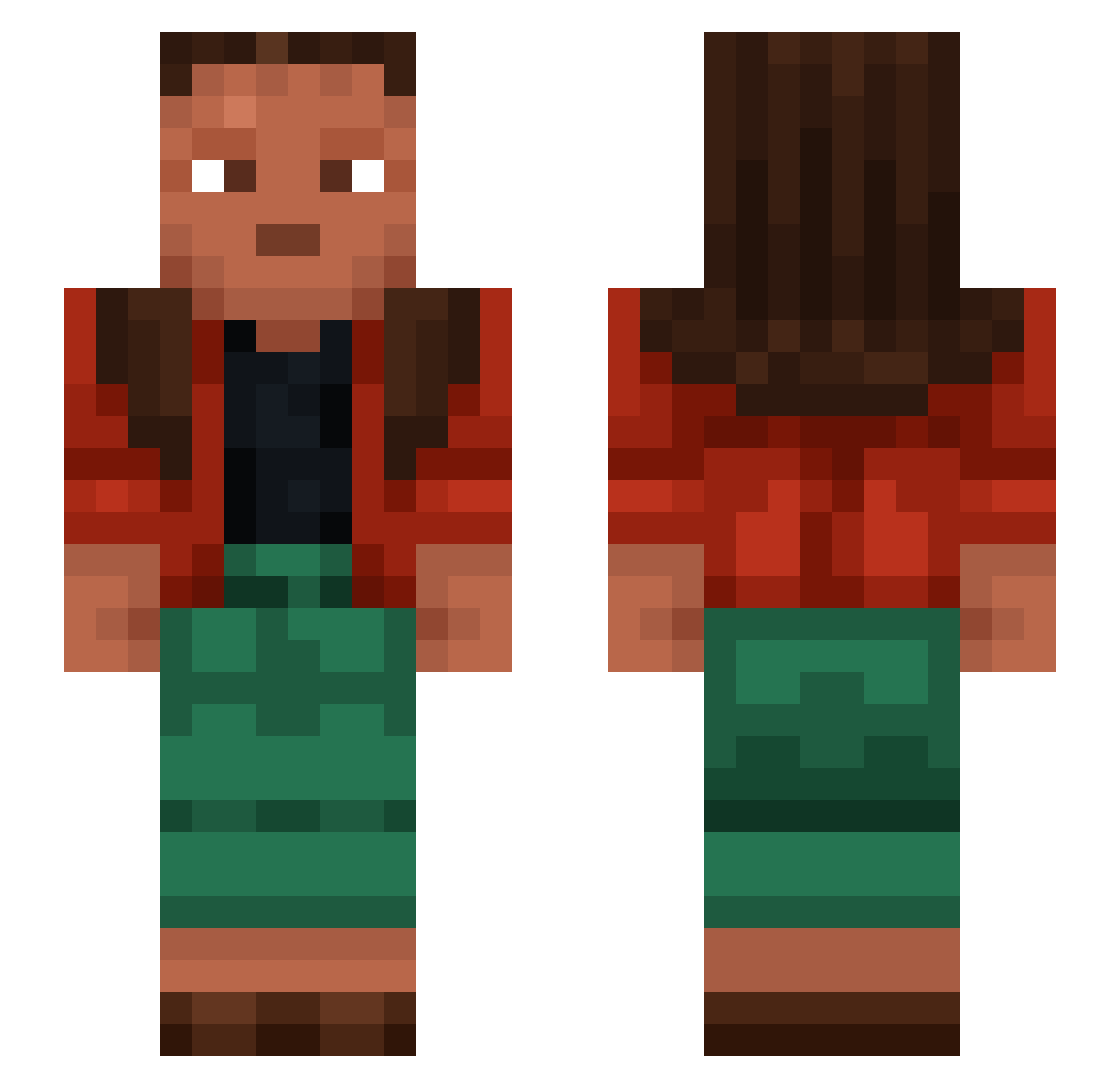
Current Minecraft skin of the player Pioni07, loaded from the official Mojang API. Rotate the 3D model with your mouse or finger, then download the skin as a PNG file and use it in Minecraft: Bedrock Edition or Java Edition for free. When Pioni07 changes their skin, this page updates automatically and the old skin stays in the history below.
Other players with this skin (1276)
Pioni07 was the 739th player we have seen with this skin, first spotted on 01.10.2026. The same skin was seen on these players. Open a nickname to see their current skin and skin history.
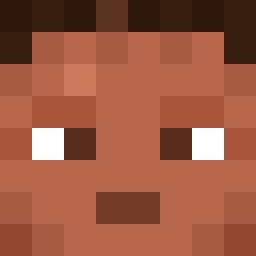 copers Vidicon barcelosss034_ xantimo ferreted jacobian Reward Aristellia prod_ Climatius Doliolum huihuang96 Cachu091 HYGROMETER awd Birma Cynodontia oversalt ehvmilan Sh4mblles camball kuniold Puya alhambublgum Maly_Michalek33 bondman 0195 nonsensation Punder0815 DieMaker Naves Conect Adikro Merfia_ gestolde aimedb Guanacos L33tHax0rguy ovile Plumbet myrrdanium Proxorous Zindiq Pipgars Neuric Legerity toinette Intramolecular Stonebow Saite Trends Talpid Arapahos TecoCat marbur Farewelling Mansy77 Druses Difflugia sahtire
How to install the Pioni07 skin
- Press the Download button above to save the skin as a PNG file.
- Minecraft: Bedrock Edition (PE): open the Dressing Room from the main menu (or tap your character → Edit Character), go to Classic Skins → Owned, press the + (new skin) button, choose the downloaded PNG and pick the Slim (Alex) model. Works on PC and mobile; consoles cannot import custom skins.
- Minecraft: Java Edition: open the Minecraft Launcher, go to the Skins tab, click New Skin, load the PNG, pick the Slim (Alex) model and press Save & Use. You can also upload it at minecraft.net → Profile → Change Skin.
The skin does not show up after import - what should I do?
Restart Minecraft and open the Dressing Room again - imported skins sometimes appear only after a restart. Also make sure you selected the imported skin and picked the Slim (Alex) model.
Which model should I choose, Classic or Slim?
This skin is designed for the Slim (Alex) model. If you pick the wrong model, the arms of the skin will look stretched or squeezed.
Is the skin of Pioni07 free to download?
Yes. Press Download, save the PNG file and use it in Minecraft: Bedrock Edition or Java Edition - no payment or registration needed. The skin also works on multiplayer servers and Realms.
More skins
Looking for more? Go back to all Minecraft skins and check the top skins of the week, month and all time, or find any player's skin by nickname.