
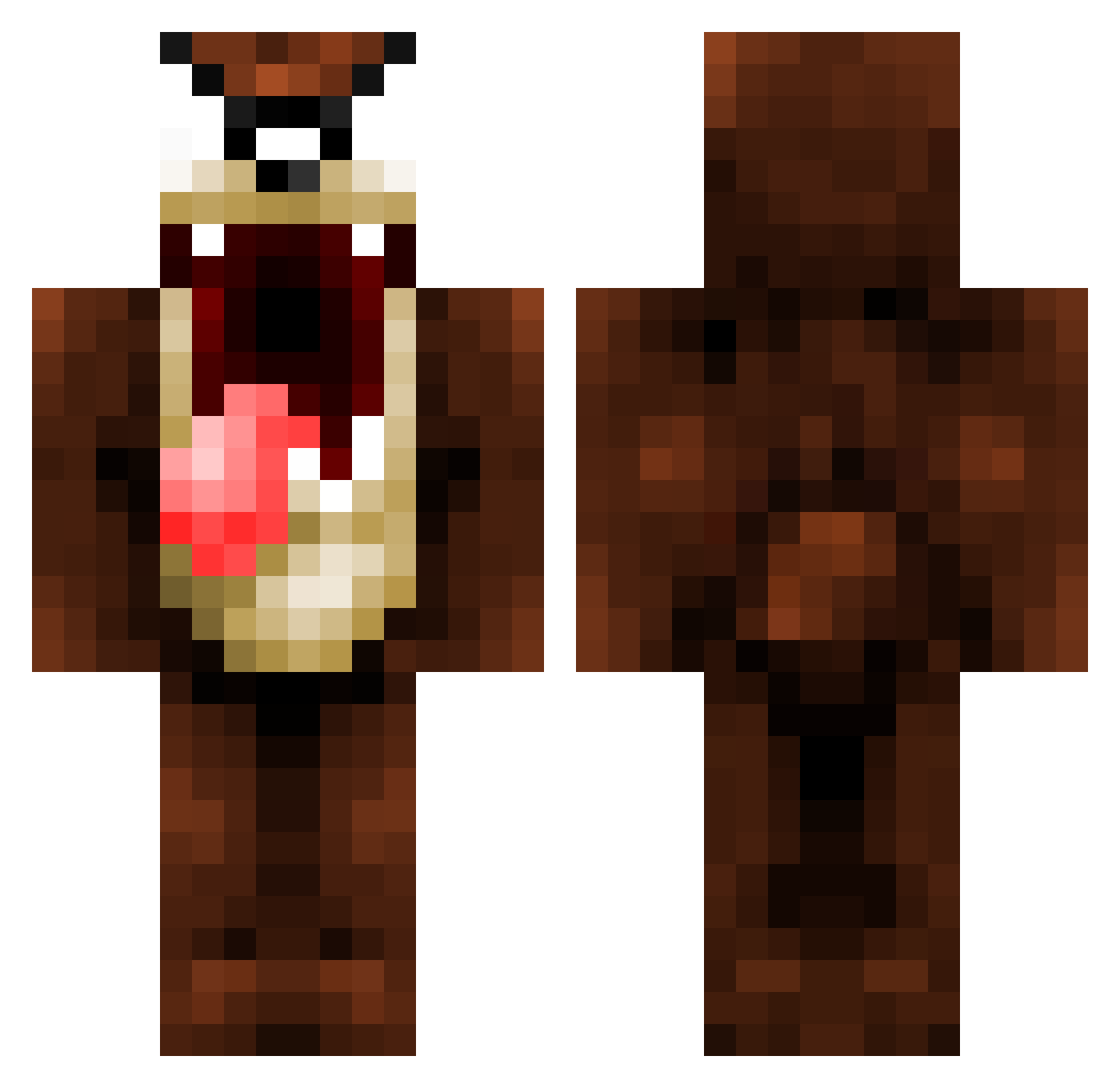
Current Minecraft skin of the player Phil8912, loaded from the official Mojang API. Rotate the 3D model with your mouse or finger, then download the skin as a PNG file and use it in Minecraft: Bedrock Edition or Java Edition for free. When Phil8912 changes their skin, this page updates automatically and the old skin stays in the history below.
Other players with this skin (862)
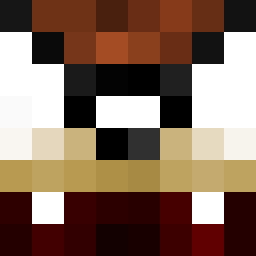
Phil8912 was the 834th player we have seen with this skin, first spotted on 13.10.2026. The same skin was seen on these players. Open a nickname to see their current skin and skin history.
 cleet_ MERKURYO zcarter tjompiie QLHDoc WadimTrick Primatz Tsebe xBaliaS tasty_apes Stiel caskewiet AlexKipper Noozilla LightXBoltz yotuan13 HeadedWeast fearlesskilla12 qloqz meemo99 kira_bailey Realswamo Therma1drain ZyteEG Netiri Ignitorr MrBuggy999 olifant3 B16B0Y Dirty_Haz StephenSkyZ CraftingChick74 pinkward Josefinel extrememan14 escaflow38 Fonsecax ska2424 IUmutCanI dubst3pboii kobefan_24 Tezrian funkym0nky Sharkey7214 Daddyof2 radio12341 lordpamp Loknars edmoi degriff Barrebaron Bixr MindsEy3 BiggyZerty deckhouse04 distracter98 TheOriginalFish OhDeez Monkyes Mortock
More Taz Minecraft skins
How to install the Phil8912 skin
- Press the Download button above to save the skin as a PNG file.
- Minecraft: Bedrock Edition (PE): open the Dressing Room from the main menu (or tap your character → Edit Character), go to Classic Skins → Owned, press the + (new skin) button, choose the downloaded PNG and pick the Classic (Steve) model. Works on PC and mobile; consoles cannot import custom skins.
- Minecraft: Java Edition: open the Minecraft Launcher, go to the Skins tab, click New Skin, load the PNG, pick the Classic (Steve) model and press Save & Use. You can also upload it at minecraft.net → Profile → Change Skin.
The skin does not show up after import - what should I do?
Restart Minecraft and open the Dressing Room again - imported skins sometimes appear only after a restart. Also make sure you selected the imported skin and picked the Classic (Steve) model.
Which model should I choose, Classic or Slim?
This skin is designed for the Classic (Steve) model. If you pick the wrong model, the arms of the skin will look stretched or squeezed.
Is the skin of Phil8912 free to download?
Yes. Press Download, save the PNG file and use it in Minecraft: Bedrock Edition or Java Edition - no payment or registration needed. The skin also works on multiplayer servers and Realms.
More skins
Looking for more? Go back to all Minecraft skins and check the top skins of the week, month and all time, or find any player's skin by nickname.