
Pepon168 - Minecraft Skins & Skin History
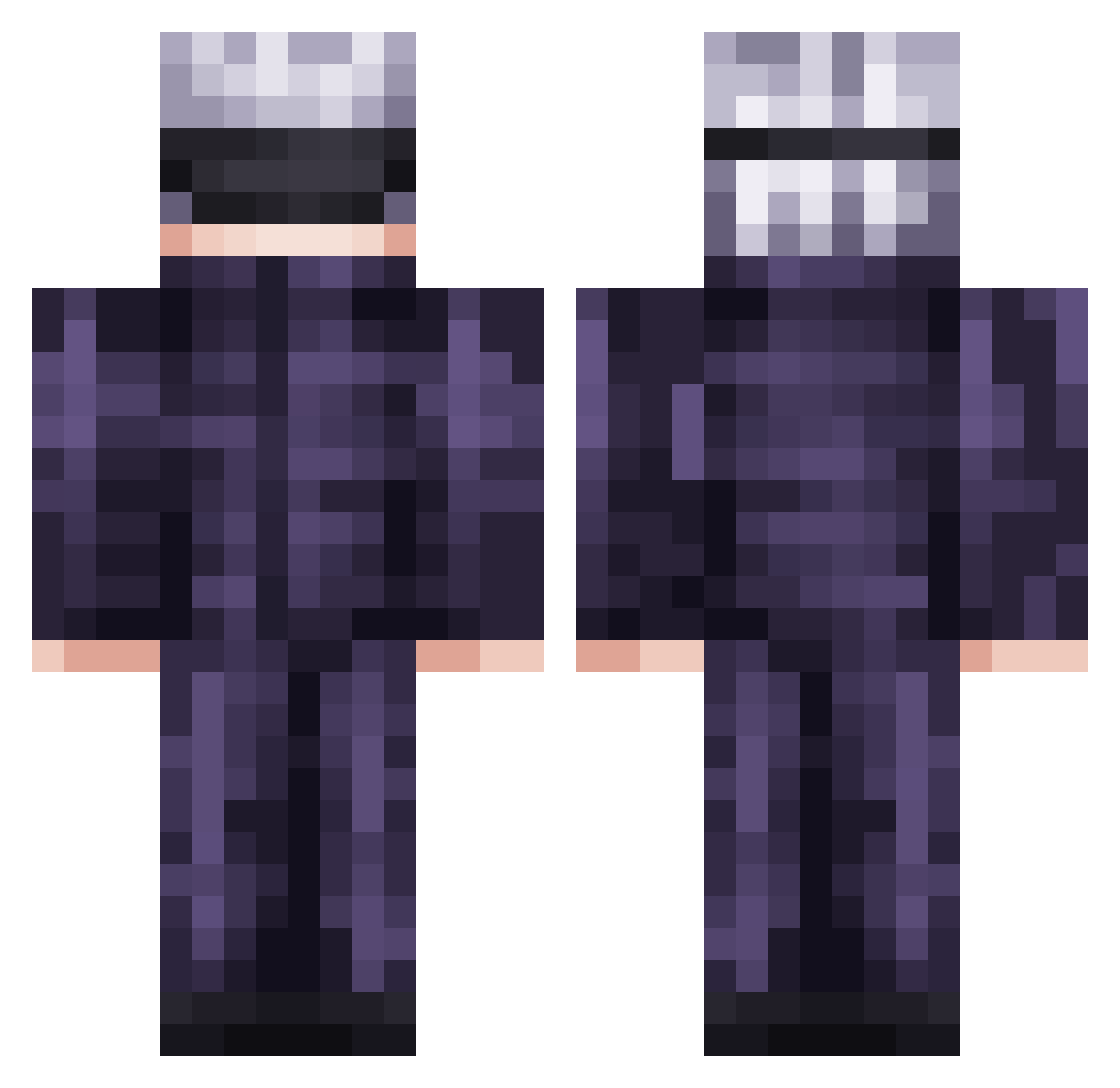
Current Minecraft skin of the player Pepon168, loaded from the official Mojang API. Rotate the 3D model with your mouse or finger, then download the skin as a PNG file and use it in Minecraft: Bedrock Edition or Java Edition for free. When Pepon168 changes their skin, this page updates automatically and the old skin stays in the history below.
Other players with this skin (736)
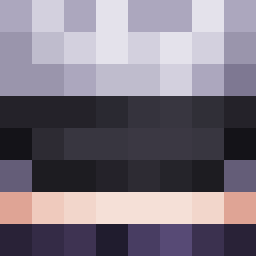
Pepon168 was the 429th player we have seen with this skin, first spotted on 28.09.2026. The same skin was seen on these players. Open a nickname to see their current skin and skin history.
 iBugaz Gurkenhonig aiczzzz WarSCreeP AbyssalCrow29 gyugk_ Wisdom_J Feather_xd INahhhI SoloJuen Iamfishu87 4ntiChan CoupledGnat293 sondji piggy_0713 MokBhai Enotovoker MurazakiB Fennyx38 Lio888 EduGAA Moschi_TV TheTrueExcalibur Deills yujinmaeda icylrn TCSNAG BabyNorik Superpapita k0jinx MapacheAtomico _H4R_ DanielMPlays TypicalRio ARHAN9527 Scorpionje12 GeneralVeebz Jeythemaster007 Fr3shb3an shhlingus MC217 patapaiin Asherazzz brazenemotional b73629b9 karimuu07 Dutch1007 soggynuggets1232 mattheculture goadplz EroXKlein Croco2 turxv ronoa1267 ed0a760pewpew Hamagyman GooberSoup Yeluzob kihiro200911 enderBoi25
More Satoru Gojo Minecraft skins
See all 1319 Satoru Gojo skins
How to install the Pepon168 skin
- Press the Download button above to save the skin as a PNG file.
- Minecraft: Bedrock Edition (PE): open the Dressing Room from the main menu (or tap your character → Edit Character), go to Classic Skins → Owned, press the + (new skin) button, choose the downloaded PNG and pick the Classic (Steve) model. Works on PC and mobile; consoles cannot import custom skins.
- Minecraft: Java Edition: open the Minecraft Launcher, go to the Skins tab, click New Skin, load the PNG, pick the Classic (Steve) model and press Save & Use. You can also upload it at minecraft.net → Profile → Change Skin.
The skin does not show up after import - what should I do?
Restart Minecraft and open the Dressing Room again - imported skins sometimes appear only after a restart. Also make sure you selected the imported skin and picked the Classic (Steve) model.
Which model should I choose, Classic or Slim?
This skin is designed for the Classic (Steve) model. If you pick the wrong model, the arms of the skin will look stretched or squeezed.
Is the skin of Pepon168 free to download?
Yes. Press Download, save the PNG file and use it in Minecraft: Bedrock Edition or Java Edition - no payment or registration needed. The skin also works on multiplayer servers and Realms.
More skins
Looking for more? Go back to all Minecraft skins and check the top skins of the week, month and all time, or find any player's skin by nickname.