
Paketik_PON - Minecraft Skins & Skin History
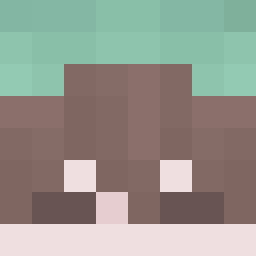
Current Minecraft skin of the player Paketik_PON, loaded from the official Mojang API. Rotate the 3D model with your mouse or finger, then download the skin as a PNG file and use it in Minecraft: Bedrock Edition or Java Edition for free. When Paketik_PON changes their skin, this page updates automatically and the old skin stays in the history below.
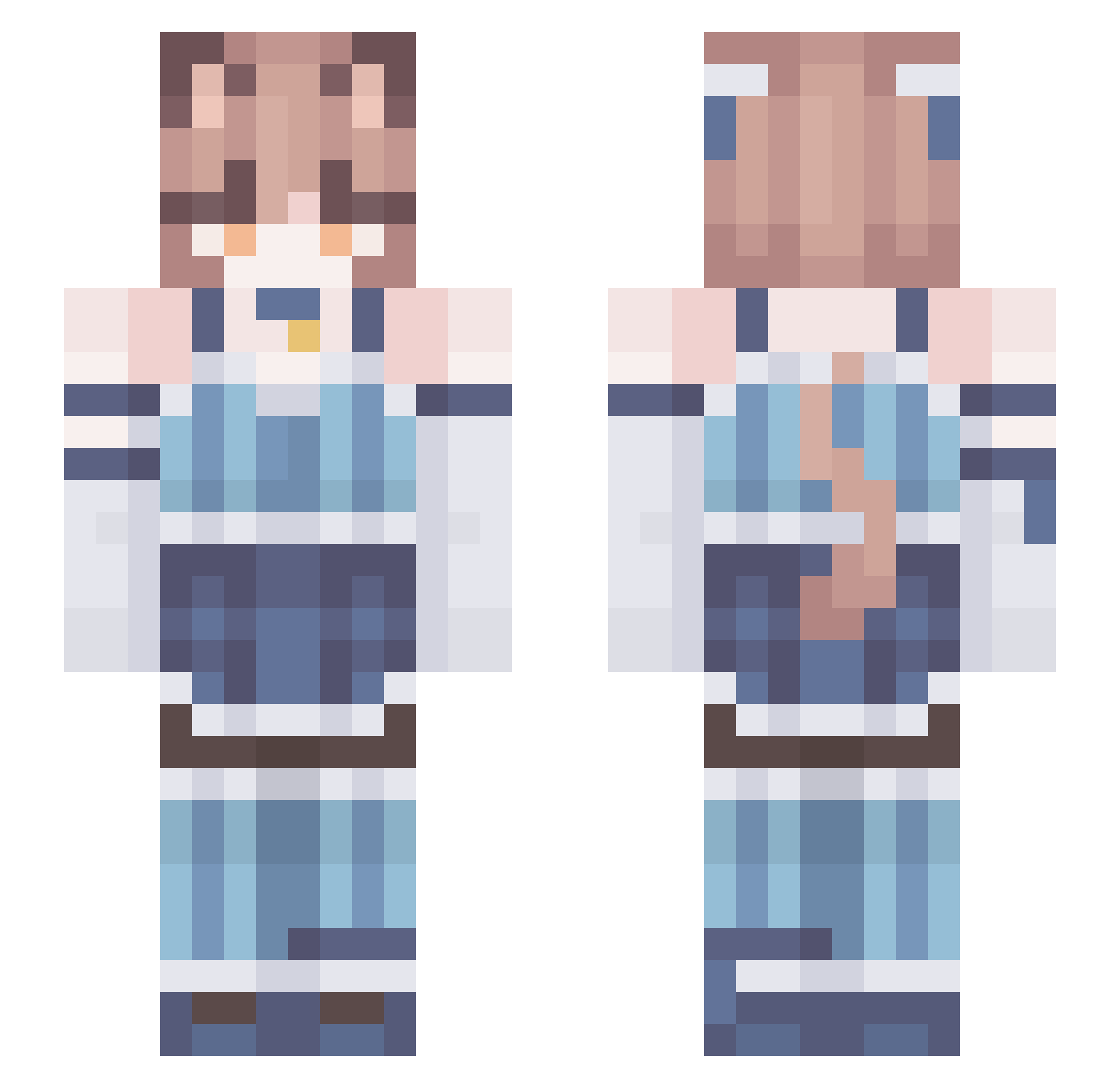
Other players with this skin (219)
Paketik_PON was the 76th player we have seen with this skin, first spotted on 01.09.2026. The same skin was seen on these players. Open a nickname to see their current skin and skin history.
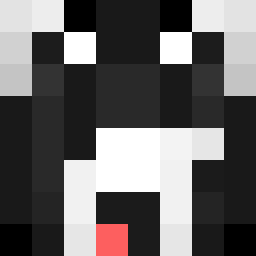 FelixOsial
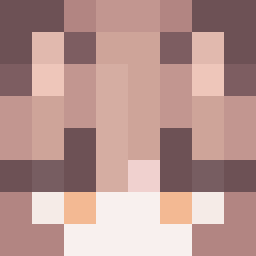 DaffDaph CelestialCookie BURGIRKHALIFA L4NDiE
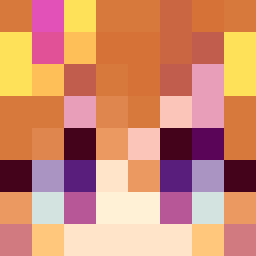 GemaKatoreo ShySr20Det Kyoure_ Razeonchik vroleon MAMA24_5 Chaos_Wither hanjoon0615 AndliOS17
 Marfin_1411 poggy_doggy_ Fotserm TESTOkq Purple709 SilverInstinct_ solidgamer222 JuBa012 Alkenh Mileurillos_ Temmich
 999Dexta VampzAG pvpbinzo2 emosvin69 EKILLER52 Sputnik865 D4RKS33R cmbe115 FelixEnjoyer GriZzLEr59 Azimuth17 Rowan8429 FELIGAMING2 plywood42 PARTIZAN9687 ro3rr sp4cy_ JoliOlie MaxTheThrash WhiteFoxHQ AwesomeWay MatsuNabo Lacement sindu_ OceXXes FelixJaph Xlli0p Shadowstar0 pegparty Radfree ScruftyBoy IchigoPantsu Zulferex
 IWasForcedToSwap pqpico07
More Collar Minecraft skins
How to install the Paketik_PON skin
- Press the Download button above to save the skin as a PNG file.
- Minecraft: Bedrock Edition (PE): open the Dressing Room from the main menu (or tap your character → Edit Character), go to Classic Skins → Owned, press the + (new skin) button, choose the downloaded PNG and pick the Slim (Alex) model. Works on PC and mobile; consoles cannot import custom skins.
- Minecraft: Java Edition: open the Minecraft Launcher, go to the Skins tab, click New Skin, load the PNG, pick the Slim (Alex) model and press Save & Use. You can also upload it at minecraft.net → Profile → Change Skin.
The skin does not show up after import - what should I do?
Restart Minecraft and open the Dressing Room again - imported skins sometimes appear only after a restart. Also make sure you selected the imported skin and picked the Slim (Alex) model.
Which model should I choose, Classic or Slim?
This skin is designed for the Slim (Alex) model. If you pick the wrong model, the arms of the skin will look stretched or squeezed.
Is the skin of Paketik_PON free to download?
Yes. Press Download, save the PNG file and use it in Minecraft: Bedrock Edition or Java Edition - no payment or registration needed. The skin also works on multiplayer servers and Realms.
More skins
Looking for more? Go back to all Minecraft skins and check the top skins of the week, month and all time, or find any player's skin by nickname.