
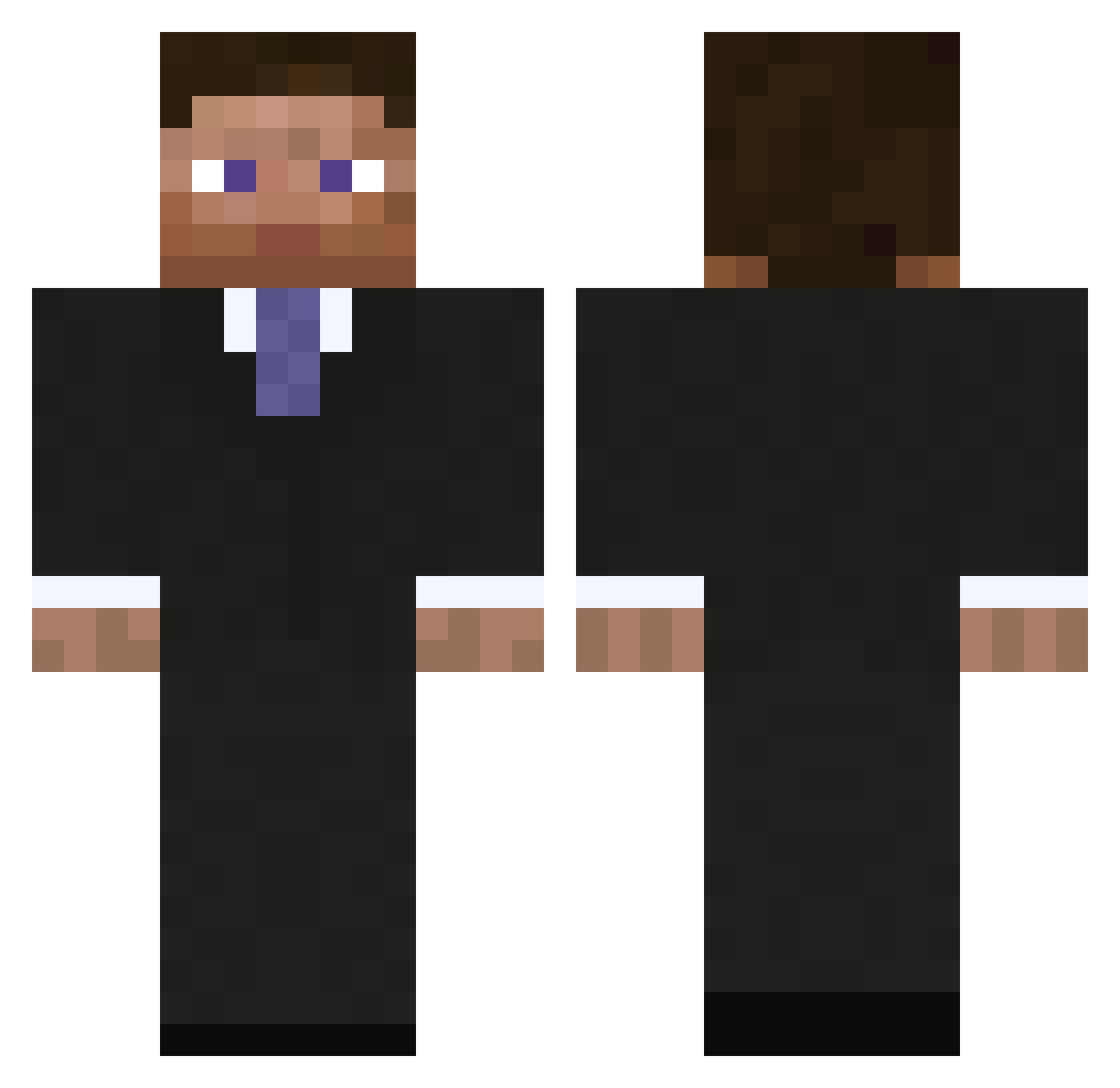
Current Minecraft skin of the player PROMAN442, loaded from the official Mojang API. Rotate the 3D model with your mouse or finger, then download the skin as a PNG file and use it in Minecraft: Bedrock Edition or Java Edition for free. When PROMAN442 changes their skin, this page updates automatically and the old skin stays in the history below.
Other players with this skin (630)
PROMAN442 was the 577th player we have seen with this skin, first spotted on 30.09.2026. The same skin was seen on these players. Open a nickname to see their current skin and skin history.
 LeroyJenks PhreeaK rhysgilbert40 Joel_95 zVipers_14 jens337 SmartXShot STEEL_paul arcalculus nephil WatiV Inspirexx Sondrio Gendron_Prime chrissipl The_Average_Guy rlance xXtoussaintGXx Conlan222 boomhuis Excidium30 kkt2242 JKPatrix XNeskyX MachoerSausage goldielocks5 TITAN_CHAMP TakahiroYamato enzoh_ozone petolego joe77778 Mr_Orange853 Dollfin343 IAreNik zhideZz HURJY CanuckJD Archandela jgwenzel Davidistos OLKRMA Jayyymes ilua12345123 BlackMommy ryeguy55 saintred IbarraXx narkobaronDK CAMAN1114 Snickers46 oliwer4730 88Ceres brooksjj lazyhead Ppatel01 ChrisPBS Akboibro timcookie BuisnessSteve brycetheman23
More Businessman Minecraft skins
See all 4576 Businessman skins
How to install the PROMAN442 skin
- Press the Download button above to save the skin as a PNG file.
- Minecraft: Bedrock Edition (PE): open the Dressing Room from the main menu (or tap your character → Edit Character), go to Classic Skins → Owned, press the + (new skin) button, choose the downloaded PNG and pick the Classic (Steve) model. Works on PC and mobile; consoles cannot import custom skins.
- Minecraft: Java Edition: open the Minecraft Launcher, go to the Skins tab, click New Skin, load the PNG, pick the Classic (Steve) model and press Save & Use. You can also upload it at minecraft.net → Profile → Change Skin.
The skin does not show up after import - what should I do?
Restart Minecraft and open the Dressing Room again - imported skins sometimes appear only after a restart. Also make sure you selected the imported skin and picked the Classic (Steve) model.
Which model should I choose, Classic or Slim?
This skin is designed for the Classic (Steve) model. If you pick the wrong model, the arms of the skin will look stretched or squeezed.
Is the skin of PROMAN442 free to download?
Yes. Press Download, save the PNG file and use it in Minecraft: Bedrock Edition or Java Edition - no payment or registration needed. The skin also works on multiplayer servers and Realms.
More skins
Looking for more? Go back to all Minecraft skins and check the top skins of the week, month and all time, or find any player's skin by nickname.