
POMMES_KEK - Minecraft Skins & Skin History
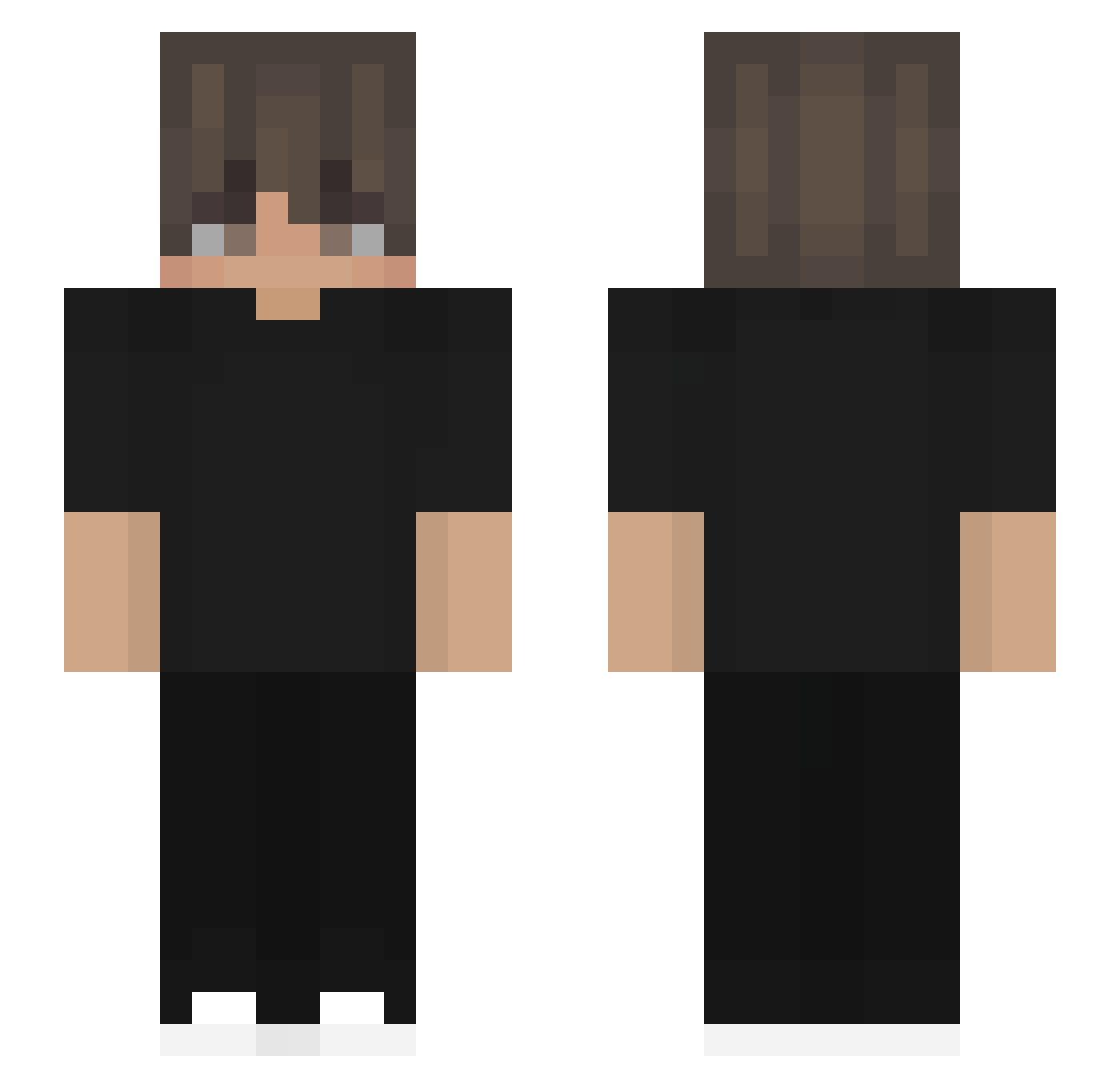
Current Minecraft skin of the player POMMES_KEK, loaded from the official Mojang API. Rotate the 3D model with your mouse or finger, then download the skin as a PNG file and use it in Minecraft: Bedrock Edition or Java Edition for free. When POMMES_KEK changes their skin, this page updates automatically and the old skin stays in the history below.
Other players with this skin (532)
POMMES_KEK was the 239th player we have seen with this skin, first spotted on 14.09.2026. The same skin was seen on these players. Open a nickname to see their current skin and skin history.
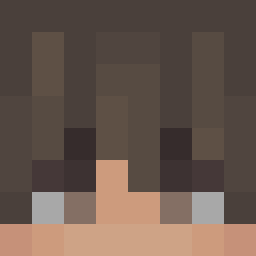 ROAMADC JonAnder7 Raapv xpp_uXYEC_0802 snniperzzzzz69 DarkyAngel Ben270628 Pookieo Robert4036 DrRedacted1
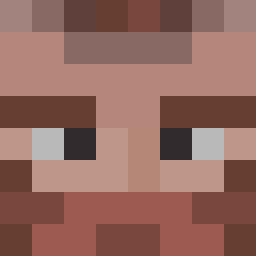 dedbug55 padovanxz MonkeyDLegend_LG Dr_Groott German07M Spryproxino12 eanho0212 ClassicDreamss CRAZYYY_G AxolotlMan6549 Hildemaro XHardcore_ Juan0407 michalkee_szef_ MavrosGeorgios EfteeTV aksdjkasd Amorziinho braga_77 snowywastakenxf Excepciones_ Axaloczi_ xela527 nialite
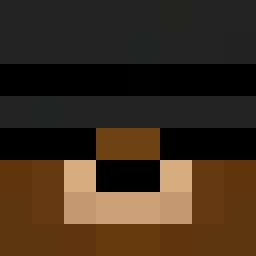 Kano251 UnaLestto Demethoria RickWT zadupie Stas12344 Frankimi mael1002 JerryRelic Tea4Tea Lanziloti K_A_S_ R_konbu __MDR__ CoMPaRaTivuS Acha1215 Astrolities Rip_AY NoahPr1me ImKbm_ OmegaVzla vrai_luffy Jipadi ahyhm cartinadaforno ELLERL
How to install the POMMES_KEK skin
- Press the Download button above to save the skin as a PNG file.
- Minecraft: Bedrock Edition (PE): open the Dressing Room from the main menu (or tap your character → Edit Character), go to Classic Skins → Owned, press the + (new skin) button, choose the downloaded PNG and pick the Slim (Alex) model. Works on PC and mobile; consoles cannot import custom skins.
- Minecraft: Java Edition: open the Minecraft Launcher, go to the Skins tab, click New Skin, load the PNG, pick the Slim (Alex) model and press Save & Use. You can also upload it at minecraft.net → Profile → Change Skin.
The skin does not show up after import - what should I do?
Restart Minecraft and open the Dressing Room again - imported skins sometimes appear only after a restart. Also make sure you selected the imported skin and picked the Slim (Alex) model.
Which model should I choose, Classic or Slim?
This skin is designed for the Slim (Alex) model. If you pick the wrong model, the arms of the skin will look stretched or squeezed.
Is the skin of POMMES_KEK free to download?
Yes. Press Download, save the PNG file and use it in Minecraft: Bedrock Edition or Java Edition - no payment or registration needed. The skin also works on multiplayer servers and Realms.
More skins
Looking for more? Go back to all Minecraft skins and check the top skins of the week, month and all time, or find any player's skin by nickname.