
 Mingu520 Mufzzz Tseew timeoal210 HASHEM177 ElfZen DISIRO Baby_born53 IAM_Doenmo Teof1x szymek05 ignaciokx stashbeartoilet4 Fatso76 feverswift Needii Nando_VM Mikolaj254 Jakuboskip Zeidrox_29 LivingToBeDead shabowyFilip IceLemon012 OnMatth its_greenn RenderMCYT wqrxssf EndlessVoid06 SerpyV2 iBrennerr NoahL2012 ashhh999 Pie3433 _kilkat_ ZEEREEN CXL426 RodrigoRocks EfteeTV leejio1210 DaysaAgo Huglio XHardcore_ Willius1234 Nicolas350 szoru xMADENx 1Pauro1 ahmedhakeem sanmacuca Metka007 koikohaku X_Harbey_X yx_07UUb_06_25 eanho0212 solzzera ItsDestry MarinhoPT27 pylery_ Cig1503 kalon2
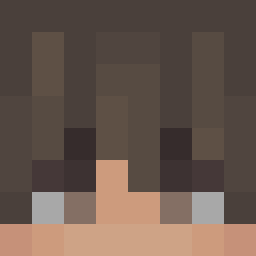
Minecraft skin of Kevin43358938. Rotate the 3D model with your mouse or finger to view the skin from every angle, then download it as a PNG file and use it in Minecraft: Bedrock Edition or Java Edition for free. Rate the skin with stars to help other players find the best skins in our collection.
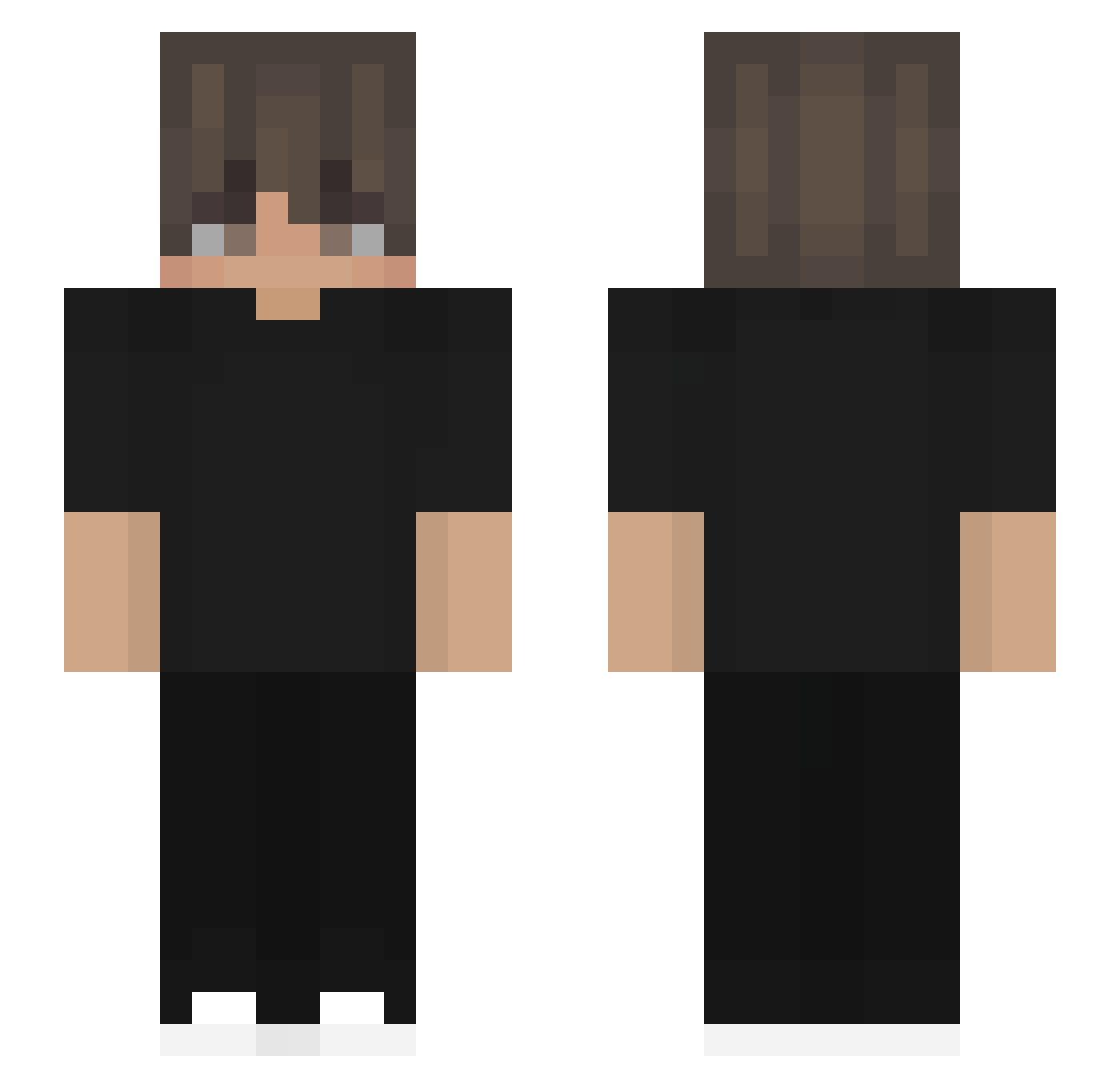
How to install the Kevin43358938 skin
- Press the Download button above to save the skin as a PNG file.
- Minecraft: Bedrock Edition (PE): open the Dressing Room from the main menu (or tap your character → Edit Character), go to Classic Skins → Owned, press the + (new skin) button, choose the downloaded PNG and pick the Slim (Alex) model. Works on PC and mobile; consoles cannot import custom skins.
- Minecraft: Java Edition: open the Minecraft Launcher, go to the Skins tab, click New Skin, load the PNG, pick the Slim (Alex) model and press Save & Use. You can also upload it at minecraft.net → Profile → Change Skin.
The skin does not show up after import - what should I do?
Restart Minecraft and open the Dressing Room again - imported skins sometimes appear only after a restart. Also make sure you selected the imported skin and picked the Slim (Alex) model.
Which model should I choose, Classic or Slim?
This skin is designed for the Slim (Alex) model. If you pick the wrong model, the arms of the skin will look stretched or squeezed.
Is this skin free to use?
Yes. Press Download, save the PNG file and use it in Minecraft: Bedrock Edition or Java Edition - no payment or registration needed. The skin also works on multiplayer servers and Realms.
More skins
Looking for more? Go back to all Minecraft skins and check the top skins of the week, month and all time, or find any player's skin by nickname.