
OziBradz - Minecraft Skins & Skin History
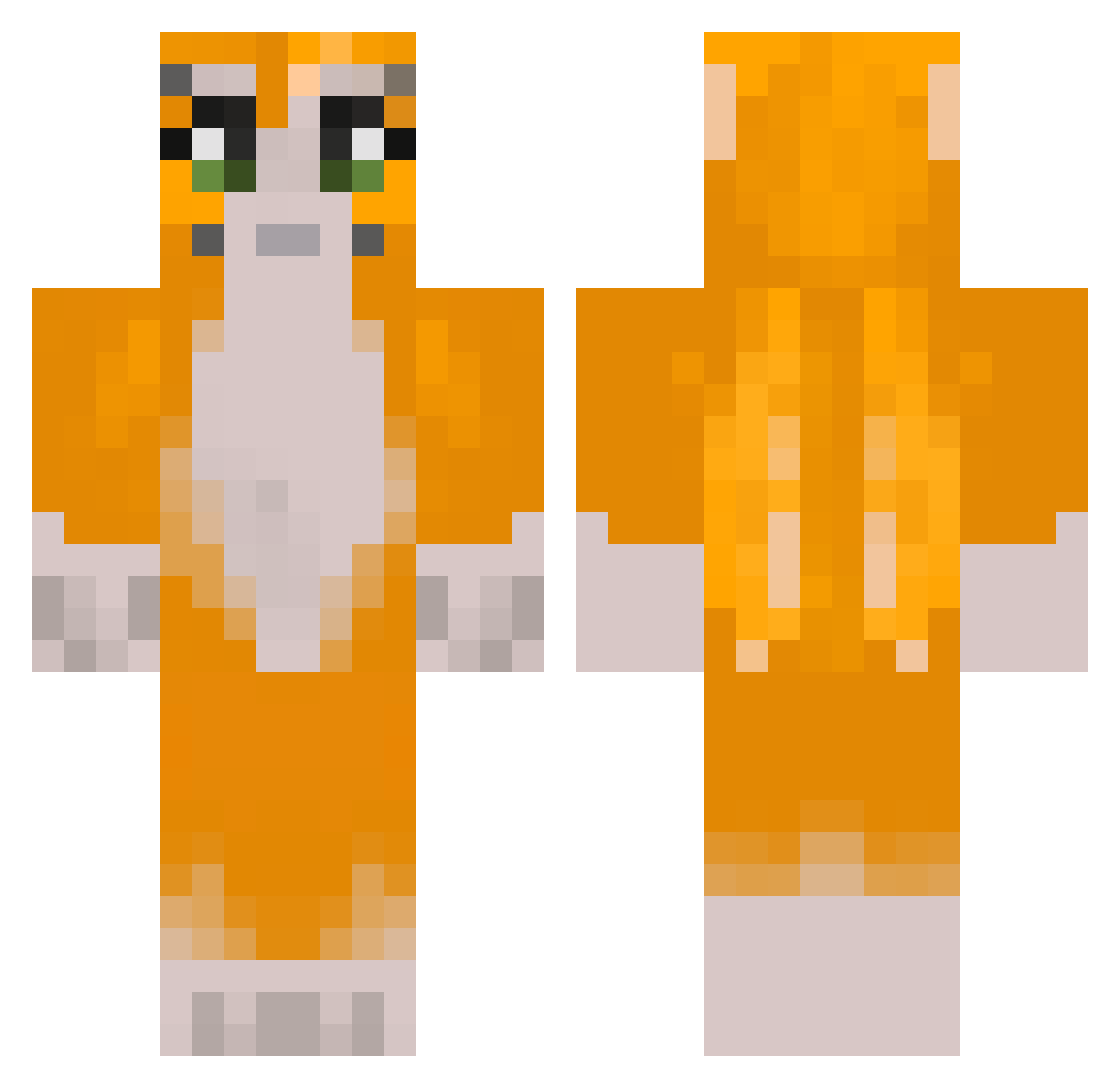
Current Minecraft skin of the player OziBradz, loaded from the official Mojang API. Rotate the 3D model with your mouse or finger, then download the skin as a PNG file and use it in Minecraft: Bedrock Edition or Java Edition for free. When OziBradz changes their skin, this page updates automatically and the old skin stays in the history below.
Other players with this skin (301)
OziBradz was the 145th player we have seen with this skin, first spotted on 21.09.2026. The same skin was seen on these players. Open a nickname to see their current skin and skin history.
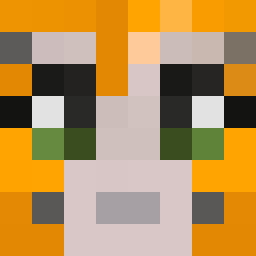 HaloMaster0612 carcolour XFunkyVader McDrream pyrimidsong Loganab99 Myth_Matt ZilchSwine75922 poppythorneig Wierdestport2 washdoom2007 WoofPuff LinkAlek lavebite Iballisticrocket WavedJester JuudeMC CoolCreeper9447 Fluffy3364 Xerseii belcdak shelaran timsharipov CornHole1738 rojoio Arsi28 FNUk05 cloudylmaoLOL Warmachine2376 alyzzaas cloenut joshjoshjoshjos Schleebo_ Majorsaucer4472 1novacane Wilbort HobiHoseok dxrhk EndermanVV Kimixs AtomicMoney5256 DUDL3Z Cowdestroyer899 jaoperalta DavidAnthony9 mikeue nomadwithspots OwenP4 sheshaan OliOliver4 Wasted_Native magat666 humblepencil yoinkerdingo zeno_beano valnger liltophat mrbutterhee Pelecoid Hiwez
More Furry Minecraft skins
How to install the OziBradz skin
- Press the Download button above to save the skin as a PNG file.
- Minecraft: Bedrock Edition (PE): open the Dressing Room from the main menu (or tap your character → Edit Character), go to Classic Skins → Owned, press the + (new skin) button, choose the downloaded PNG and pick the Classic (Steve) model. Works on PC and mobile; consoles cannot import custom skins.
- Minecraft: Java Edition: open the Minecraft Launcher, go to the Skins tab, click New Skin, load the PNG, pick the Classic (Steve) model and press Save & Use. You can also upload it at minecraft.net → Profile → Change Skin.
The skin does not show up after import - what should I do?
Restart Minecraft and open the Dressing Room again - imported skins sometimes appear only after a restart. Also make sure you selected the imported skin and picked the Classic (Steve) model.
Which model should I choose, Classic or Slim?
This skin is designed for the Classic (Steve) model. If you pick the wrong model, the arms of the skin will look stretched or squeezed.
Is the skin of OziBradz free to download?
Yes. Press Download, save the PNG file and use it in Minecraft: Bedrock Edition or Java Edition - no payment or registration needed. The skin also works on multiplayer servers and Realms.
More skins
Looking for more? Go back to all Minecraft skins and check the top skins of the week, month and all time, or find any player's skin by nickname.