
Omarazima9 - Minecraft Skins & Skin History
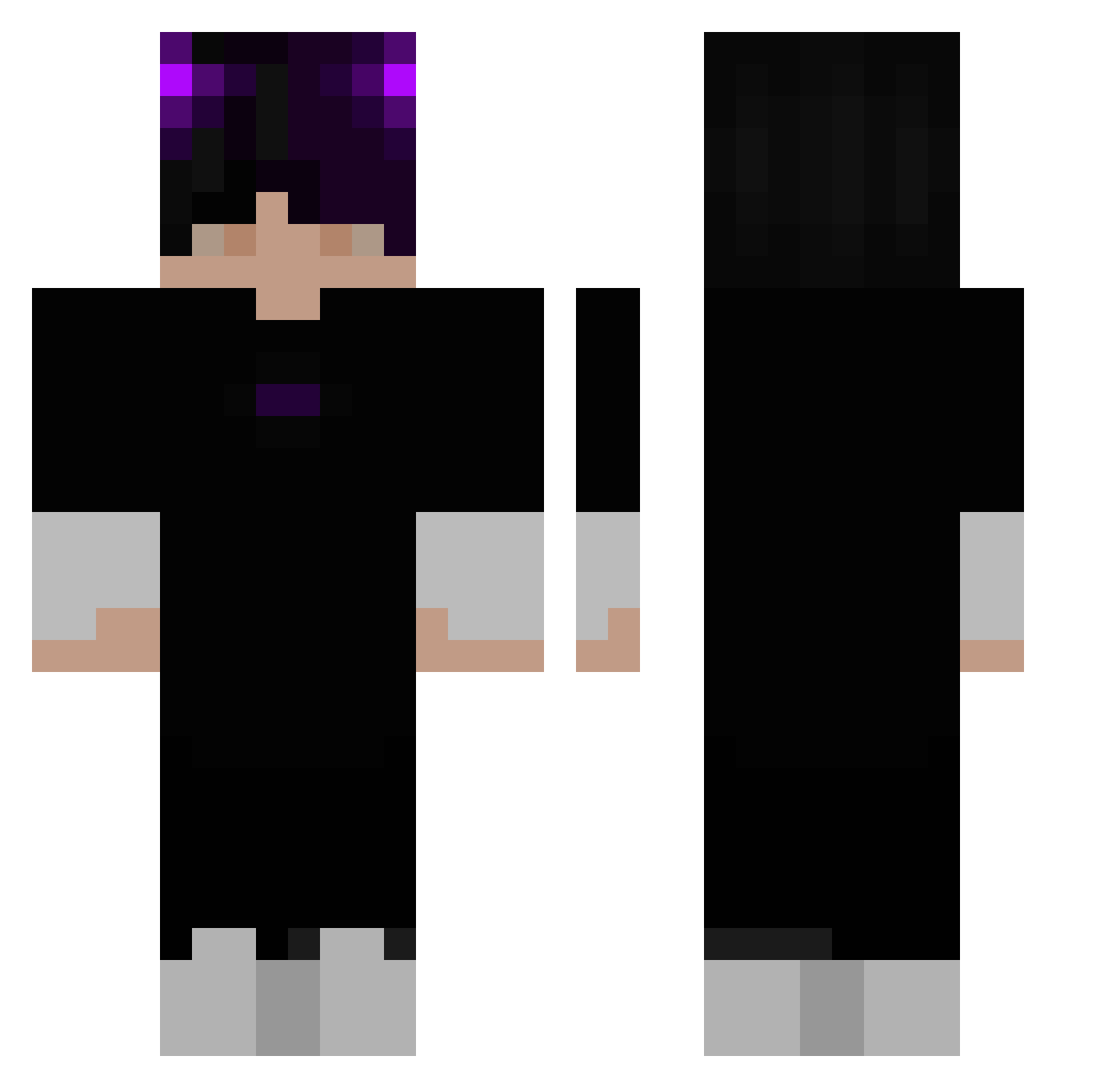
Current Minecraft skin of the player Omarazima9, loaded from the official Mojang API. Rotate the 3D model with your mouse or finger, then download the skin as a PNG file and use it in Minecraft: Bedrock Edition or Java Edition for free. When Omarazima9 changes their skin, this page updates automatically and the old skin stays in the history below.
Other players with this skin (363)
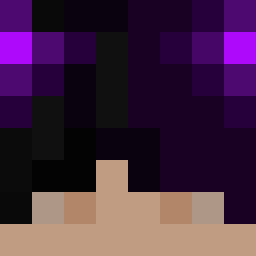
Omarazima9 was the 285th player we have seen with this skin, first spotted on 21.10.2026. The same skin was seen on these players. Open a nickname to see their current skin and skin history.
 ZaperDark MaxLevs ReforgedNikolios mou_shindeiru NeonReflexe1337 Isweis Symmac_ Lanpapi Zyrok228 zCueviis_ aapple1111 bluelight16 Basfill BlackPhantom9 Tariana Xx_Create4 LiebesSklave HomemAcelerado ZboXGaMeR231 adrian549 remylebeauchap Longstride_47 WarOfGame OzAdam154 UmsteigenZurU5 Huang_Cheng_ EddyOff D4rkMoon67 Holobie Big_Sleezyyy snullerbuller Polar03_ 303_Kysque GHGAlex1 Apache_Ns seanliu520 Melser zlurx MMMMOOO rofil69123 waldo2115 Gabjin111 f4zir BinJannik SsweNy TannerUwU5136 sanatiikk Yagerss zacboy11 Kvba1337 deqtz 9EdwardX ghjkgy ShinmonSan lienx565 Yan1xxzz Znyden MrSung3 ilyCrqft KauanYt
More Horns Minecraft skins
How to install the Omarazima9 skin
- Press the Download button above to save the skin as a PNG file.
- Minecraft: Bedrock Edition (PE): open the Dressing Room from the main menu (or tap your character → Edit Character), go to Classic Skins → Owned, press the + (new skin) button, choose the downloaded PNG and pick the Classic (Steve) model. Works on PC and mobile; consoles cannot import custom skins.
- Minecraft: Java Edition: open the Minecraft Launcher, go to the Skins tab, click New Skin, load the PNG, pick the Classic (Steve) model and press Save & Use. You can also upload it at minecraft.net → Profile → Change Skin.
The skin does not show up after import - what should I do?
Restart Minecraft and open the Dressing Room again - imported skins sometimes appear only after a restart. Also make sure you selected the imported skin and picked the Classic (Steve) model.
Which model should I choose, Classic or Slim?
This skin is designed for the Classic (Steve) model. If you pick the wrong model, the arms of the skin will look stretched or squeezed.
Is the skin of Omarazima9 free to download?
Yes. Press Download, save the PNG file and use it in Minecraft: Bedrock Edition or Java Edition - no payment or registration needed. The skin also works on multiplayer servers and Realms.
More skins
Looking for more? Go back to all Minecraft skins and check the top skins of the week, month and all time, or find any player's skin by nickname.