
Oleg_Brain - Minecraft Skins & Skin History
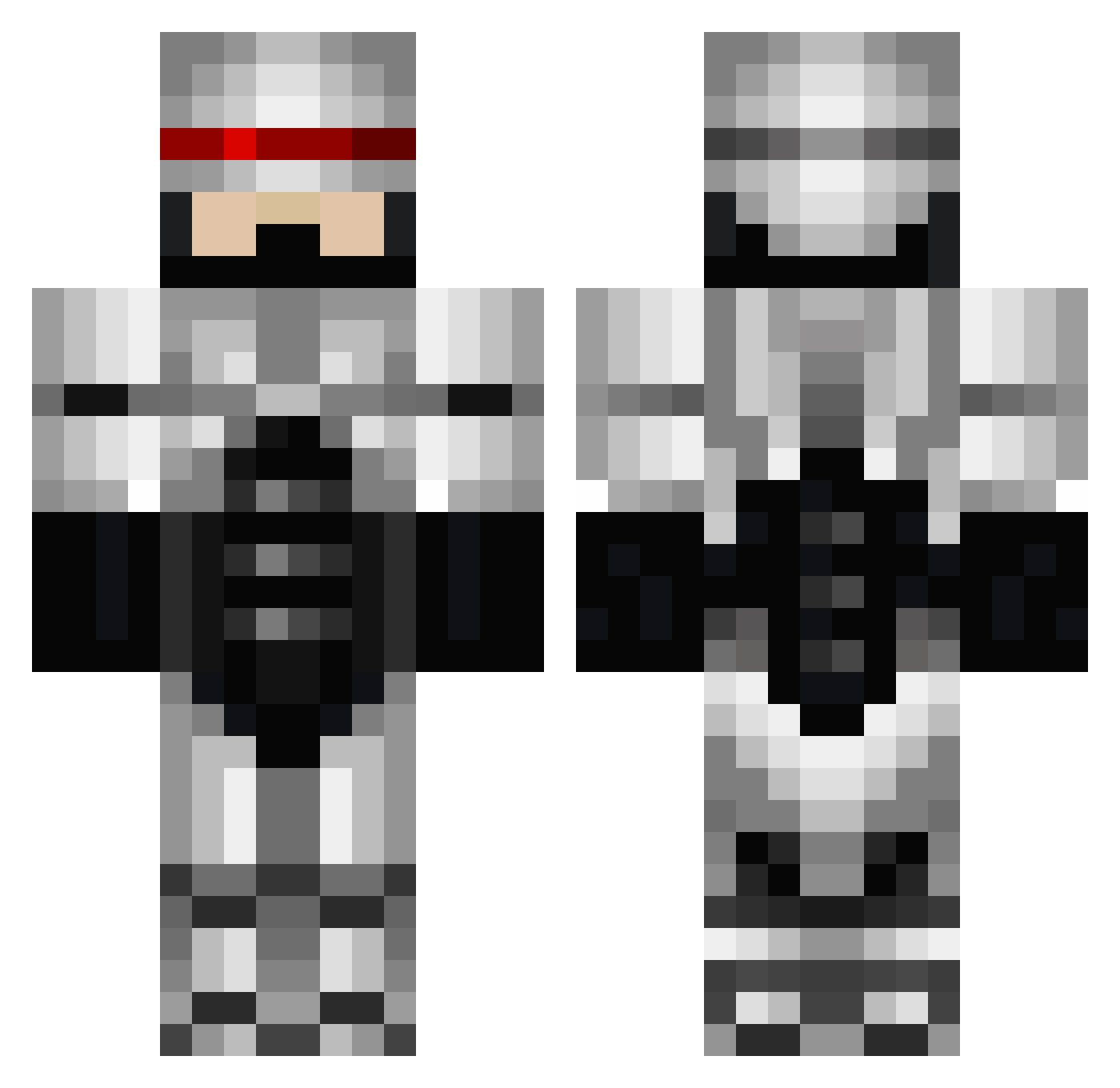
Current Minecraft skin of the player Oleg_Brain, loaded from the official Mojang API. Rotate the 3D model with your mouse or finger, then download the skin as a PNG file and use it in Minecraft: Bedrock Edition or Java Edition for free. When Oleg_Brain changes their skin, this page updates automatically and the old skin stays in the history below.
Other players with this skin (96)
Oleg_Brain was the 50th player we have seen with this skin, first spotted on 24.09.2026. The same skin was seen on these players. Open a nickname to see their current skin and skin history.
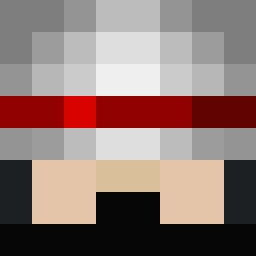 HAETMACHINE Gigglinglloyd NO_36th DarkestDemon666 Isaidboo SoySpeedy Pietoski Grassrax Bruski6 Calipanhead Jasdu6Z InfinityXerox valen118 RumleBandit andy1218 Snake2300 BACC0 TiradordeElite01 Cause_Of_Death SugaryBagels TrueGamer_75 Muffin911 Ayo_Supps SRabbelier DougDimmaDone dbeast BearwithGrills SpookySK DaniFalle TObenST jakemaster11 columnFive smnrue Don_Knightshot tonyrabit Licht_Desu NotchoDaddy Orion808 Daisun3520 Triixx_MexSniper BlixX85 Zhang_xian lil_heartbreak ItsKoop Manfredi1012 Rooooooray Bruteknut Wrongmuffinman DRODRIX Godzilla8me dfoxie Crixlph Naladip HadesDaKing dkjk11 Bartholamue_Diez tobimobiv1 chapitro rladlsxo01 war_angel_3522
More Robocop Minecraft skins
How to install the Oleg_Brain skin
- Press the Download button above to save the skin as a PNG file.
- Minecraft: Bedrock Edition (PE): open the Dressing Room from the main menu (or tap your character → Edit Character), go to Classic Skins → Owned, press the + (new skin) button, choose the downloaded PNG and pick the Classic (Steve) model. Works on PC and mobile; consoles cannot import custom skins.
- Minecraft: Java Edition: open the Minecraft Launcher, go to the Skins tab, click New Skin, load the PNG, pick the Classic (Steve) model and press Save & Use. You can also upload it at minecraft.net → Profile → Change Skin.
The skin does not show up after import - what should I do?
Restart Minecraft and open the Dressing Room again - imported skins sometimes appear only after a restart. Also make sure you selected the imported skin and picked the Classic (Steve) model.
Which model should I choose, Classic or Slim?
This skin is designed for the Classic (Steve) model. If you pick the wrong model, the arms of the skin will look stretched or squeezed.
Is the skin of Oleg_Brain free to download?
Yes. Press Download, save the PNG file and use it in Minecraft: Bedrock Edition or Java Edition - no payment or registration needed. The skin also works on multiplayer servers and Realms.
More skins
Looking for more? Go back to all Minecraft skins and check the top skins of the week, month and all time, or find any player's skin by nickname.