
OfficialBlackout - Minecraft Skins & Skin History
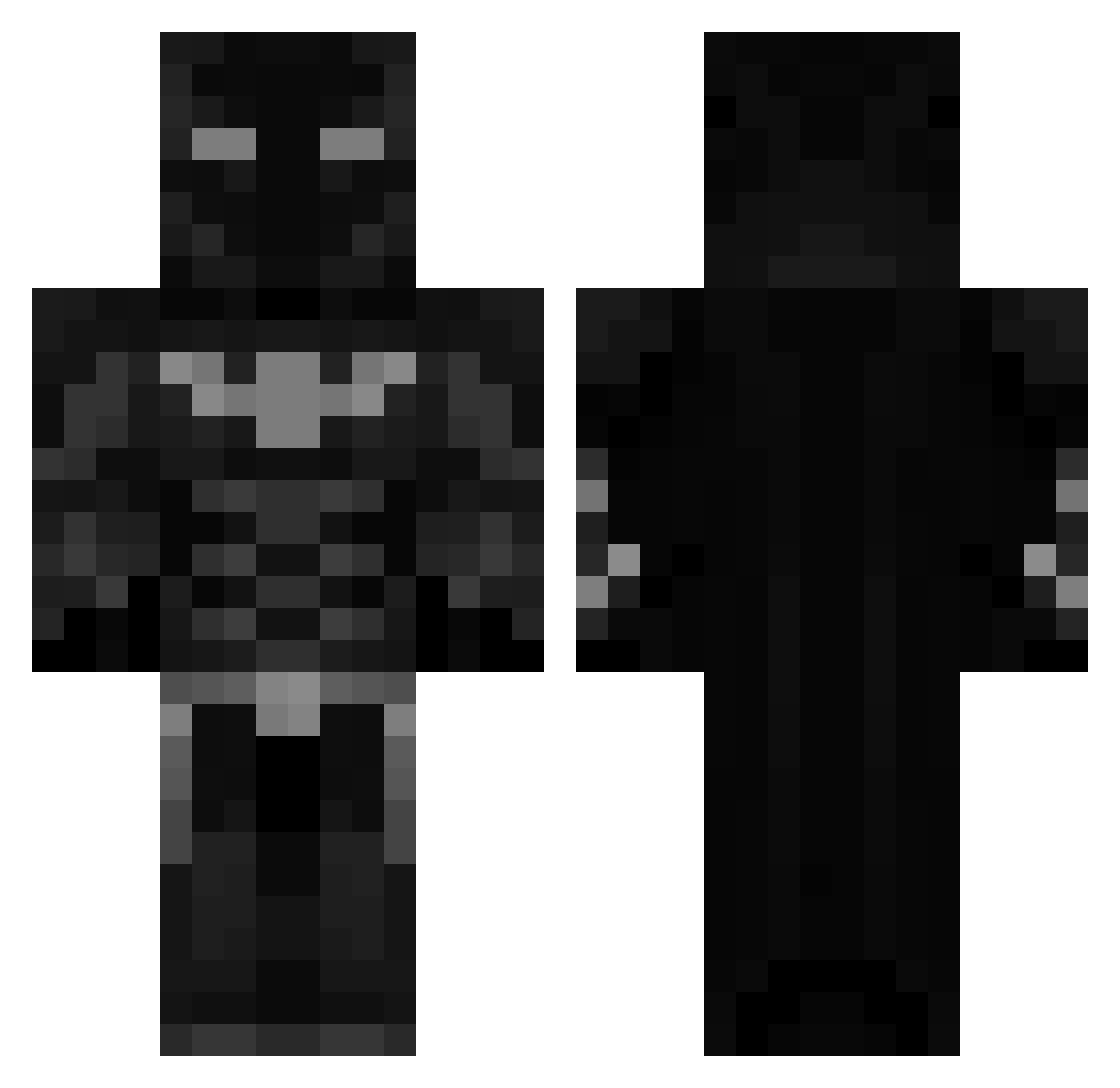
Current Minecraft skin of the player OfficialBlackout, loaded from the official Mojang API. Rotate the 3D model with your mouse or finger, then download the skin as a PNG file and use it in Minecraft: Bedrock Edition or Java Edition for free. When OfficialBlackout changes their skin, this page updates automatically and the old skin stays in the history below.
Other players with this skin (460)
OfficialBlackout was the 413th player we have seen with this skin, first spotted on 22.10.2026. The same skin was seen on these players. Open a nickname to see their current skin and skin history.
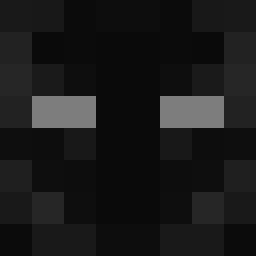 Chittybang_7 Hardik2105 Benisda charlieyeet12 dorble Tobylur FourWinner95547 maxiskindaweird Xx_S911 spoke6555 clarko___ norgraven tbtl_hevar BetMANk SOMGOKU Broze OvalPower00 CR7_13 firstblodTR Chbn1 Arttumaani Jaqu89 anshmalla Ooqwxy resolus v1z2006 Warify7 Harison000 chente88 Retil 55515151 zFullBoxxed JUJU_NIGHT Donat1540 ItzShottyyy a1paranormal Mattarooniee Pybounce Erdinch Anirudhh Thebrillsman Bludnajt RICHMANREAL0 AJSinor divinesenior JaIlen999 fwervy champmvp bz9r Robww05 ekeneb16 HearlyPvP Dill_pickle74 Ilovepaigesmith b1fflle xAqua0 Angelof4eath xRaG3808x bfya St0k3
More Batman Minecraft skins
How to install the OfficialBlackout skin
- Press the Download button above to save the skin as a PNG file.
- Minecraft: Bedrock Edition (PE): open the Dressing Room from the main menu (or tap your character → Edit Character), go to Classic Skins → Owned, press the + (new skin) button, choose the downloaded PNG and pick the Classic (Steve) model. Works on PC and mobile; consoles cannot import custom skins.
- Minecraft: Java Edition: open the Minecraft Launcher, go to the Skins tab, click New Skin, load the PNG, pick the Classic (Steve) model and press Save & Use. You can also upload it at minecraft.net → Profile → Change Skin.
The skin does not show up after import - what should I do?
Restart Minecraft and open the Dressing Room again - imported skins sometimes appear only after a restart. Also make sure you selected the imported skin and picked the Classic (Steve) model.
Which model should I choose, Classic or Slim?
This skin is designed for the Classic (Steve) model. If you pick the wrong model, the arms of the skin will look stretched or squeezed.
Is the skin of OfficialBlackout free to download?
Yes. Press Download, save the PNG file and use it in Minecraft: Bedrock Edition or Java Edition - no payment or registration needed. The skin also works on multiplayer servers and Realms.
More skins
Looking for more? Go back to all Minecraft skins and check the top skins of the week, month and all time, or find any player's skin by nickname.