
OfficeSpaced4 - Minecraft Skins & Skin History
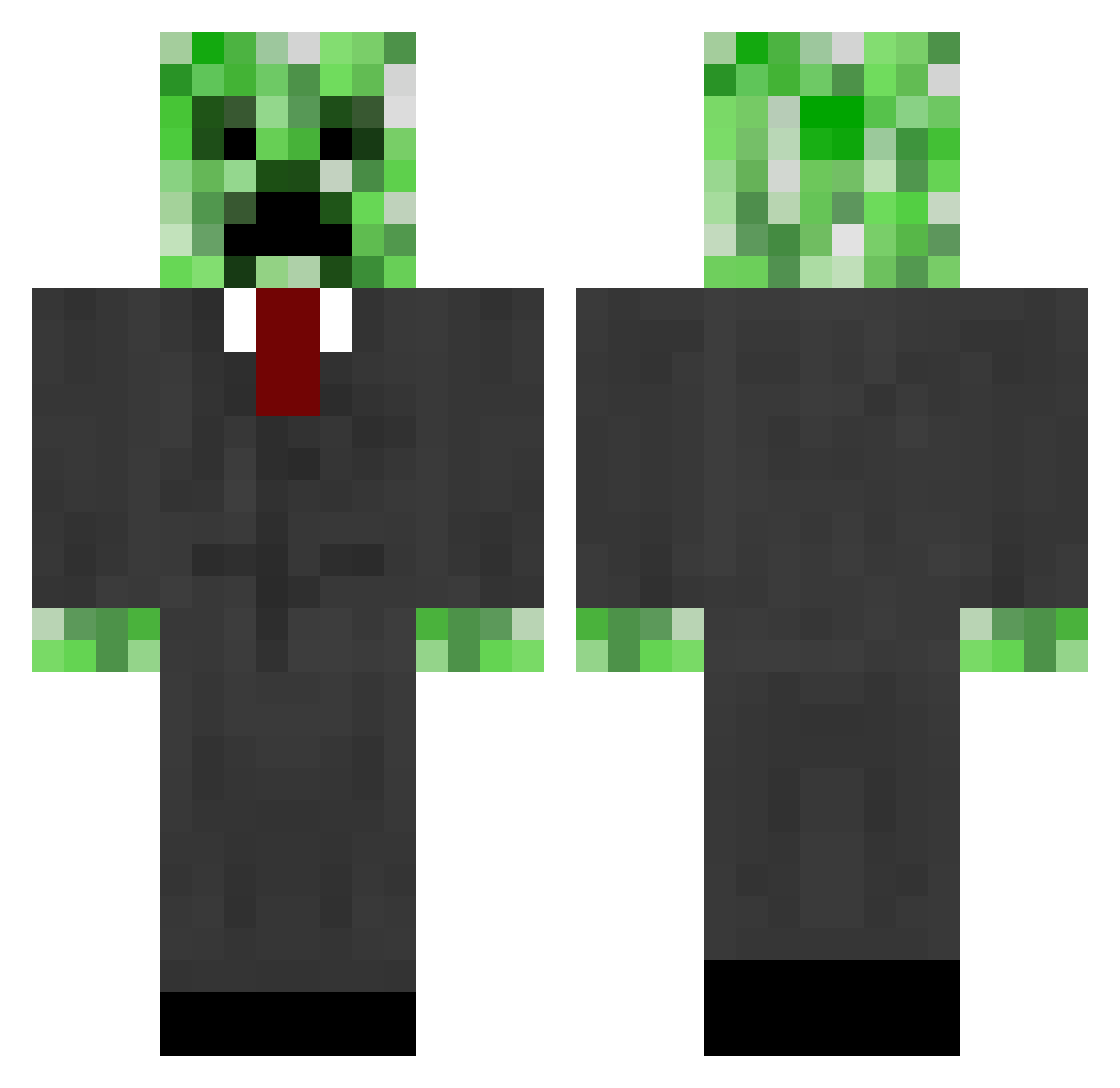
Current Minecraft skin of the player OfficeSpaced4, loaded from the official Mojang API. Rotate the 3D model with your mouse or finger, then download the skin as a PNG file and use it in Minecraft: Bedrock Edition or Java Edition for free. When OfficeSpaced4 changes their skin, this page updates automatically and the old skin stays in the history below.
Other players with this skin (821)
OfficeSpaced4 was the 795th player we have seen with this skin, first spotted on 16.11.2026. The same skin was seen on these players. Open a nickname to see their current skin and skin history.
 BibleBlackIsOP HockeyBoSS171 THEFARM1122 DavidGamer_2001 Black2Craft superblocks8 Teneramente5103 TurboBowser megasexboy darkmagician56 mr_disaster2 Killernemo speckhuggarn NameIsFerg imeepalot enderlox09 sethieboy_97 jamminbro rhyspooding K4_ktus gurujust1n Henry_III tixXx1337 dawg1999 Filskov exalted15 Shad689 XxPewterxX blakeleyr chopper378 Davidcanalonga SuperBeny1 PetaaPan jkhug sailoroftheseas agentcreeper24 NJMusic69 raudi82 tterminator12 andrewjames60 malane6324 FenceMaster debichan Eywua djc995 esfkb22 blundy500 Mrxskater wakemaster9999 humbledwarf slowcoach9 Moefug funfundanny Blair_Nakama ktmking27 abildgaard27 rh999 RuSsIaN_BoY_ Rain_Maker0603 On_the_Run
More Creeper Minecraft skins
How to install the OfficeSpaced4 skin
- Press the Download button above to save the skin as a PNG file.
- Minecraft: Bedrock Edition (PE): open the Dressing Room from the main menu (or tap your character → Edit Character), go to Classic Skins → Owned, press the + (new skin) button, choose the downloaded PNG and pick the Classic (Steve) model. Works on PC and mobile; consoles cannot import custom skins.
- Minecraft: Java Edition: open the Minecraft Launcher, go to the Skins tab, click New Skin, load the PNG, pick the Classic (Steve) model and press Save & Use. You can also upload it at minecraft.net → Profile → Change Skin.
The skin does not show up after import - what should I do?
Restart Minecraft and open the Dressing Room again - imported skins sometimes appear only after a restart. Also make sure you selected the imported skin and picked the Classic (Steve) model.
Which model should I choose, Classic or Slim?
This skin is designed for the Classic (Steve) model. If you pick the wrong model, the arms of the skin will look stretched or squeezed.
Is the skin of OfficeSpaced4 free to download?
Yes. Press Download, save the PNG file and use it in Minecraft: Bedrock Edition or Java Edition - no payment or registration needed. The skin also works on multiplayer servers and Realms.
More skins
Looking for more? Go back to all Minecraft skins and check the top skins of the week, month and all time, or find any player's skin by nickname.