
Odinphileas - Minecraft Skins & Skin History
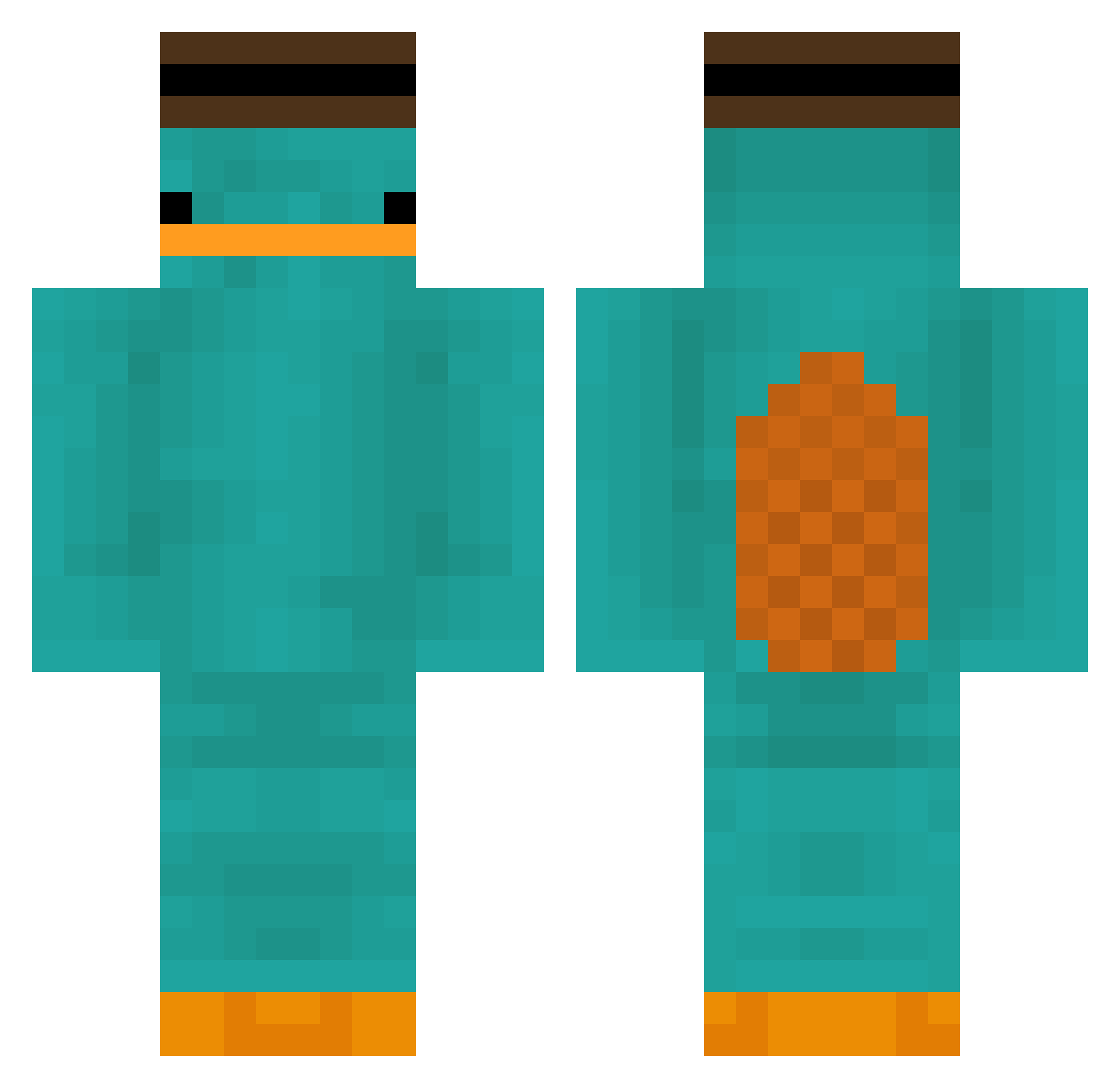
Current Minecraft skin of the player Odinphileas, loaded from the official Mojang API. Rotate the 3D model with your mouse or finger, then download the skin as a PNG file and use it in Minecraft: Bedrock Edition or Java Edition for free. When Odinphileas changes their skin, this page updates automatically and the old skin stays in the history below.
Other players with this skin (181)
Odinphileas was the 4th player we have seen with this skin, first spotted on 22.07.2026. The same skin was seen on these players. Open a nickname to see their current skin and skin history.
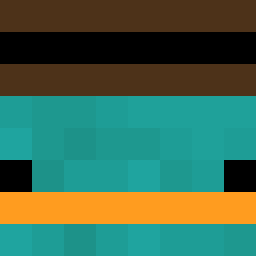 Fiz_exe2 Zibbee YT_Suarnpo Bastian0075079 DirtGums oRonne alphaaa2 jmeen TravisPattie Atriedes krumins122fan Dellao sliceofche7se laraa11 Bartos__S _Xtik_ boraswim swaggyskaz ValuelessCat2K filetmignons b_un KazikMngo67 nick7272 PVP_jenso kurtytoe Yoic350
 AndyGaming76 NoodMC kedprsitakleje BestFilo Ikryk lukos86 Chichon817 Ryuk89 M1STERGREEN ewiffle 123_783 _Vulpus__ dontssmepls koiko1koi ahmily13 ortvs Edward_The_King Paymannn kuiperLIVE Zxphyrr eclips3mc alumanen Miki2012XD Kanikama_0510 Lia3338 luky_cz brahmkshatriya 7180 orangeshin ZiomKacper Kennyvkrkuhleny RedDragon3246 Fluffly_xD
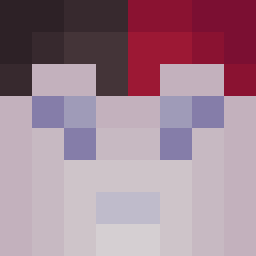 KoSeha12
More Platypus Minecraft skins
How to install the Odinphileas skin
- Press the Download button above to save the skin as a PNG file.
- Minecraft: Bedrock Edition (PE): open the Dressing Room from the main menu (or tap your character → Edit Character), go to Classic Skins → Owned, press the + (new skin) button, choose the downloaded PNG and pick the Classic (Steve) model. Works on PC and mobile; consoles cannot import custom skins.
- Minecraft: Java Edition: open the Minecraft Launcher, go to the Skins tab, click New Skin, load the PNG, pick the Classic (Steve) model and press Save & Use. You can also upload it at minecraft.net → Profile → Change Skin.
The skin does not show up after import - what should I do?
Restart Minecraft and open the Dressing Room again - imported skins sometimes appear only after a restart. Also make sure you selected the imported skin and picked the Classic (Steve) model.
Which model should I choose, Classic or Slim?
This skin is designed for the Classic (Steve) model. If you pick the wrong model, the arms of the skin will look stretched or squeezed.
Is the skin of Odinphileas free to download?
Yes. Press Download, save the PNG file and use it in Minecraft: Bedrock Edition or Java Edition - no payment or registration needed. The skin also works on multiplayer servers and Realms.
More skins
Looking for more? Go back to all Minecraft skins and check the top skins of the week, month and all time, or find any player's skin by nickname.