
OMGItsBedo - Minecraft Skins & Skin History
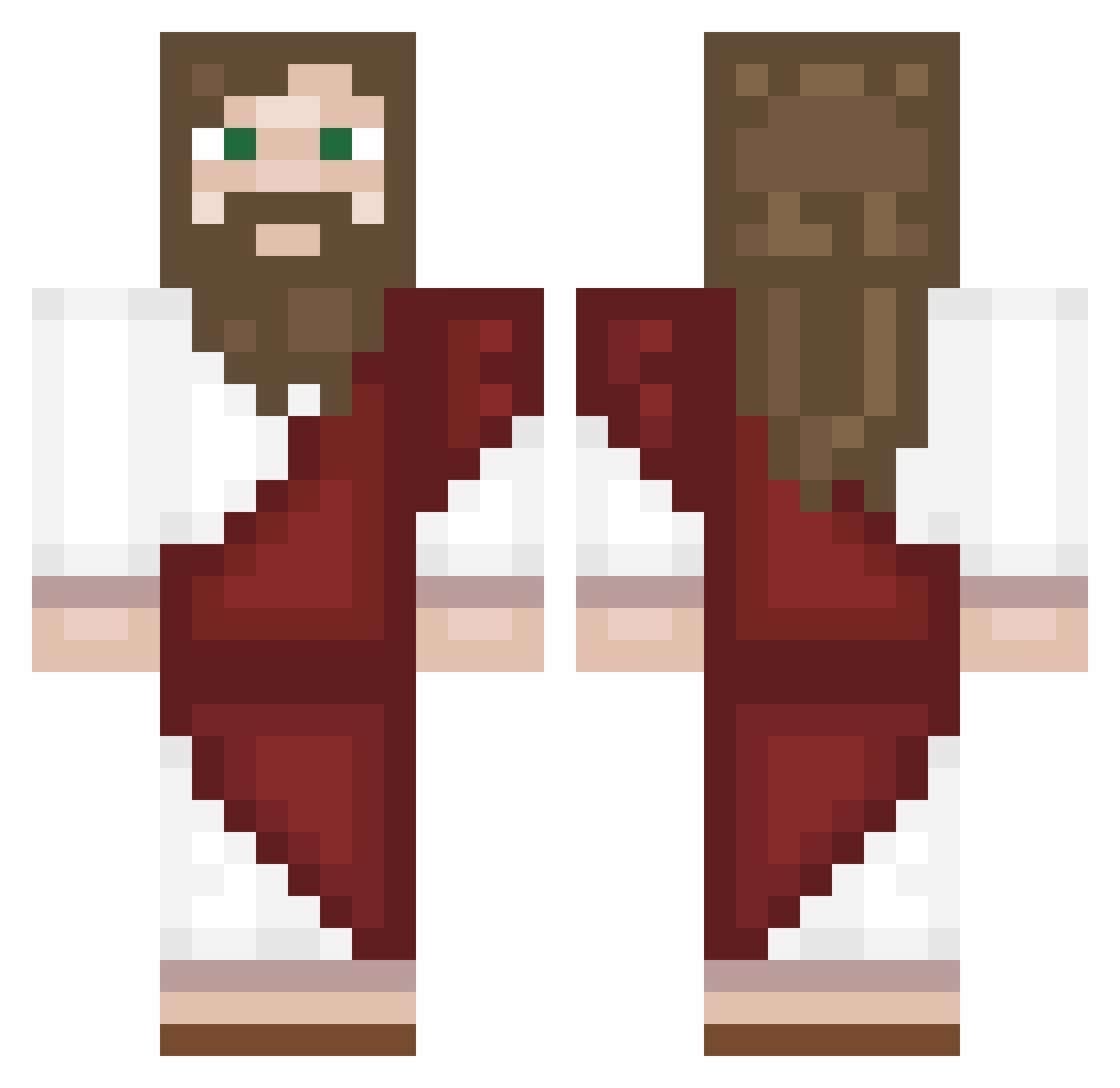
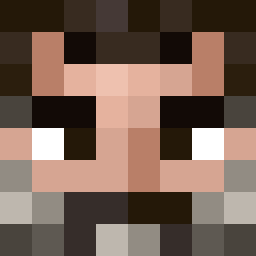
Current Minecraft skin of the player OMGItsBedo, loaded from the official Mojang API. Rotate the 3D model with your mouse or finger, then download the skin as a PNG file and use it in Minecraft: Bedrock Edition or Java Edition for free. When OMGItsBedo changes their skin, this page updates automatically and the old skin stays in the history below.
Other players with this skin (169)
OMGItsBedo was the 7th player we have seen with this skin, first spotted on 26.07.2026. The same skin was seen on these players. Open a nickname to see their current skin and skin history.
 JesusChrist8964 macius2882
 hhania Couloirs Kaczor9919 LoupFoque R0llingGames Cah896 kl0110 kill1111 iimtrr
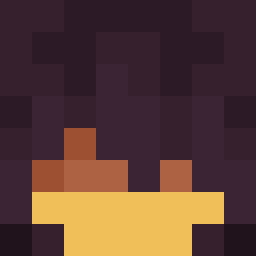 BisutoYT K0ISAN mimiamagatos Chumm_Chumm
 BURZAC0 Strangeboy_18 Napamar_2 Clemixoxo Smiley316 Destroyur1 paju_fire_fist bb339273 penpen_dayo MarruecosJr Jasperest SdSJoshi
 skibidibratek Piroj0k blueRequiem7232 Monkung62 JUST_BruH
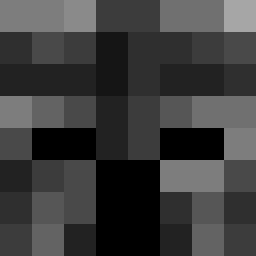 Smxmatue minecarler arrisel I3uni NotGabb Faded_Logan PlowTheYouth NoZ_Artorias Mauritocrack
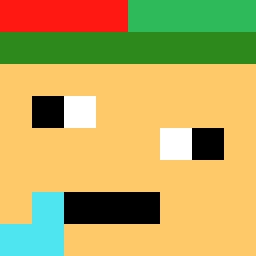 GladdeBamibal927 JAR_Boy ElTeedo GlatzenKlaus Einfach_Irgendwa polenaga _ElverGalarga_t Antonioo288 Kaldawg1097 Spuwz torana_ carlitostv
 Paweira trinicalderon mera08 edkemperr Zarneux Yvonnn _Forci__
More Biblical Minecraft skins
How to install the OMGItsBedo skin
- Press the Download button above to save the skin as a PNG file.
- Minecraft: Bedrock Edition (PE): open the Dressing Room from the main menu (or tap your character → Edit Character), go to Classic Skins → Owned, press the + (new skin) button, choose the downloaded PNG and pick the Classic (Steve) model. Works on PC and mobile; consoles cannot import custom skins.
- Minecraft: Java Edition: open the Minecraft Launcher, go to the Skins tab, click New Skin, load the PNG, pick the Classic (Steve) model and press Save & Use. You can also upload it at minecraft.net → Profile → Change Skin.
The skin does not show up after import - what should I do?
Restart Minecraft and open the Dressing Room again - imported skins sometimes appear only after a restart. Also make sure you selected the imported skin and picked the Classic (Steve) model.
Which model should I choose, Classic or Slim?
This skin is designed for the Classic (Steve) model. If you pick the wrong model, the arms of the skin will look stretched or squeezed.
Is the skin of OMGItsBedo free to download?
Yes. Press Download, save the PNG file and use it in Minecraft: Bedrock Edition or Java Edition - no payment or registration needed. The skin also works on multiplayer servers and Realms.
More skins
Looking for more? Go back to all Minecraft skins and check the top skins of the week, month and all time, or find any player's skin by nickname.