
NyroSword - Minecraft Skins & Skin History
Current Minecraft skin of the player NyroSword, loaded from the official Mojang API. Rotate the 3D model with your mouse or finger, then download the skin as a PNG file and use it in Minecraft: Bedrock Edition or Java Edition for free. When NyroSword changes their skin, this page updates automatically and the old skin stays in the history below.
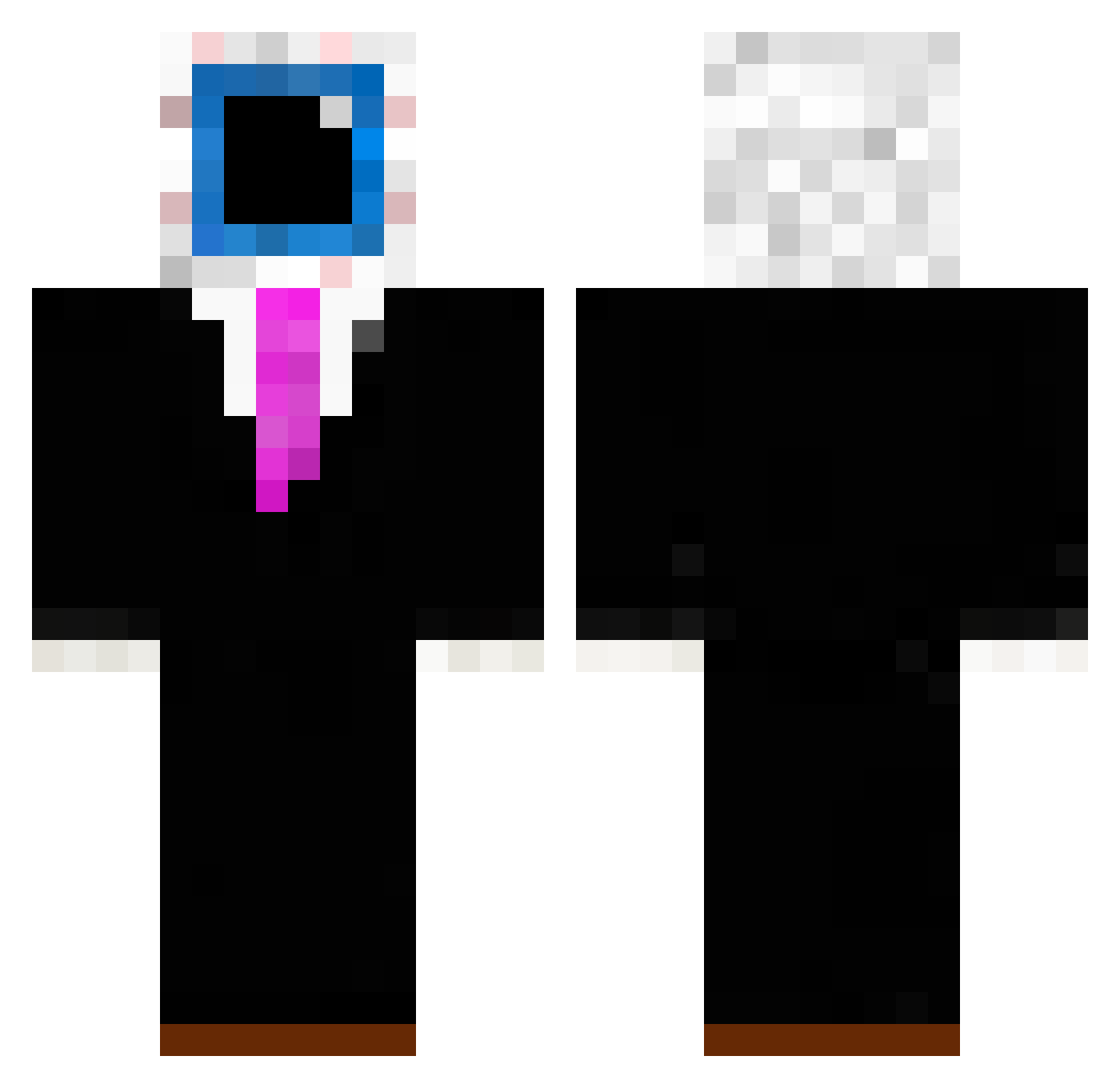
Other players with this skin (202)
NyroSword was the 77th player we have seen with this skin, first spotted on 05.09.2026. The same skin was seen on these players. Open a nickname to see their current skin and skin history.
 NoobicekTV_
 lennox221
 TneRealMC HappyMonke21 Voydz01 SirM0M0
 adaelka Nimeni_Nimic121
 toothpick12341 baldiback2131
 BlakebaldTheBird eggchan900 dislaver _50L Danabeatriz
 Snoupy12 UE_217
 Skodschik veltz_ KOFUTI000 T3tzy1 Doge_of_Bread stefanmaca MarkFoil4 Vexter101 Suiblaze rwek13 m13_31m misosovp chiti200 _jiris_ Splaetlol Penguino_Boy Igotgold_ AB7SSL BacconPig LastDeath_ parrot1234t
 BorjanekYT
 andreiBH_ uguruznuyum iambetter5410
 m4ko__ jason_uzi4940 netheriteking6 eggchanfan1234 BGG91 hasarbaidschan AltVersej14AV CooledApe Plasawaii Semoner diddyMC69
 Trompie2222 abbiDunnel SGS_Amir coldifaid LAKUPAJII Kasomnyuyu
 Aidbringer2
More Eyeball Minecraft skins
How to install the NyroSword skin
- Press the Download button above to save the skin as a PNG file.
- Minecraft: Bedrock Edition (PE): open the Dressing Room from the main menu (or tap your character → Edit Character), go to Classic Skins → Owned, press the + (new skin) button, choose the downloaded PNG and pick the Classic (Steve) model. Works on PC and mobile; consoles cannot import custom skins.
- Minecraft: Java Edition: open the Minecraft Launcher, go to the Skins tab, click New Skin, load the PNG, pick the Classic (Steve) model and press Save & Use. You can also upload it at minecraft.net → Profile → Change Skin.
The skin does not show up after import - what should I do?
Restart Minecraft and open the Dressing Room again - imported skins sometimes appear only after a restart. Also make sure you selected the imported skin and picked the Classic (Steve) model.
Which model should I choose, Classic or Slim?
This skin is designed for the Classic (Steve) model. If you pick the wrong model, the arms of the skin will look stretched or squeezed.
Is the skin of NyroSword free to download?
Yes. Press Download, save the PNG file and use it in Minecraft: Bedrock Edition or Java Edition - no payment or registration needed. The skin also works on multiplayer servers and Realms.
More skins
Looking for more? Go back to all Minecraft skins and check the top skins of the week, month and all time, or find any player's skin by nickname.