
Nyressa - Minecraft Skins & Skin History
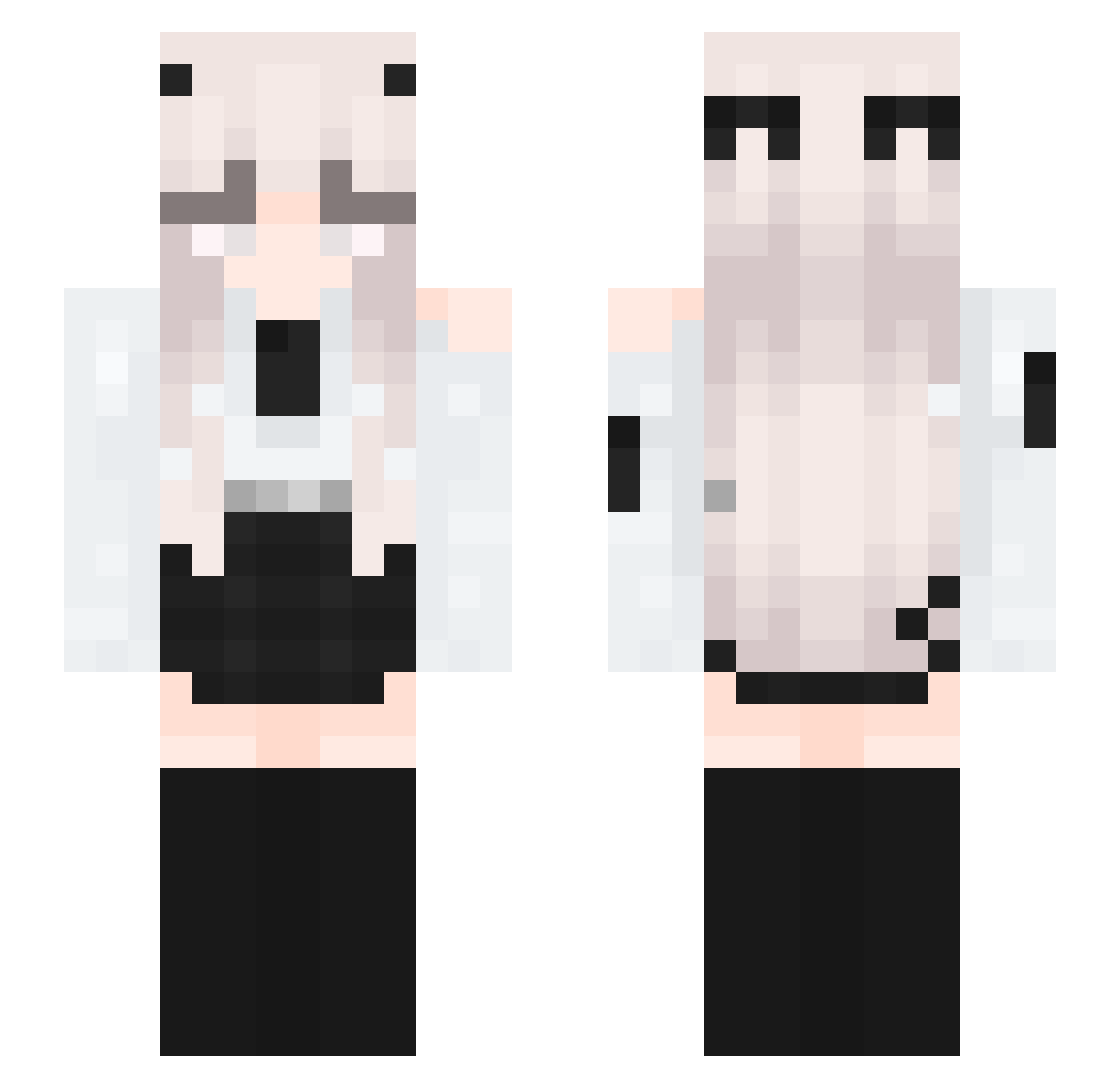
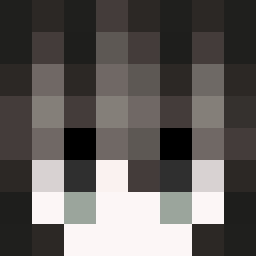
Current Minecraft skin of the player Nyressa, loaded from the official Mojang API. Rotate the 3D model with your mouse or finger, then download the skin as a PNG file and use it in Minecraft: Bedrock Edition or Java Edition for free. When Nyressa changes their skin, this page updates automatically and the old skin stays in the history below.
Other players with this skin (336)
Nyressa was the 109th player we have seen with this skin, first spotted on 27.08.2026. The same skin was seen on these players. Open a nickname to see their current skin and skin history.
 Cyufixx yzh_mc SmallAnger xrpsky ItZ_Alena Asiacutie Leventmc bugzzzzzz xLeviathanx20 iViolet3211
 blocky_hd56 Naomii_The_Great Yoodie JetSzymus1904 exzacr niekochasz xiao_han_520 ymtr839
 ptasznikx Inpuls3s han_fei K0lman Simp_De_xDrayKe yzxt ynixx01 4do_xd
 levoli211 sonicdubo Mrs_Rahvin RYXIEN maudisl Babser2608 cozaeng Chae__won Mythicqll MomOfHailey ZangetzuHaze808 NaYutoo ParisTonight LucasKang Jeremy123real pxrxnoixxx Nya_Jeanne_Nya taruto15 yuipoli Catssy iIiiiiiIlIiIiIii stam0803 kyuutie Fire_Dragon777 SantoroAle5 loveElaine9 Ploypanida ChellyPelly erdog7 Itzz_OL3SK0_OFC Kawaii_unicorn66 Someone_xp Nayasq exomaly01
More Horns Minecraft skins
How to install the Nyressa skin
- Press the Download button above to save the skin as a PNG file.
- Minecraft: Bedrock Edition (PE): open the Dressing Room from the main menu (or tap your character → Edit Character), go to Classic Skins → Owned, press the + (new skin) button, choose the downloaded PNG and pick the Slim (Alex) model. Works on PC and mobile; consoles cannot import custom skins.
- Minecraft: Java Edition: open the Minecraft Launcher, go to the Skins tab, click New Skin, load the PNG, pick the Slim (Alex) model and press Save & Use. You can also upload it at minecraft.net → Profile → Change Skin.
The skin does not show up after import - what should I do?
Restart Minecraft and open the Dressing Room again - imported skins sometimes appear only after a restart. Also make sure you selected the imported skin and picked the Slim (Alex) model.
Which model should I choose, Classic or Slim?
This skin is designed for the Slim (Alex) model. If you pick the wrong model, the arms of the skin will look stretched or squeezed.
Is the skin of Nyressa free to download?
Yes. Press Download, save the PNG file and use it in Minecraft: Bedrock Edition or Java Edition - no payment or registration needed. The skin also works on multiplayer servers and Realms.
More skins
Looking for more? Go back to all Minecraft skins and check the top skins of the week, month and all time, or find any player's skin by nickname.