
Notiel - Minecraft Skins & Skin History
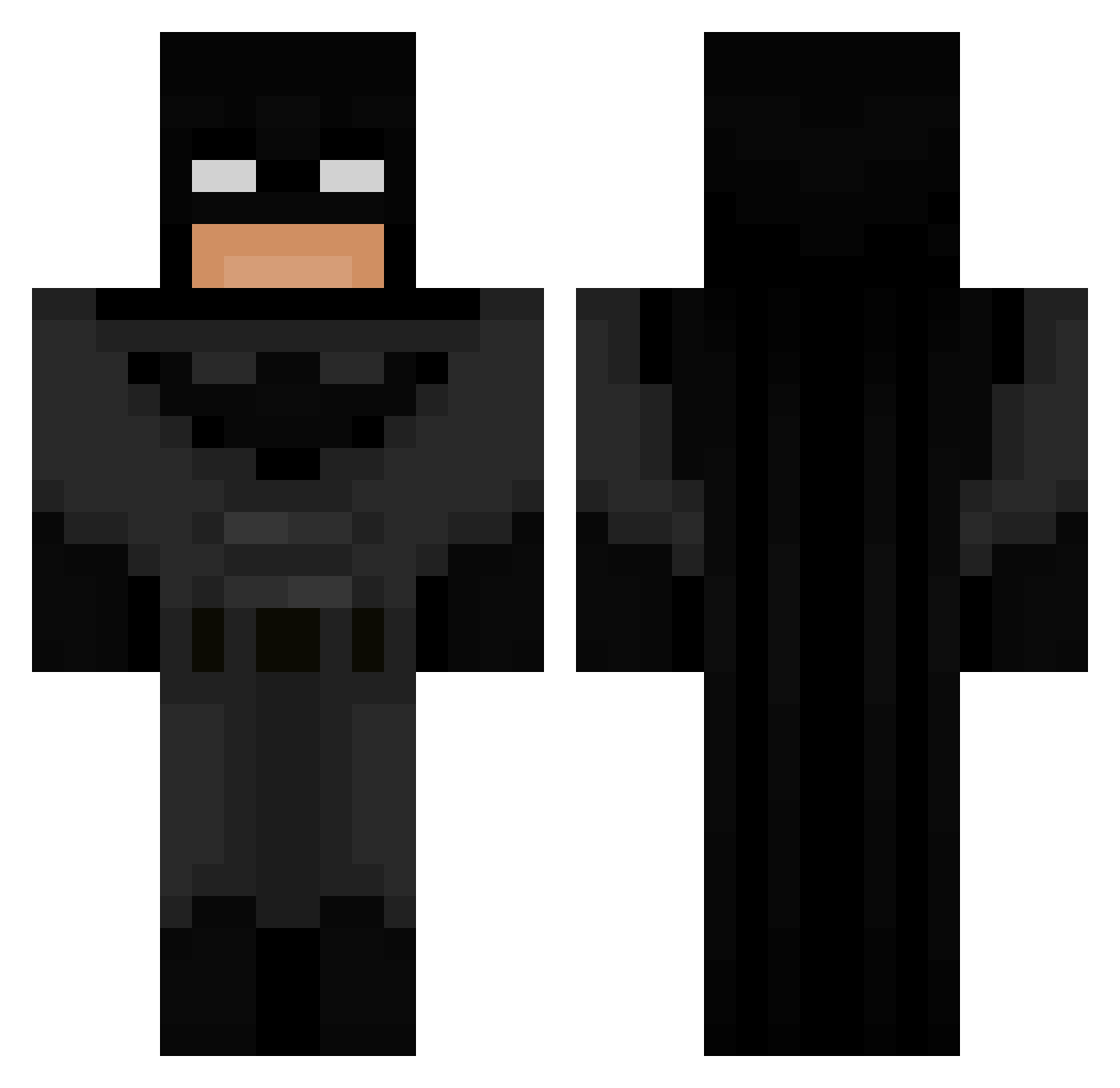
Current Minecraft skin of the player Notiel, loaded from the official Mojang API. Rotate the 3D model with your mouse or finger, then download the skin as a PNG file and use it in Minecraft: Bedrock Edition or Java Edition for free. When Notiel changes their skin, this page updates automatically and the old skin stays in the history below.
Other players with this skin (693)
Notiel was the 109th player we have seen with this skin, first spotted on 12.08.2026. The same skin was seen on these players. Open a nickname to see their current skin and skin history.
 parteiadler_ JuanElDaddy GaurdianMafia eyesso clu3e Doolf69 edenmunkey horseyyy22 ptit_franky KillerwildcatX Johhnny68 Patuquel Loglou_ aCloudy_ ZyroxMc Tottino11 GamerLuke624
 0m3ga_oe natedawg1_ RedFredd BATM4AN gmoon_ Warjacik2215 KyManTis
 StaticChecked Waynae xnavvi 1WeirdDev ELZERO90 hanj1sung111 ezraviti JosephineCatt iffGhost Strubbie ukv2 ELIAS167 Slyridge SirDestroyalot Thesj007 Bobbitto420 jjonesyjr Gutworm Banditcor inkiy Jayycob1
 Tymon130 Shlorge fi_i Batman_70 Evo2Turbo Batman_30 bigbundaman123 Itz_Clash Aconin 4nmo1ie_19 BigPPogger1 lemonh1 KOLAOLL1 infra_vert Baunilhx
More Batman Minecraft skins
How to install the Notiel skin
- Press the Download button above to save the skin as a PNG file.
- Minecraft: Bedrock Edition (PE): open the Dressing Room from the main menu (or tap your character → Edit Character), go to Classic Skins → Owned, press the + (new skin) button, choose the downloaded PNG and pick the Classic (Steve) model. Works on PC and mobile; consoles cannot import custom skins.
- Minecraft: Java Edition: open the Minecraft Launcher, go to the Skins tab, click New Skin, load the PNG, pick the Classic (Steve) model and press Save & Use. You can also upload it at minecraft.net → Profile → Change Skin.
The skin does not show up after import - what should I do?
Restart Minecraft and open the Dressing Room again - imported skins sometimes appear only after a restart. Also make sure you selected the imported skin and picked the Classic (Steve) model.
Which model should I choose, Classic or Slim?
This skin is designed for the Classic (Steve) model. If you pick the wrong model, the arms of the skin will look stretched or squeezed.
Is the skin of Notiel free to download?
Yes. Press Download, save the PNG file and use it in Minecraft: Bedrock Edition or Java Edition - no payment or registration needed. The skin also works on multiplayer servers and Realms.
More skins
Looking for more? Go back to all Minecraft skins and check the top skins of the week, month and all time, or find any player's skin by nickname.