
Noktwar - Minecraft Skins & Skin History
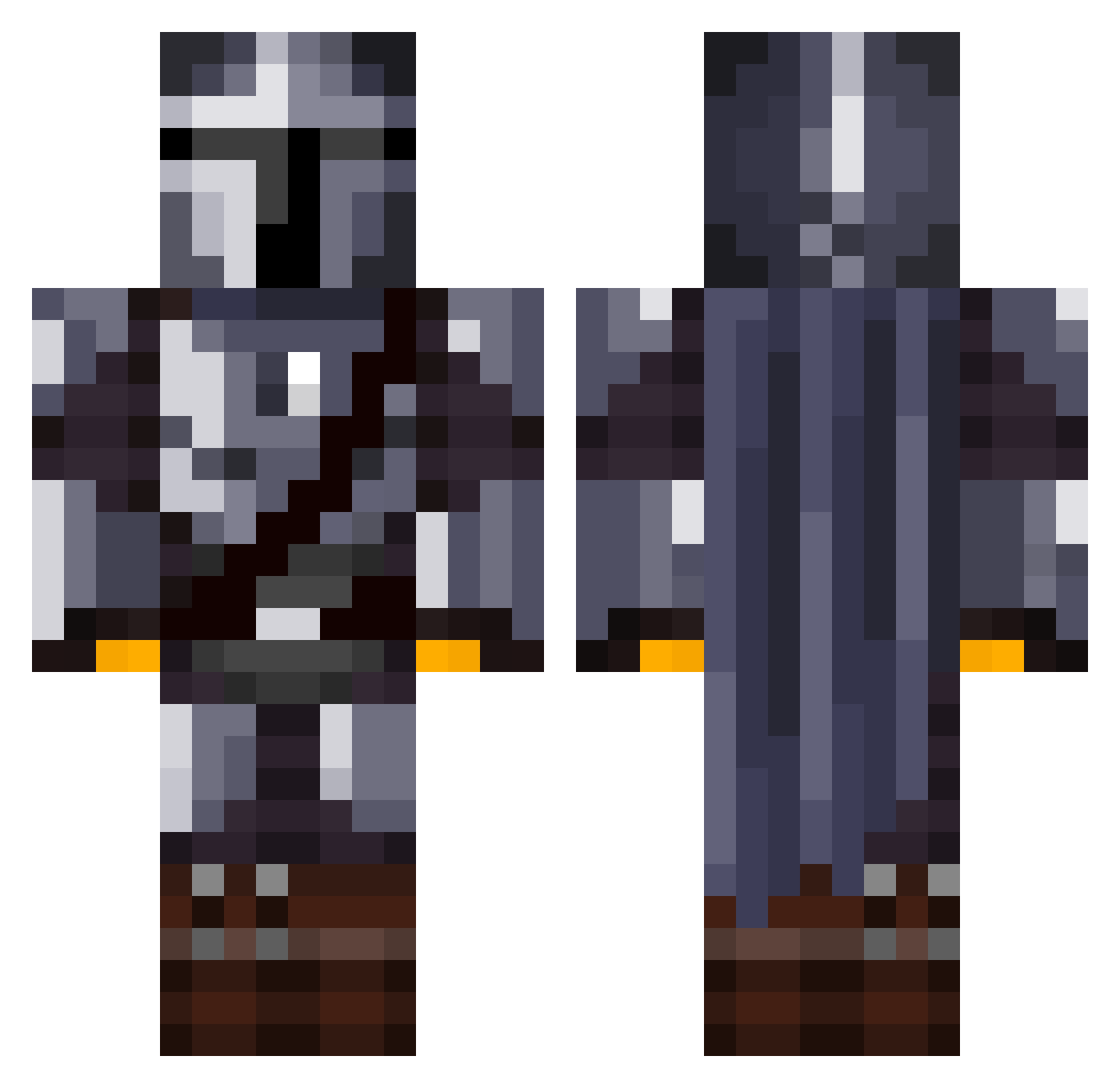
Current Minecraft skin of the player Noktwar, loaded from the official Mojang API. Rotate the 3D model with your mouse or finger, then download the skin as a PNG file and use it in Minecraft: Bedrock Edition or Java Edition for free. When Noktwar changes their skin, this page updates automatically and the old skin stays in the history below.
Other players with this skin (1081)
Noktwar was the 100th player we have seen with this skin, first spotted on 02.08.2026. The same skin was seen on these players. Open a nickname to see their current skin and skin history.
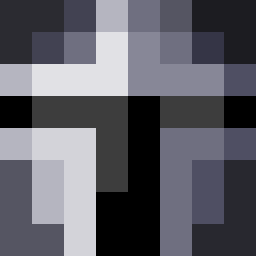 Menhus SadBoiiRico Tarlek JRussel Atanvarno_Jack Warrok00 Fives1400 Arb21 omeraltinay YungShlerbo XxKartoNxX Iltyspopo BurlyBjorn LightThePro SaltySaltySalty Tituss66 Apothnisko d3bug64 xGABSTERx Domiclease FireAspectIII Navimiik Jdot21001 OnSplashAlert
 Dr_Tueton Yvyan TofuKek _Fartle_ joshey0_0 bruciebrucev2 lidemonkiller FilthyCasual21 ALEX_02XD Kalash7012 kwal_06 pathomak Big_Red_House _Ogin_ Jxhnne ZanySim Sean98g Trustav sasuke1031 sqizzy Kahbeleth Gallon0 AkaniLive FryGry SkinnyBoi9 gigandovic DanialD4 MaPoCraft jobuddyman Enmiyu N2verland Ompiks DarthPagett114 ARTAX_1012 HappyCello88253 CallumMac
More The Mandalorian Minecraft skins
See all 527 The Mandalorian skins
How to install the Noktwar skin
- Press the Download button above to save the skin as a PNG file.
- Minecraft: Bedrock Edition (PE): open the Dressing Room from the main menu (or tap your character → Edit Character), go to Classic Skins → Owned, press the + (new skin) button, choose the downloaded PNG and pick the Classic (Steve) model. Works on PC and mobile; consoles cannot import custom skins.
- Minecraft: Java Edition: open the Minecraft Launcher, go to the Skins tab, click New Skin, load the PNG, pick the Classic (Steve) model and press Save & Use. You can also upload it at minecraft.net → Profile → Change Skin.
The skin does not show up after import - what should I do?
Restart Minecraft and open the Dressing Room again - imported skins sometimes appear only after a restart. Also make sure you selected the imported skin and picked the Classic (Steve) model.
Which model should I choose, Classic or Slim?
This skin is designed for the Classic (Steve) model. If you pick the wrong model, the arms of the skin will look stretched or squeezed.
Is the skin of Noktwar free to download?
Yes. Press Download, save the PNG file and use it in Minecraft: Bedrock Edition or Java Edition - no payment or registration needed. The skin also works on multiplayer servers and Realms.
More skins
Looking for more? Go back to all Minecraft skins and check the top skins of the week, month and all time, or find any player's skin by nickname.