
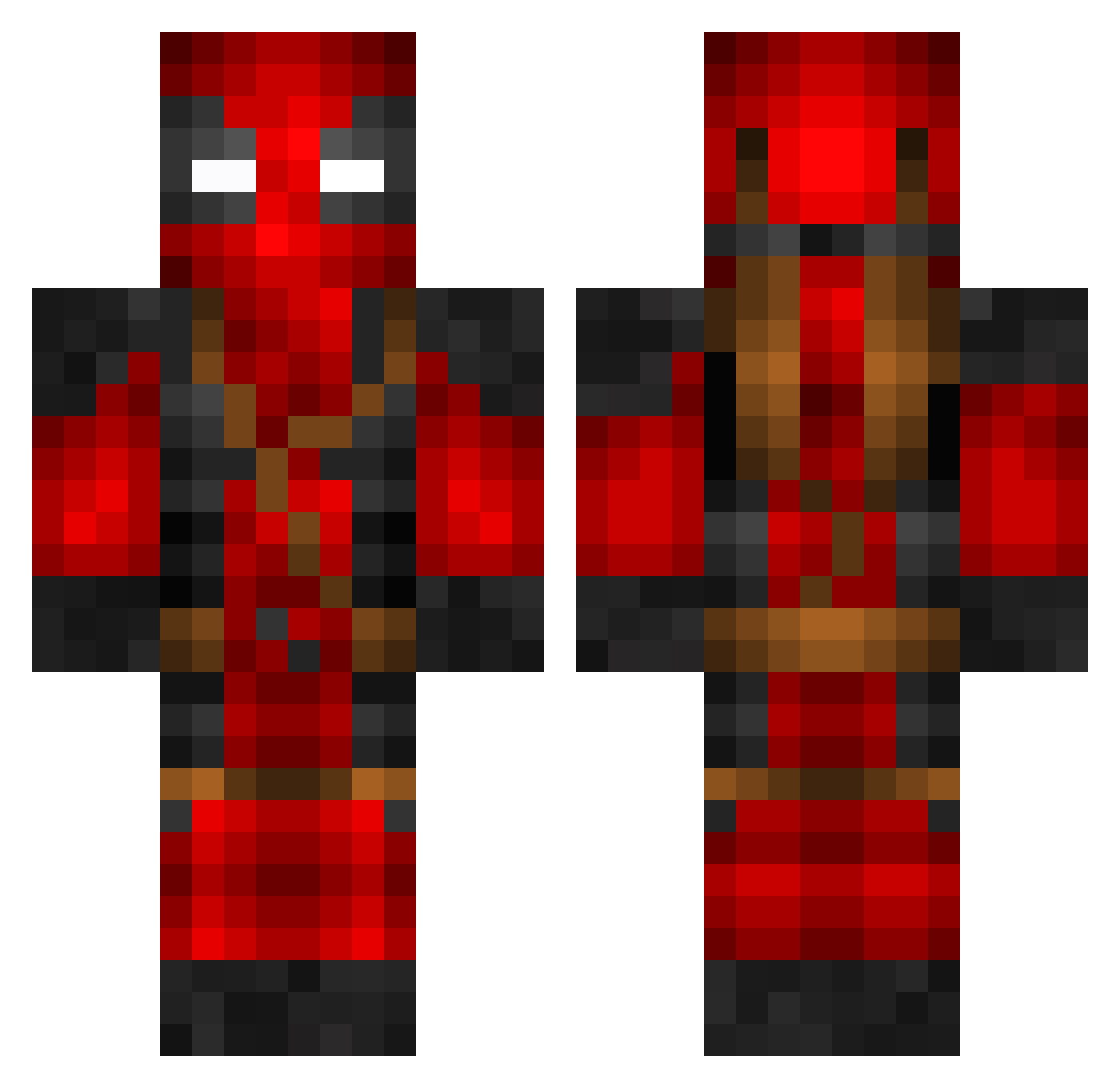
Current Minecraft skin of the player Nitexowl, loaded from the official Mojang API. Rotate the 3D model with your mouse or finger, then download the skin as a PNG file and use it in Minecraft: Bedrock Edition or Java Edition for free. When Nitexowl changes their skin, this page updates automatically and the old skin stays in the history below.
Other players with this skin (615)
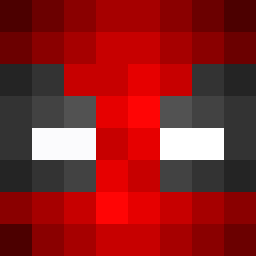
Nitexowl was the 432nd player we have seen with this skin, first spotted on 25.09.2026. The same skin was seen on these players. Open a nickname to see their current skin and skin history.
 ArkowLeBo frieskast_Be Rhino234 djMagellan Yamannari Shadowhawx EdgyNoise alertmonkey Paiga002 bran7575 Noltran thegoat112 CristiCnX BibleMan MallieZA Intof Enis81 Vodo_1 xXGlitchIoXx Engin1711 nicolas17 SaveWaterBro414 BaadPool Maj3kk Decay_Blitz Boosted_explorer Can_Niskey Darkrose1102 Yeldah_8 BrownBoy18 ZeCheekClapper Pooterpuns CrazyAztec ARCHIMED_27 Zenim74 Arepo69 Asharot77 WorkSzn Command_techno CaptainUmbrae FoolsofLegend GFlo08 MartinMakRIPE WindwardThyme12 IAPickett KYR_BRAD Dasu100 mpouklas Crackilercoder1 AdamDoomer TweOne JainaProudmore Sumimon Vortex_Chroma BrownJesus165 Kriszna_ Lil_Stimp Urin34aBadTime PeteToGo ISOMAX12
More Deadpool Minecraft skins
How to install the Nitexowl skin
- Press the Download button above to save the skin as a PNG file.
- Minecraft: Bedrock Edition (PE): open the Dressing Room from the main menu (or tap your character → Edit Character), go to Classic Skins → Owned, press the + (new skin) button, choose the downloaded PNG and pick the Classic (Steve) model. Works on PC and mobile; consoles cannot import custom skins.
- Minecraft: Java Edition: open the Minecraft Launcher, go to the Skins tab, click New Skin, load the PNG, pick the Classic (Steve) model and press Save & Use. You can also upload it at minecraft.net → Profile → Change Skin.
The skin does not show up after import - what should I do?
Restart Minecraft and open the Dressing Room again - imported skins sometimes appear only after a restart. Also make sure you selected the imported skin and picked the Classic (Steve) model.
Which model should I choose, Classic or Slim?
This skin is designed for the Classic (Steve) model. If you pick the wrong model, the arms of the skin will look stretched or squeezed.
Is the skin of Nitexowl free to download?
Yes. Press Download, save the PNG file and use it in Minecraft: Bedrock Edition or Java Edition - no payment or registration needed. The skin also works on multiplayer servers and Realms.
More skins
Looking for more? Go back to all Minecraft skins and check the top skins of the week, month and all time, or find any player's skin by nickname.