
Nilozz - Minecraft Skins & Skin History
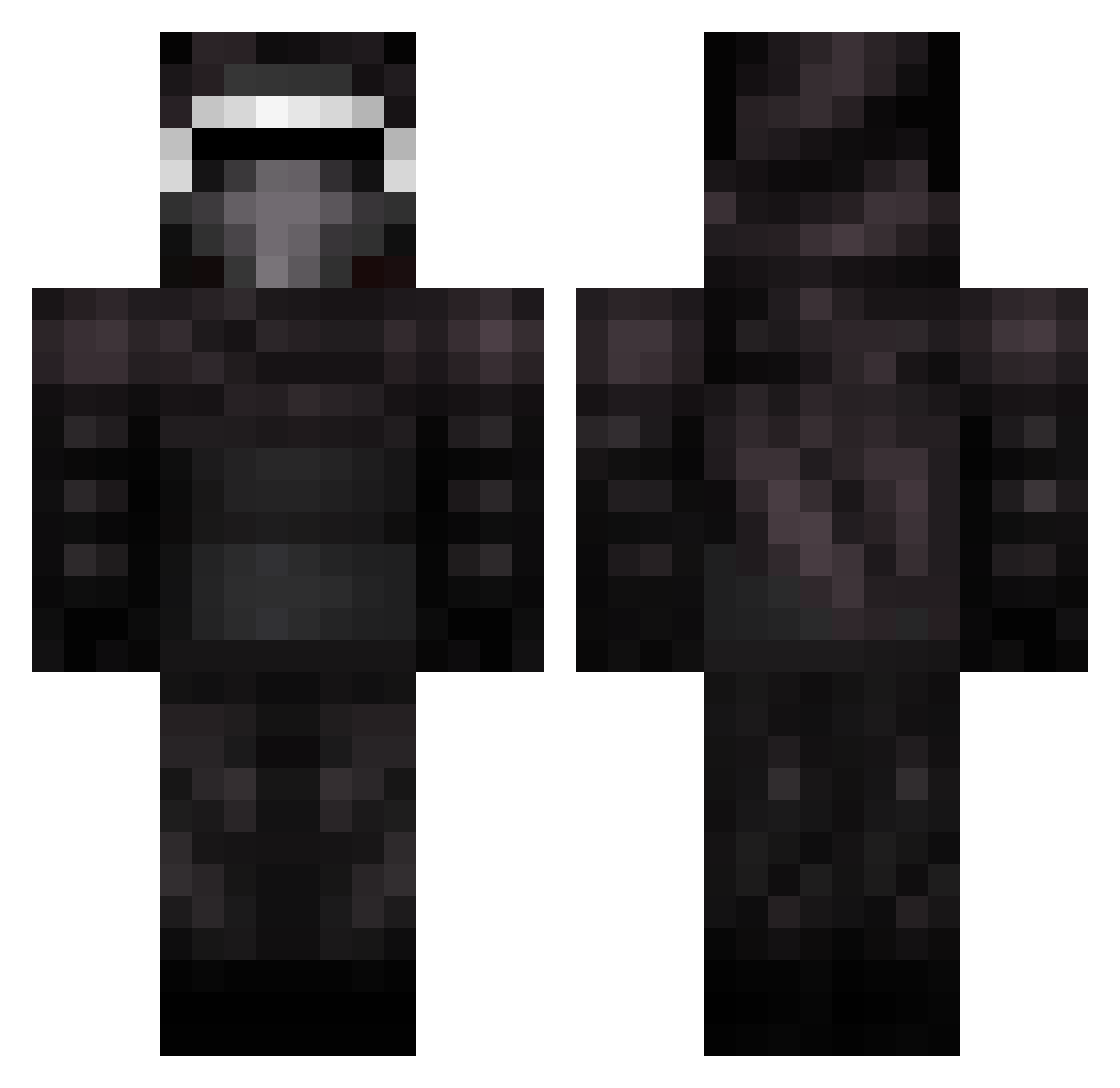
Current Minecraft skin of the player Nilozz, loaded from the official Mojang API. Rotate the 3D model with your mouse or finger, then download the skin as a PNG file and use it in Minecraft: Bedrock Edition or Java Edition for free. When Nilozz changes their skin, this page updates automatically and the old skin stays in the history below.
Other players with this skin (399)
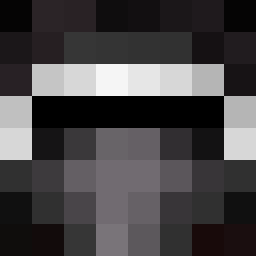
Nilozz was the 266th player we have seen with this skin, first spotted on 09.10.2026. The same skin was seen on these players. Open a nickname to see their current skin and skin history.
 FifthCabbage Bladezremix RockstarCami cocheeser mutated_pug AF123 ItsnotTristin oBEVILLEo Clyxe1902 camaro141 kabel1269 nickdude23 maximelepetit Vohnkar86 TheJuicyMan420 jswetnam Mob_Harvester zorro_jorn bahri44 caminator0406 Ryan1301530 Skyliner16 CoolKille90 5mil3 SwifterCharly lnodnarb Cipher Amasiacan 9skL2 KrispyKripple Fred8298 DarkTempl4r duffmanHD Isradox EtherXentrix Danlzdad22 sagranade FiftyAte Badoshi Spelf Killer_of_blocks TEAMULIMATE Nball22 iEggSavior cedu_95 desiboi77 tubbin99 __ro__ TheDocter007 Fredreded kLean_dON nasalaunchcode mrtommybish SunSet_Spark nairod2002 CristianxX oDemons darkmineflame Janfighter JoepDH071
More Kylo Ren Minecraft skins
How to install the Nilozz skin
- Press the Download button above to save the skin as a PNG file.
- Minecraft: Bedrock Edition (PE): open the Dressing Room from the main menu (or tap your character → Edit Character), go to Classic Skins → Owned, press the + (new skin) button, choose the downloaded PNG and pick the Classic (Steve) model. Works on PC and mobile; consoles cannot import custom skins.
- Minecraft: Java Edition: open the Minecraft Launcher, go to the Skins tab, click New Skin, load the PNG, pick the Classic (Steve) model and press Save & Use. You can also upload it at minecraft.net → Profile → Change Skin.
The skin does not show up after import - what should I do?
Restart Minecraft and open the Dressing Room again - imported skins sometimes appear only after a restart. Also make sure you selected the imported skin and picked the Classic (Steve) model.
Which model should I choose, Classic or Slim?
This skin is designed for the Classic (Steve) model. If you pick the wrong model, the arms of the skin will look stretched or squeezed.
Is the skin of Nilozz free to download?
Yes. Press Download, save the PNG file and use it in Minecraft: Bedrock Edition or Java Edition - no payment or registration needed. The skin also works on multiplayer servers and Realms.
More skins
Looking for more? Go back to all Minecraft skins and check the top skins of the week, month and all time, or find any player's skin by nickname.