
Nightec1 - Minecraft Skins & Skin History
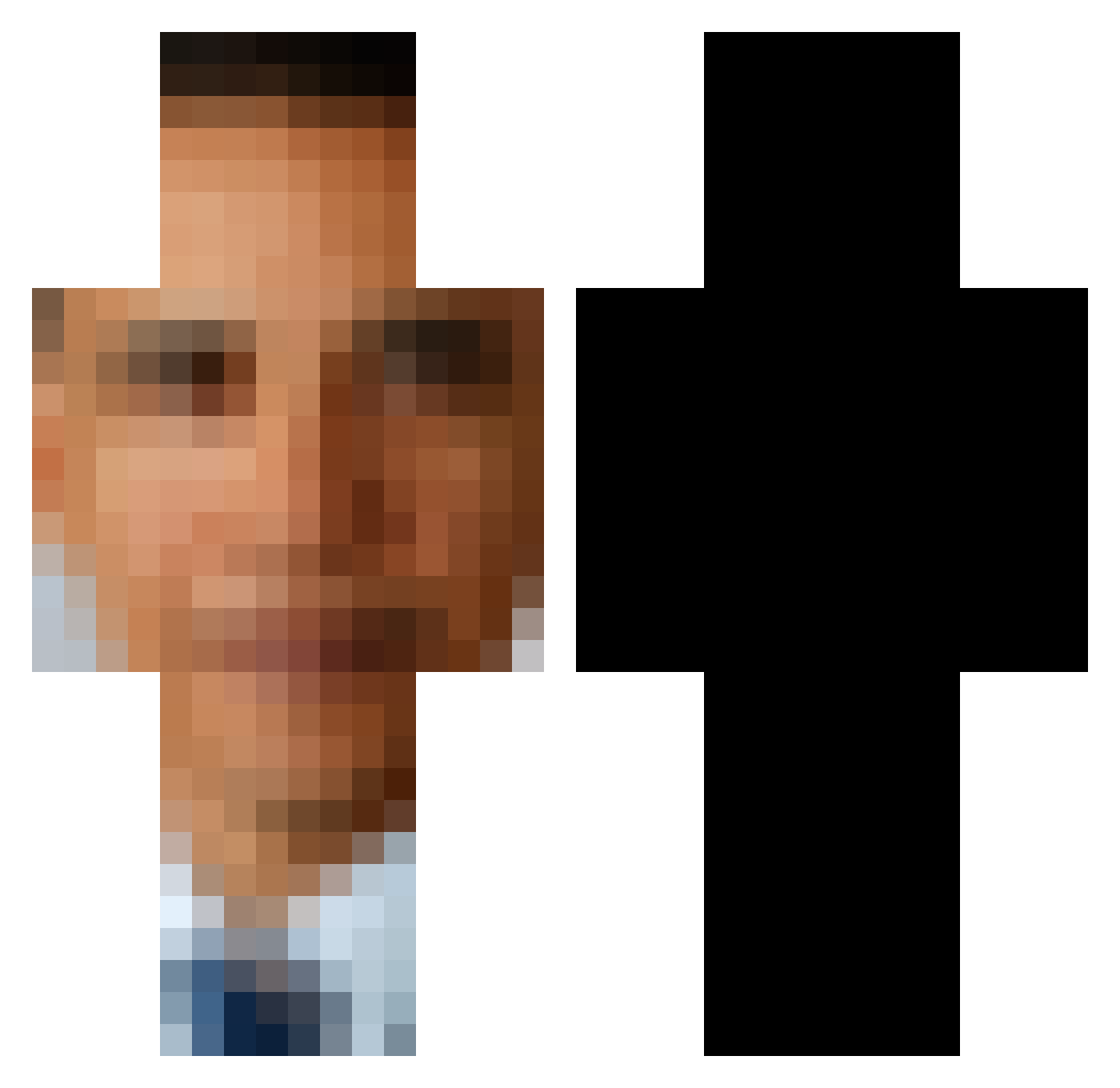
Current Minecraft skin of the player Nightec1, loaded from the official Mojang API. Rotate the 3D model with your mouse or finger, then download the skin as a PNG file and use it in Minecraft: Bedrock Edition or Java Edition for free. When Nightec1 changes their skin, this page updates automatically and the old skin stays in the history below.
Other players with this skin (593)
Nightec1 was the 251st player we have seen with this skin, first spotted on 04.09.2026. The same skin was seen on these players. Open a nickname to see their current skin and skin history.
 madcowkiller gregheffly E8AY DaddyDevito23 iiNokia MINER_OBSESSED NorthernLiving PoopSnooper CONFUSEDPLAYSYT huhWindy HALDUNi Jackthenetherman har4hu_778 Iwantbuck ryrya_n drcherrry sin_rank1 TheSmithers02 Vliegendsteentje JacksonRV AbridgedSatyr90 Chief_Kaweaf monostan SomeTacos DJ_Miha _Tomoka_ Yetibomber102 Ryantheb0t dylan179 Bowl_Smoker blacccc Hunterlp11 JustSalty123124 saltynoob imnew1235 MonarchReptar MonzieMoney SapphirePark159 IDKITSBECKHAM TheLumpiest1 Psizzle6 niko8812 Zigfoot1 subzeroSB L3goB3rt DOCTOR_PIMP MidnightArctic Eclipse_yy Crizty bl1tzarOW sosmix123 JJJoestar23 ChillyMays Ortegaxx69 ObamaBalsack NumNerms divlja Lurent824 Otavio2589 Penbec
More Barack Obama Minecraft skins
See all 258 Barack Obama skins
How to install the Nightec1 skin
- Press the Download button above to save the skin as a PNG file.
- Minecraft: Bedrock Edition (PE): open the Dressing Room from the main menu (or tap your character → Edit Character), go to Classic Skins → Owned, press the + (new skin) button, choose the downloaded PNG and pick the Classic (Steve) model. Works on PC and mobile; consoles cannot import custom skins.
- Minecraft: Java Edition: open the Minecraft Launcher, go to the Skins tab, click New Skin, load the PNG, pick the Classic (Steve) model and press Save & Use. You can also upload it at minecraft.net → Profile → Change Skin.
The skin does not show up after import - what should I do?
Restart Minecraft and open the Dressing Room again - imported skins sometimes appear only after a restart. Also make sure you selected the imported skin and picked the Classic (Steve) model.
Which model should I choose, Classic or Slim?
This skin is designed for the Classic (Steve) model. If you pick the wrong model, the arms of the skin will look stretched or squeezed.
Is the skin of Nightec1 free to download?
Yes. Press Download, save the PNG file and use it in Minecraft: Bedrock Edition or Java Edition - no payment or registration needed. The skin also works on multiplayer servers and Realms.
More skins
Looking for more? Go back to all Minecraft skins and check the top skins of the week, month and all time, or find any player's skin by nickname.