
Netinks - Minecraft Skins & Skin History
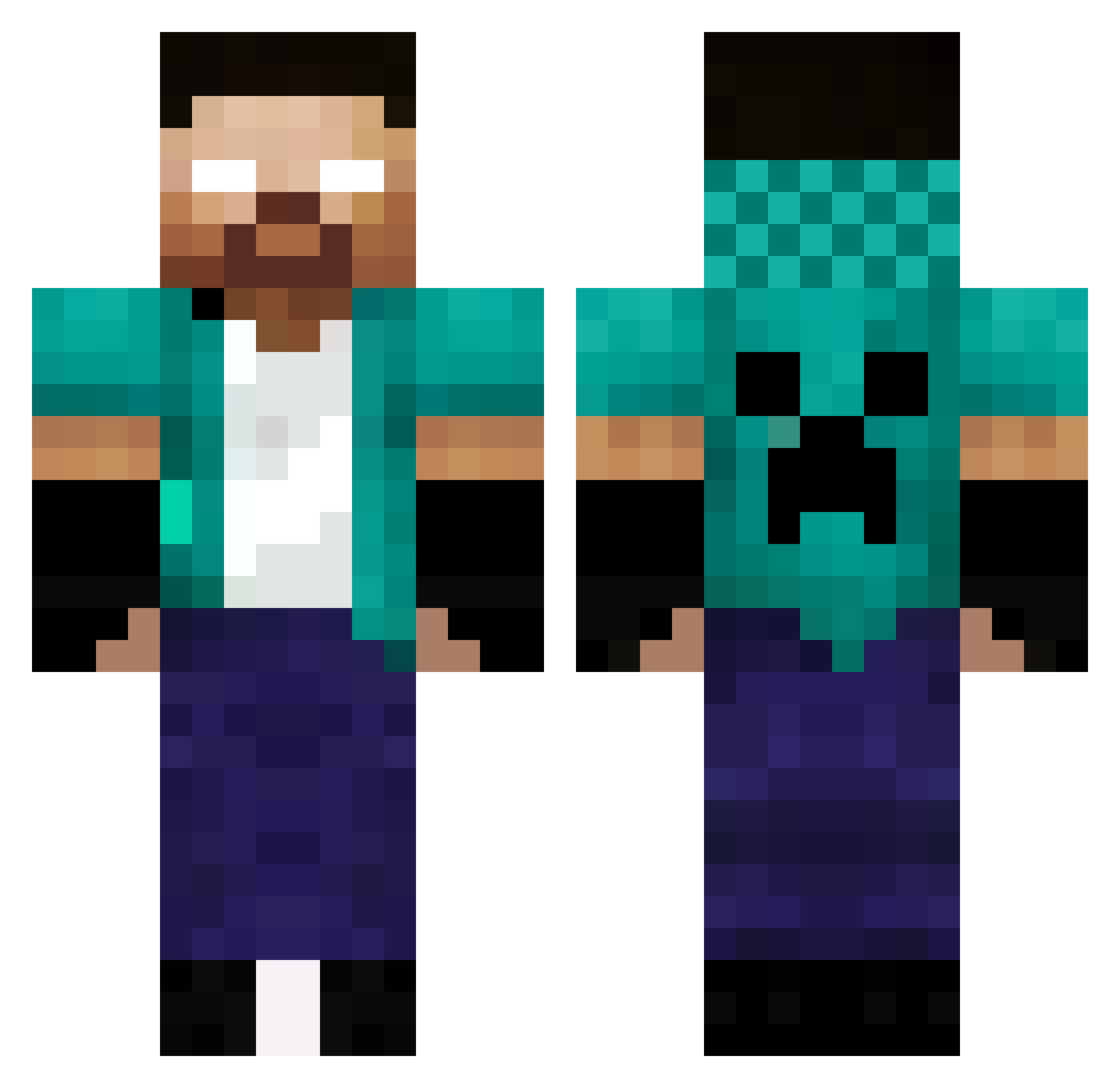
Current Minecraft skin of the player Netinks, loaded from the official Mojang API. Rotate the 3D model with your mouse or finger, then download the skin as a PNG file and use it in Minecraft: Bedrock Edition or Java Edition for free. When Netinks changes their skin, this page updates automatically and the old skin stays in the history below.
Other players with this skin (336)
Netinks was the 237th player we have seen with this skin, first spotted on 29.09.2026. The same skin was seen on these players. Open a nickname to see their current skin and skin history.
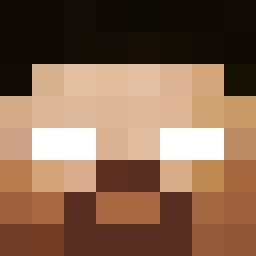 wj1342 PAUL_2014_KUHN STAKISTAN ElTrumpery ssena1101 krzychoxx weatherkitten01 d14m0nd64 muhammedali30053 L4C_Fantome Adventuror Francisco333 frozenbanana___ Diamant9709 OtavioMCQ AcookieMonster34 Rikoriko_01 ctivikk moosubb Miggmigg bdezawa Over_X_25 d4nhappy Ashyboyz7 Matyi1979 8r9an _Biel999 DANICM04 Dany2003 sinnosuke724 Maelig9581 Arwetuzt LEODZ7777 paiqi1 sltan305 ErsaGun elmer2003 Edilele walmrynetto PoutineTheBest Alem4SS Glukt2five alexsoto23 Davi6581 Lavaboy999 BlackHaunter27 JuandeMan7640 Mileusx nirvanaflameX Legasquidort Minecrafter1491 palermo14 TulhaoFV ZeusNots ModernViking91 Andre_QC PicDre Pedro_Cr07 Tugmzz Phebroka
More Herobrine Minecraft skins
How to install the Netinks skin
- Press the Download button above to save the skin as a PNG file.
- Minecraft: Bedrock Edition (PE): open the Dressing Room from the main menu (or tap your character → Edit Character), go to Classic Skins → Owned, press the + (new skin) button, choose the downloaded PNG and pick the Classic (Steve) model. Works on PC and mobile; consoles cannot import custom skins.
- Minecraft: Java Edition: open the Minecraft Launcher, go to the Skins tab, click New Skin, load the PNG, pick the Classic (Steve) model and press Save & Use. You can also upload it at minecraft.net → Profile → Change Skin.
The skin does not show up after import - what should I do?
Restart Minecraft and open the Dressing Room again - imported skins sometimes appear only after a restart. Also make sure you selected the imported skin and picked the Classic (Steve) model.
Which model should I choose, Classic or Slim?
This skin is designed for the Classic (Steve) model. If you pick the wrong model, the arms of the skin will look stretched or squeezed.
Is the skin of Netinks free to download?
Yes. Press Download, save the PNG file and use it in Minecraft: Bedrock Edition or Java Edition - no payment or registration needed. The skin also works on multiplayer servers and Realms.
More skins
Looking for more? Go back to all Minecraft skins and check the top skins of the week, month and all time, or find any player's skin by nickname.