
NaaNaaMii - Minecraft Skins & Skin History
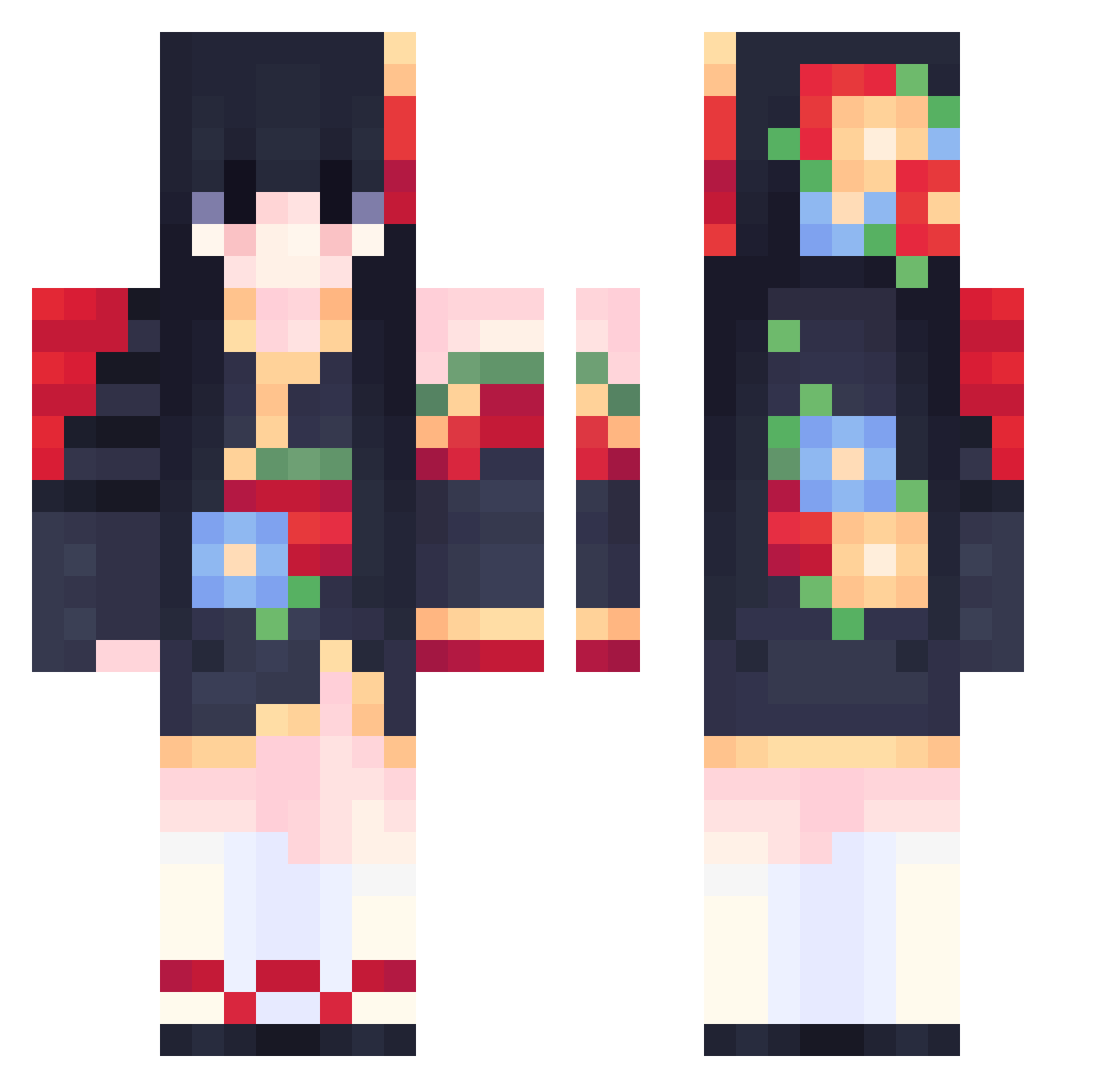
Current Minecraft skin of the player NaaNaaMii, loaded from the official Mojang API. Rotate the 3D model with your mouse or finger, then download the skin as a PNG file and use it in Minecraft: Bedrock Edition or Java Edition for free. When NaaNaaMii changes their skin, this page updates automatically and the old skin stays in the history below.
Other players with this skin (556)
NaaNaaMii was the 36th player we have seen with this skin, first spotted on 30.07.2026. The same skin was seen on these players. Open a nickname to see their current skin and skin history.
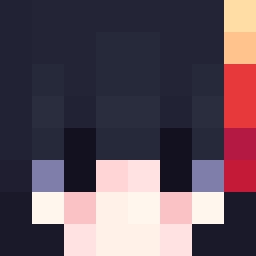 DedLyne Ptahro eThot Asirya owieee777 Solsol_03 TailsFK rujxie Zenithee Ascherix xianyu152
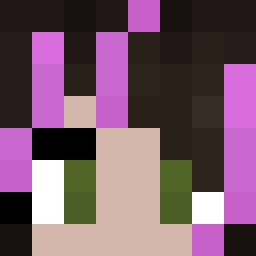 Loveanimeeevee xinqing2023 SuRary Wired nahayama0 Seele3 xVosje zimo6666 CrystalAce_ himey132 iDiurne BaddieGurl356 Kadentsu Teilzeitginger24 SUMMERANA vaaleentinaa shezanutiy LNSINA RiGuo YayoiKishin ICElandfabric lingmuer Yean1009 kei_dysis hello2word LeKaSiK Mikasaaaa00000 MakuShikoto Tsukimura7
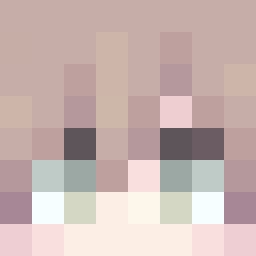 mingyin233333333 lianeeeeee unsuspectedJazz Aine247 HTthefirst G1raldo0o ricole233 DzzzL _Sc4ry_ akig9v9 ALACANATHA YogSothoth88 black_wang edgelord226 wozhenda youukann chyyy1111111 HEARTS4EVAN urukasuka achstar
More Floral Minecraft skins
How to install the NaaNaaMii skin
- Press the Download button above to save the skin as a PNG file.
- Minecraft: Bedrock Edition (PE): open the Dressing Room from the main menu (or tap your character → Edit Character), go to Classic Skins → Owned, press the + (new skin) button, choose the downloaded PNG and pick the Classic (Steve) model. Works on PC and mobile; consoles cannot import custom skins.
- Minecraft: Java Edition: open the Minecraft Launcher, go to the Skins tab, click New Skin, load the PNG, pick the Classic (Steve) model and press Save & Use. You can also upload it at minecraft.net → Profile → Change Skin.
The skin does not show up after import - what should I do?
Restart Minecraft and open the Dressing Room again - imported skins sometimes appear only after a restart. Also make sure you selected the imported skin and picked the Classic (Steve) model.
Which model should I choose, Classic or Slim?
This skin is designed for the Classic (Steve) model. If you pick the wrong model, the arms of the skin will look stretched or squeezed.
Is the skin of NaaNaaMii free to download?
Yes. Press Download, save the PNG file and use it in Minecraft: Bedrock Edition or Java Edition - no payment or registration needed. The skin also works on multiplayer servers and Realms.
More skins
Looking for more? Go back to all Minecraft skins and check the top skins of the week, month and all time, or find any player's skin by nickname.