
NERI - Minecraft Skins & Skin History
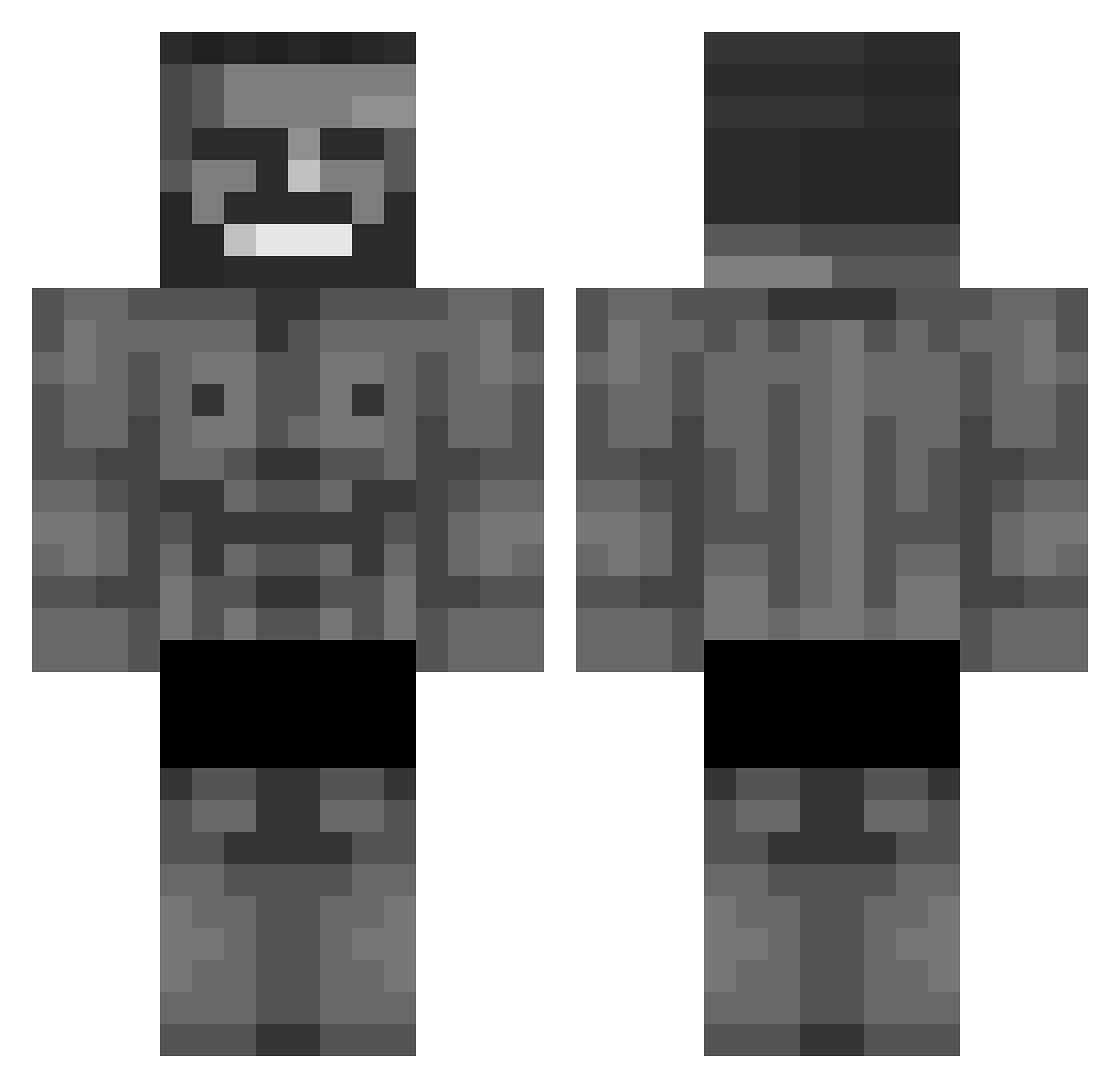
Current Minecraft skin of the player NERI, loaded from the official Mojang API. Rotate the 3D model with your mouse or finger, then download the skin as a PNG file and use it in Minecraft: Bedrock Edition or Java Edition for free. When NERI changes their skin, this page updates automatically and the old skin stays in the history below.
Other players with this skin (713)
NERI was the 228th player we have seen with this skin, first spotted on 02.09.2026. The same skin was seen on these players. Open a nickname to see their current skin and skin history.
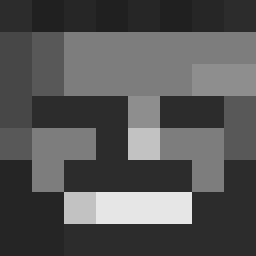 ponz1o Saturnkeks Ardgek TeatSuckler Makjangplay leo_odeiacolica SuperChargedX LLcom Koihiro PicNick1 K3bycz ItzEmber Wrippy Olen5670 Nattdog samu_xzxo ronibala1 marbulec menciuz Yns_010 Yashhzin Giagiul nyskki xSzymsonx Mizajuu Y0M_ama 1_piece
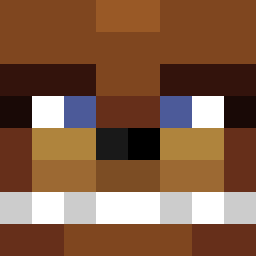 Exporteur JohnChinanumba1 ChadThunderSex Batikapi milosv GoodLuckCharlie diorgicu Eliasalfoso01606 KenobiOogway
 1Dumb1 FatCatParadise KidCrkn Invictvs Nickurasu GIGAHUI kingmonkie Zmizzz Woki_ rymyjeesus Skimaskk_ Shorter REZOLEK_ GANG2JW2 SoloGarns Farrell8487 Blockon spanky2shoes
 Fakx_craft rnaxida_ JuanPlayXD HandsomeEthan FalckenFFS
 fullsteamahd2
More Gigachad Minecraft skins
How to install the NERI skin
- Press the Download button above to save the skin as a PNG file.
- Minecraft: Bedrock Edition (PE): open the Dressing Room from the main menu (or tap your character → Edit Character), go to Classic Skins → Owned, press the + (new skin) button, choose the downloaded PNG and pick the Classic (Steve) model. Works on PC and mobile; consoles cannot import custom skins.
- Minecraft: Java Edition: open the Minecraft Launcher, go to the Skins tab, click New Skin, load the PNG, pick the Classic (Steve) model and press Save & Use. You can also upload it at minecraft.net → Profile → Change Skin.
The skin does not show up after import - what should I do?
Restart Minecraft and open the Dressing Room again - imported skins sometimes appear only after a restart. Also make sure you selected the imported skin and picked the Classic (Steve) model.
Which model should I choose, Classic or Slim?
This skin is designed for the Classic (Steve) model. If you pick the wrong model, the arms of the skin will look stretched or squeezed.
Is the skin of NERI free to download?
Yes. Press Download, save the PNG file and use it in Minecraft: Bedrock Edition or Java Edition - no payment or registration needed. The skin also works on multiplayer servers and Realms.
More skins
Looking for more? Go back to all Minecraft skins and check the top skins of the week, month and all time, or find any player's skin by nickname.