
N3GO10 - Minecraft Skins & Skin History
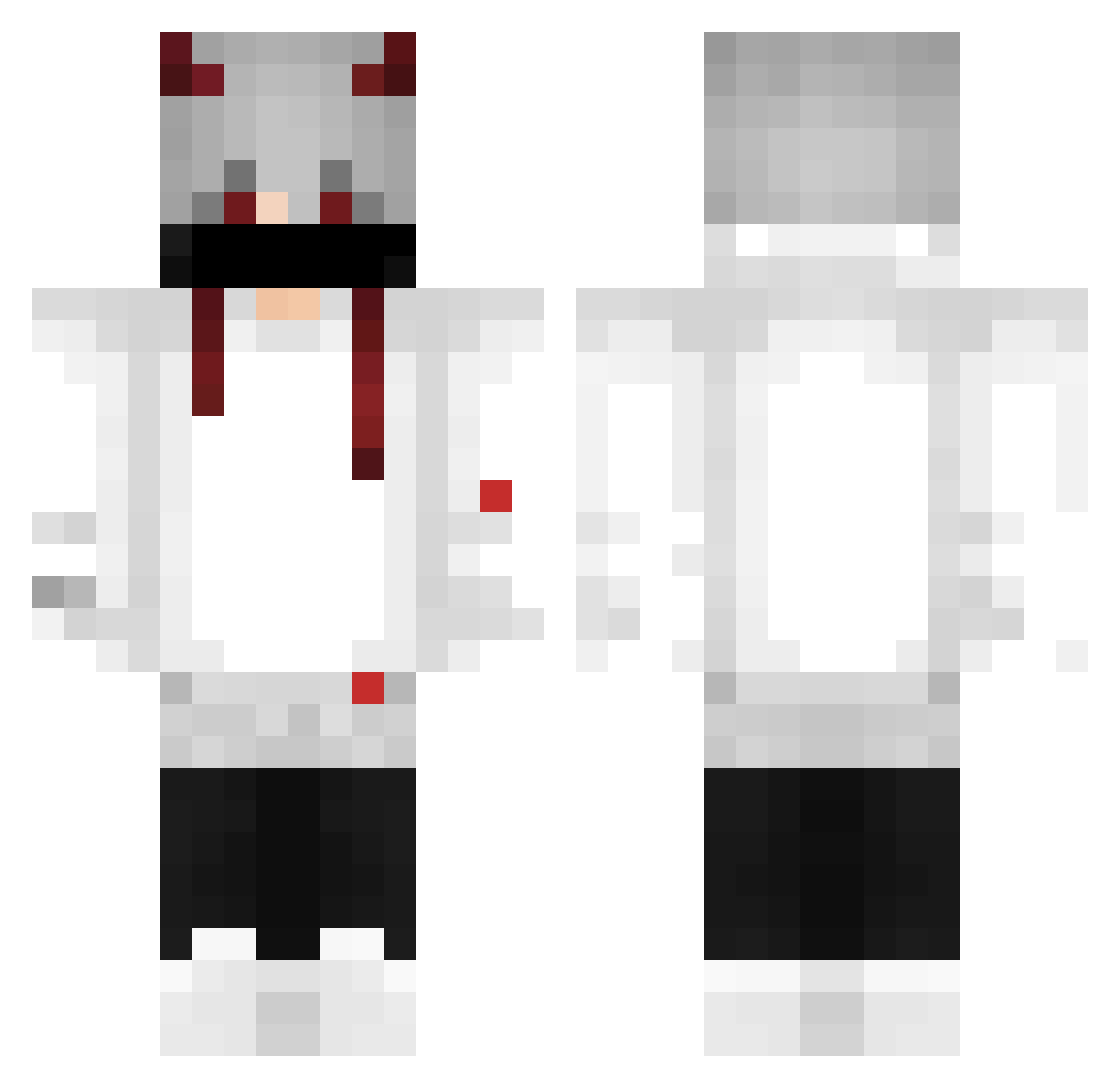
Current Minecraft skin of the player N3GO10, loaded from the official Mojang API. Rotate the 3D model with your mouse or finger, then download the skin as a PNG file and use it in Minecraft: Bedrock Edition or Java Edition for free. When N3GO10 changes their skin, this page updates automatically and the old skin stays in the history below.
Other players with this skin (378)
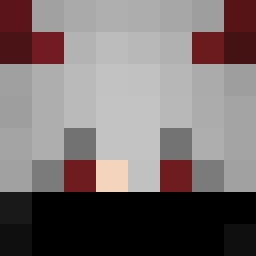
N3GO10 was the 69th player we have seen with this skin, first spotted on 11.08.2026. The same skin was seen on these players. Open a nickname to see their current skin and skin history.
 SLEIOR NrKlaW Yonubrothers trixter8 VierSonne rinite_23 AdrillVAL lSwampFawkesl mikaszweiter DawnAllnight Black741 nekrin R3N3G4DO karllosgm1 Dylanzim6 DragonEnvyus Ikarikuru mikamksGG SmulaZ_banana ItsDavi03 cpkajanka TheRoqueX Bartek951 XFalconnX Kaetzche Lui39827 _Yuno_Black_ z4rr4z BrotherPro Foice_Negra Domateuss imigrantetv husck1 C0ffin Oaty_slice77 silocasz XP_drex XxlBom_SillZalxX killer1234432 Hhnno _lu1s_g8stav0 hg_proprei DrManel_ SantosxD ClearRaffa Jacks1308 ltrdrt Akirakitera m4go27 Soniasio yalung noks007 didi_apenas CubeMiner21 Branca999 ValentinIX Potatofish JosephTX GUSTAVO2206 Joshua_331
More Demon Horns Minecraft skins
How to install the N3GO10 skin
- Press the Download button above to save the skin as a PNG file.
- Minecraft: Bedrock Edition (PE): open the Dressing Room from the main menu (or tap your character → Edit Character), go to Classic Skins → Owned, press the + (new skin) button, choose the downloaded PNG and pick the Classic (Steve) model. Works on PC and mobile; consoles cannot import custom skins.
- Minecraft: Java Edition: open the Minecraft Launcher, go to the Skins tab, click New Skin, load the PNG, pick the Classic (Steve) model and press Save & Use. You can also upload it at minecraft.net → Profile → Change Skin.
The skin does not show up after import - what should I do?
Restart Minecraft and open the Dressing Room again - imported skins sometimes appear only after a restart. Also make sure you selected the imported skin and picked the Classic (Steve) model.
Which model should I choose, Classic or Slim?
This skin is designed for the Classic (Steve) model. If you pick the wrong model, the arms of the skin will look stretched or squeezed.
Is the skin of N3GO10 free to download?
Yes. Press Download, save the PNG file and use it in Minecraft: Bedrock Edition or Java Edition - no payment or registration needed. The skin also works on multiplayer servers and Realms.
More skins
Looking for more? Go back to all Minecraft skins and check the top skins of the week, month and all time, or find any player's skin by nickname.