
MythicPuL1Ka - Minecraft Skins & Skin History
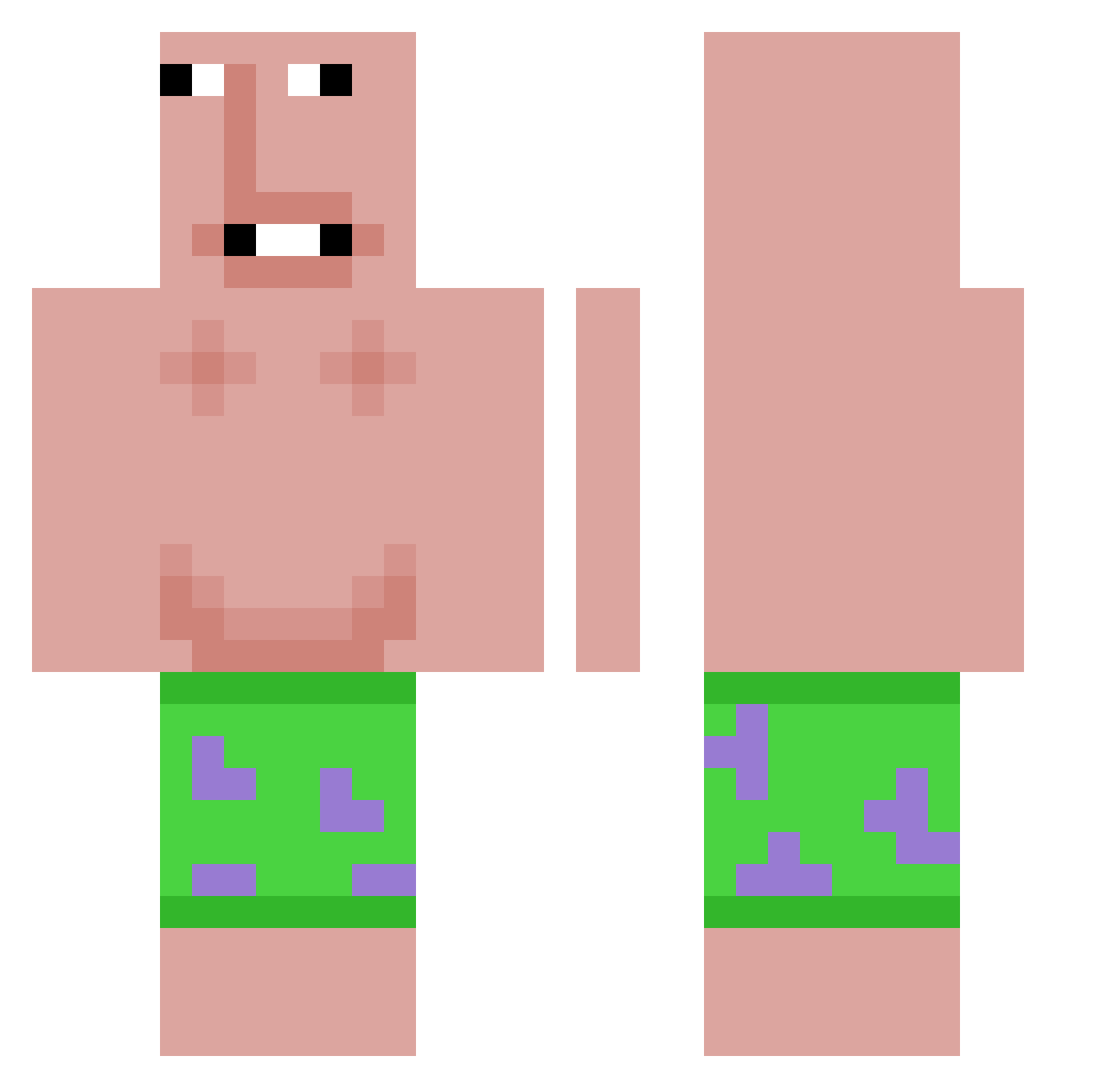
Current Minecraft skin of the player MythicPuL1Ka, loaded from the official Mojang API. Rotate the 3D model with your mouse or finger, then download the skin as a PNG file and use it in Minecraft: Bedrock Edition or Java Edition for free. When MythicPuL1Ka changes their skin, this page updates automatically and the old skin stays in the history below.
Other players with this skin (617)
MythicPuL1Ka was the 146th player we have seen with this skin, first spotted on 16.08.2026. The same skin was seen on these players. Open a nickname to see their current skin and skin history.
 Taeara13 duhnnyy Dirty_Da_nn Thenorth2748 sunsun1234 MoonJobJobSahur Grenzol Siganiga giaconx
 Draxzxvc _Luron FoxBerke1
 jelepe Frontover09
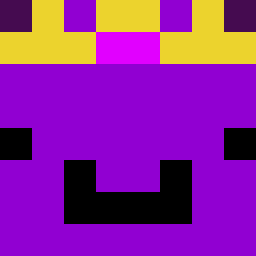 Emir_Poyraz ynas marcel0nFire Faisal_cj P0gPuppy Noogn LNLYE Lenny2900_2 rodeioduplo Mucki_Nite Zekeyeger whiteMamba1337 Lichi0412 KanikiGhoul XODR
 Aidenkoo Havier2027
 cricket1366 jglyj Slowzx__ idkandre_ Nitro_67 MamaTpaxep1 DiamondBeast185 Crabzar Oldieboldie swaxy132 xyflop
 12234266 kimskrr
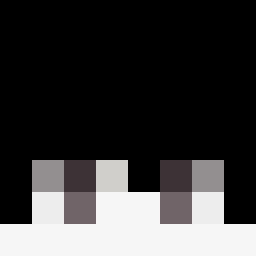 Mortal_human ryuuuuuuuga Stabix518
 Dximis oosx uAreDepressed x3freebee CringeGinge69 Columbia233 giotheglockk
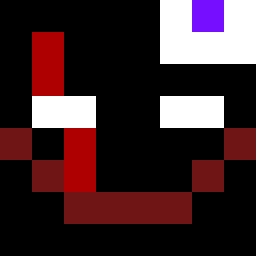 Tuuko_gaming scttpot thx66 D4rK97 Tuchnoli Zwool
More Patrick Star Minecraft skins
See all 646 Patrick Star skins
How to install the MythicPuL1Ka skin
- Press the Download button above to save the skin as a PNG file.
- Minecraft: Bedrock Edition (PE): open the Dressing Room from the main menu (or tap your character → Edit Character), go to Classic Skins → Owned, press the + (new skin) button, choose the downloaded PNG and pick the Classic (Steve) model. Works on PC and mobile; consoles cannot import custom skins.
- Minecraft: Java Edition: open the Minecraft Launcher, go to the Skins tab, click New Skin, load the PNG, pick the Classic (Steve) model and press Save & Use. You can also upload it at minecraft.net → Profile → Change Skin.
The skin does not show up after import - what should I do?
Restart Minecraft and open the Dressing Room again - imported skins sometimes appear only after a restart. Also make sure you selected the imported skin and picked the Classic (Steve) model.
Which model should I choose, Classic or Slim?
This skin is designed for the Classic (Steve) model. If you pick the wrong model, the arms of the skin will look stretched or squeezed.
Is the skin of MythicPuL1Ka free to download?
Yes. Press Download, save the PNG file and use it in Minecraft: Bedrock Edition or Java Edition - no payment or registration needed. The skin also works on multiplayer servers and Realms.
More skins
Looking for more? Go back to all Minecraft skins and check the top skins of the week, month and all time, or find any player's skin by nickname.