
Muzo - Minecraft Skins & Skin History
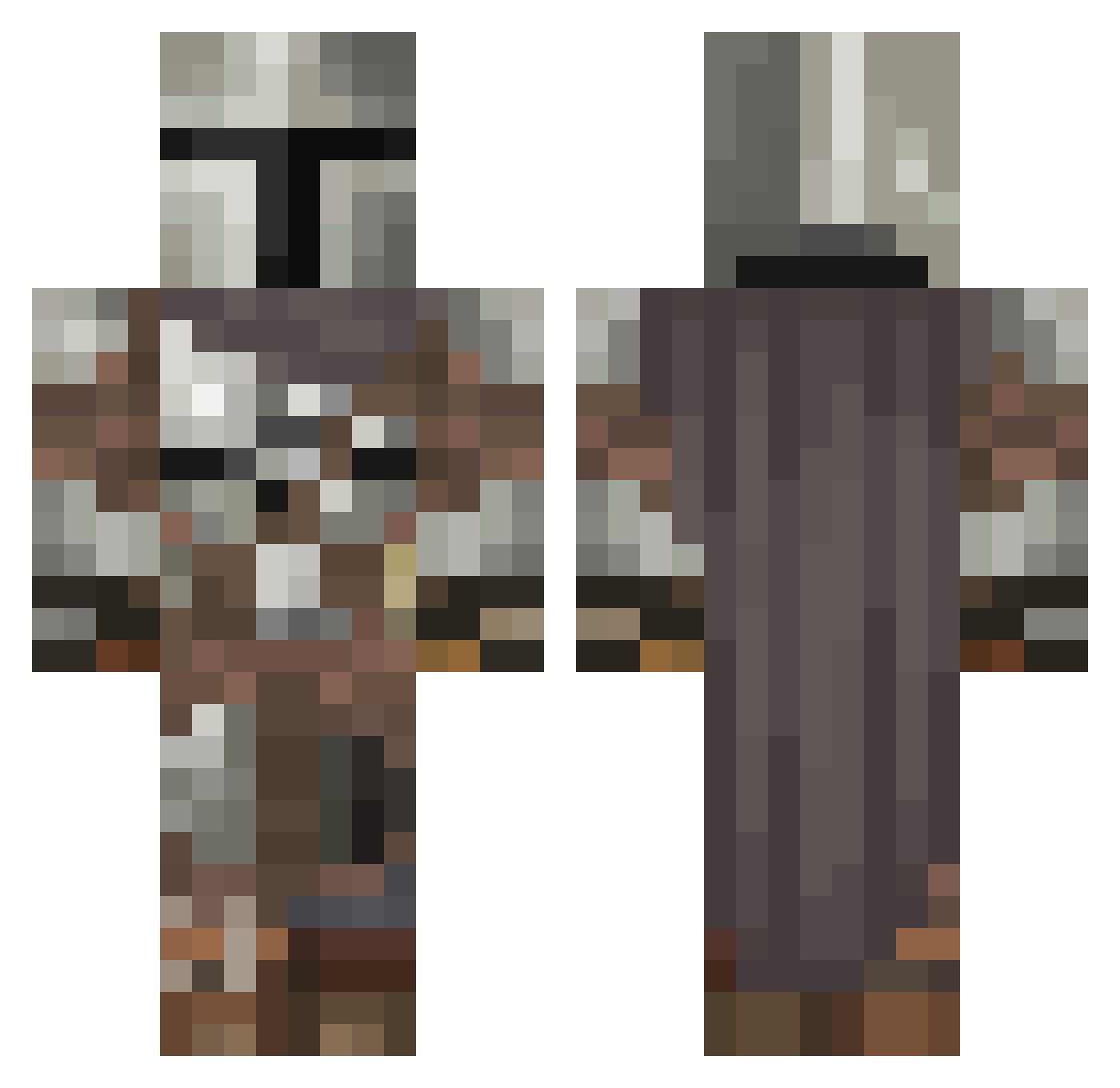
Current Minecraft skin of the player Muzo, loaded from the official Mojang API. Rotate the 3D model with your mouse or finger, then download the skin as a PNG file and use it in Minecraft: Bedrock Edition or Java Edition for free. When Muzo changes their skin, this page updates automatically and the old skin stays in the history below.
Other players with this skin (546)
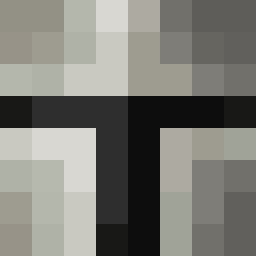
Muzo was the 464th player we have seen with this skin, first spotted on 20.10.2026. The same skin was seen on these players. Open a nickname to see their current skin and skin history.
 AceGabrlle_ Ya_Boi_Vj Deadpixel52 tubesoc Gembi88 N1troClutch MagicTurtles OttoMatically Visiteeur rhayes06 novastar74 LiamA2002 joewaddy12 galwithnopals Stoodis AARchii 069Restles Natte_Banaan_ SaintsWorth Bear_is_among_us ARock666 darkzsamurai Heisenberg3004 TimeForMariam ItzNotMau23 JackMeioff26 RedTezla ObamaCare72 PoloTheHuman CryptoReiuji BugMasterDude09 Juls0_0 halfclearlungs Zoarch darkun08 Ruffles0ne Genio03 Juiceboxlan HeroBrian259 JCBalloonBoy TheTwistedNut Brockuma simpstatus GhostNootsDotCom SpeedyLeo47 SweatpantsZach PinoyPapoy Unotur1 Drytro FifaRage2021 langley9911 not4speed Pepito_senpai HeFromNorway Kirbybooboo Fluffybritches Dipple1 Gumpnik Farmin2016 Mal2007
More The Mandalorian Minecraft skins
See all 591 The Mandalorian skins
How to install the Muzo skin
- Press the Download button above to save the skin as a PNG file.
- Minecraft: Bedrock Edition (PE): open the Dressing Room from the main menu (or tap your character → Edit Character), go to Classic Skins → Owned, press the + (new skin) button, choose the downloaded PNG and pick the Classic (Steve) model. Works on PC and mobile; consoles cannot import custom skins.
- Minecraft: Java Edition: open the Minecraft Launcher, go to the Skins tab, click New Skin, load the PNG, pick the Classic (Steve) model and press Save & Use. You can also upload it at minecraft.net → Profile → Change Skin.
The skin does not show up after import - what should I do?
Restart Minecraft and open the Dressing Room again - imported skins sometimes appear only after a restart. Also make sure you selected the imported skin and picked the Classic (Steve) model.
Which model should I choose, Classic or Slim?
This skin is designed for the Classic (Steve) model. If you pick the wrong model, the arms of the skin will look stretched or squeezed.
Is the skin of Muzo free to download?
Yes. Press Download, save the PNG file and use it in Minecraft: Bedrock Edition or Java Edition - no payment or registration needed. The skin also works on multiplayer servers and Realms.
More skins
Looking for more? Go back to all Minecraft skins and check the top skins of the week, month and all time, or find any player's skin by nickname.