
Musk1mumChr1s - Minecraft Skins & Skin History
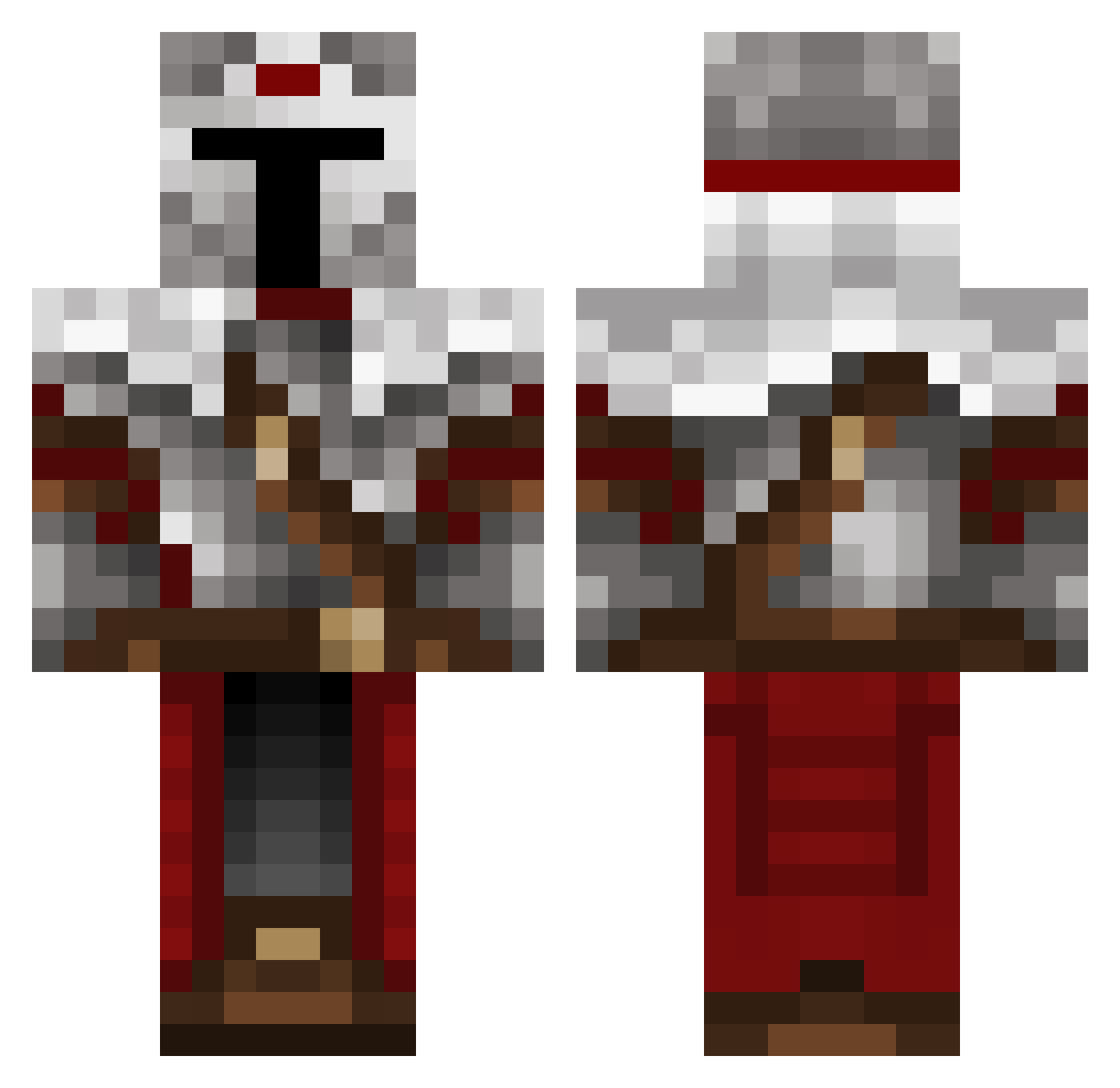
Current Minecraft skin of the player Musk1mumChr1s, loaded from the official Mojang API. Rotate the 3D model with your mouse or finger, then download the skin as a PNG file and use it in Minecraft: Bedrock Edition or Java Edition for free. When Musk1mumChr1s changes their skin, this page updates automatically and the old skin stays in the history below.
Other players with this skin (577)
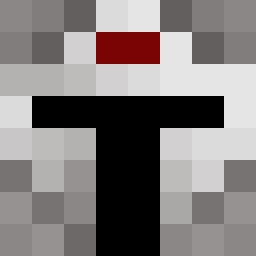
Musk1mumChr1s was the 508th player we have seen with this skin, first spotted on 04.11.2026. The same skin was seen on these players. Open a nickname to see their current skin and skin history.
 KnightofTheRound OtalDoMoreno FungeyMungey ParkerChuzz Trypaz_Raph_Wars EnderHu WolfFeuerfell SDutr4 Hancz Qlpqy W333dy Cantream OverLord1814 Nicothunder Vantanas sleig3 OrcaTastatur295 Enzo_Nafta496 PPRezki TTZ_SPY f_storm SleepingCorpses Uniquewewe SirDeji Templar_Noble SuleimaNN Alle_banan CORGZ_33 Rhyuda Crusader_Dan azmix_off Ziegenking FrederikTer Pendrake22 Coolkidalert89 DavieBones6 MadZombie64 FxschBim bucianw Skittex7412 3marxx TricksterRL ZM0R4 Thirty_0030 Anti6662 Slance BigDaddyG0blin Wilimix12 B_I_G__L Carneas Lubie_kartofle_ hasenhoppser Ninbuss Rikki270 x_Sir_Galahad_x p4boo kingpingxV2 RiftOverlord charlesmartel10 Samitopipo27
More Mandalorian Minecraft skins
How to install the Musk1mumChr1s skin
- Press the Download button above to save the skin as a PNG file.
- Minecraft: Bedrock Edition (PE): open the Dressing Room from the main menu (or tap your character → Edit Character), go to Classic Skins → Owned, press the + (new skin) button, choose the downloaded PNG and pick the Classic (Steve) model. Works on PC and mobile; consoles cannot import custom skins.
- Minecraft: Java Edition: open the Minecraft Launcher, go to the Skins tab, click New Skin, load the PNG, pick the Classic (Steve) model and press Save & Use. You can also upload it at minecraft.net → Profile → Change Skin.
The skin does not show up after import - what should I do?
Restart Minecraft and open the Dressing Room again - imported skins sometimes appear only after a restart. Also make sure you selected the imported skin and picked the Classic (Steve) model.
Which model should I choose, Classic or Slim?
This skin is designed for the Classic (Steve) model. If you pick the wrong model, the arms of the skin will look stretched or squeezed.
Is the skin of Musk1mumChr1s free to download?
Yes. Press Download, save the PNG file and use it in Minecraft: Bedrock Edition or Java Edition - no payment or registration needed. The skin also works on multiplayer servers and Realms.
More skins
Looking for more? Go back to all Minecraft skins and check the top skins of the week, month and all time, or find any player's skin by nickname.