
Mr_Monkelol - Minecraft Skins & Skin History
Current Minecraft skin of the player Mr_Monkelol, loaded from the official Mojang API. Rotate the 3D model with your mouse or finger, then download the skin as a PNG file and use it in Minecraft: Bedrock Edition or Java Edition for free. When Mr_Monkelol changes their skin, this page updates automatically and the old skin stays in the history below.
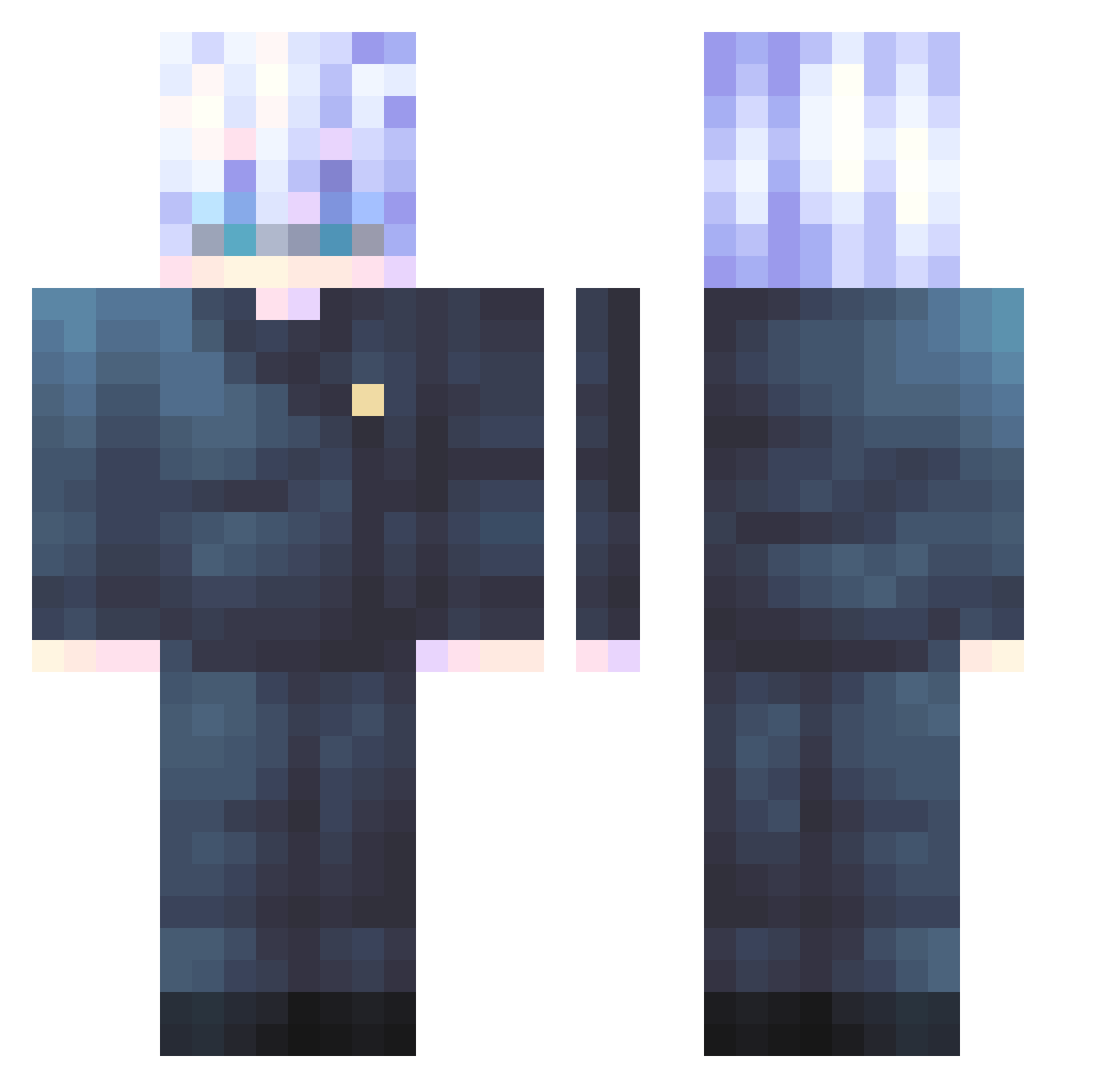
Other players with this skin (547)
Mr_Monkelol was the 196th player we have seen with this skin, first spotted on 03.09.2026. The same skin was seen on these players. Open a nickname to see their current skin and skin history.
 uygeateel x0_go10 kair09 JAJAYOYO boddty KimChahyun Fredybr blackwolfsking L0rdShiva Solrate H00BS_
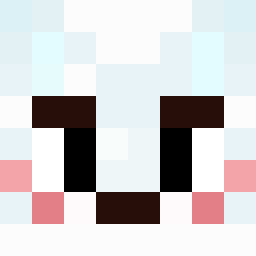 MONXAN yJesp Blind_Gojo Walonx ICollaristic xxAmosYeexx Vvvante MrTequiLaLa Scar_Adena Mental_Metal TheSharkMaster12 NIELSLORD 100__1 Boc13k Lalo_247 devon2trappy DNQ0616 fazedaxx Yugakawa SirCreuset ZhouHiro ohmantonio Vaqui Gabriel262002 KimULken21 enditem2 wetcheese6551 JuicyPE
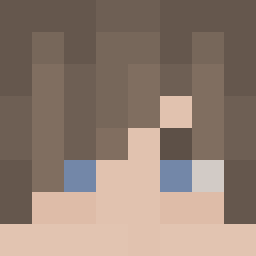 breadcraver Kittynap13 LinnTheHuman GOMATSU prettyhj1124 YeezusIsDead tshima967 TripleSmack PorteExuberantee Natsukashii47 sacdot sooowan Storm2966 Icho29 Akashiji curryrice0505 jaao9 goby9 ToastyGD
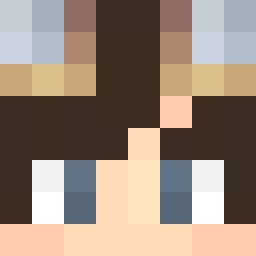 Terrazul Hongenchae
More Satoru Gojo Minecraft skins
See all 1317 Satoru Gojo skins
How to install the Mr_Monkelol skin
- Press the Download button above to save the skin as a PNG file.
- Minecraft: Bedrock Edition (PE): open the Dressing Room from the main menu (or tap your character → Edit Character), go to Classic Skins → Owned, press the + (new skin) button, choose the downloaded PNG and pick the Classic (Steve) model. Works on PC and mobile; consoles cannot import custom skins.
- Minecraft: Java Edition: open the Minecraft Launcher, go to the Skins tab, click New Skin, load the PNG, pick the Classic (Steve) model and press Save & Use. You can also upload it at minecraft.net → Profile → Change Skin.
The skin does not show up after import - what should I do?
Restart Minecraft and open the Dressing Room again - imported skins sometimes appear only after a restart. Also make sure you selected the imported skin and picked the Classic (Steve) model.
Which model should I choose, Classic or Slim?
This skin is designed for the Classic (Steve) model. If you pick the wrong model, the arms of the skin will look stretched or squeezed.
Is the skin of Mr_Monkelol free to download?
Yes. Press Download, save the PNG file and use it in Minecraft: Bedrock Edition or Java Edition - no payment or registration needed. The skin also works on multiplayer servers and Realms.
More skins
Looking for more? Go back to all Minecraft skins and check the top skins of the week, month and all time, or find any player's skin by nickname.