
Mr_Mattyagi - Minecraft Skins & Skin History
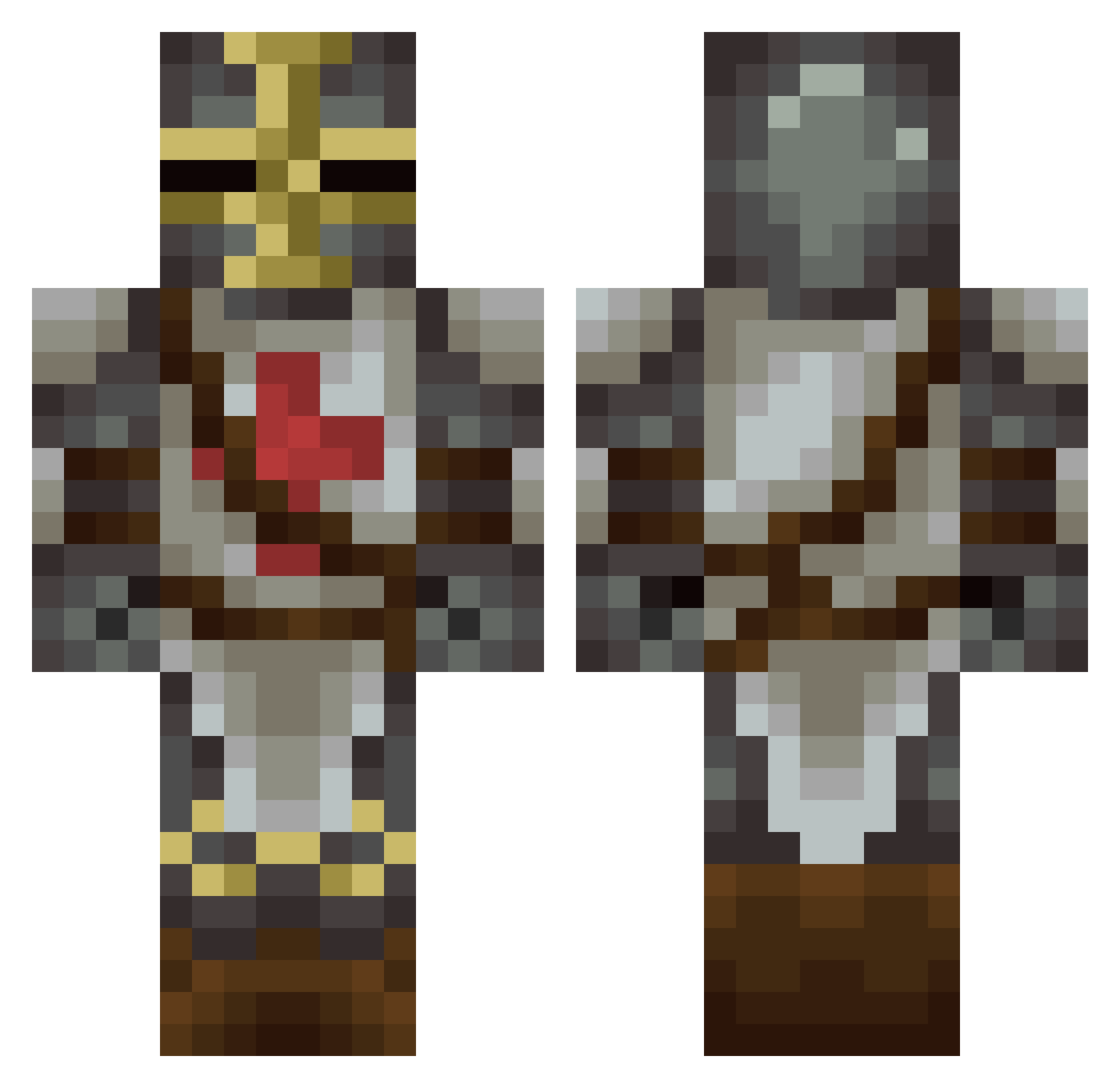
Current Minecraft skin of the player Mr_Mattyagi, loaded from the official Mojang API. Rotate the 3D model with your mouse or finger, then download the skin as a PNG file and use it in Minecraft: Bedrock Edition or Java Edition for free. When Mr_Mattyagi changes their skin, this page updates automatically and the old skin stays in the history below.
Other players with this skin (227)
Mr_Mattyagi was the 167th player we have seen with this skin, first spotted on 15.10.2026. The same skin was seen on these players. Open a nickname to see their current skin and skin history.
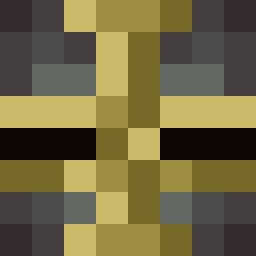 10SS1 ZQFMBG XandorDD mortalvv luckyorange127 Gladiateurr Rhyme1428 RIPITUP12345 MSHK9830 Gordon81 Flourdrack Tharalax THELEADMAN SRBknight Dayen fireblu12 1149 OwenUber cl220183 Anthonyjack Sho3maker McTurky Ephaystos Pain_xx halbaroth arquimau Azazelo Arriaga10 Qxak jarjar806 Juggystyle Laterensis MechBlitz Tmyster3 jimbojambo23 BleachFlame Captain_Tomcat Superkramiik Plus4 jschlau MichaelB84 Raggusa uporito Canman5 GruntKiller1997 odeur YuppLo SarcasmCraft CyberSkull360 SWeekes jaccy_stone Thewolf321 natester9 Cyric 28coffee28 SyCornyx KhalynValiendhar Sturmgewehr_44 Tougjul natvavafa
More Crusader Minecraft skins
How to install the Mr_Mattyagi skin
- Press the Download button above to save the skin as a PNG file.
- Minecraft: Bedrock Edition (PE): open the Dressing Room from the main menu (or tap your character → Edit Character), go to Classic Skins → Owned, press the + (new skin) button, choose the downloaded PNG and pick the Classic (Steve) model. Works on PC and mobile; consoles cannot import custom skins.
- Minecraft: Java Edition: open the Minecraft Launcher, go to the Skins tab, click New Skin, load the PNG, pick the Classic (Steve) model and press Save & Use. You can also upload it at minecraft.net → Profile → Change Skin.
The skin does not show up after import - what should I do?
Restart Minecraft and open the Dressing Room again - imported skins sometimes appear only after a restart. Also make sure you selected the imported skin and picked the Classic (Steve) model.
Which model should I choose, Classic or Slim?
This skin is designed for the Classic (Steve) model. If you pick the wrong model, the arms of the skin will look stretched or squeezed.
Is the skin of Mr_Mattyagi free to download?
Yes. Press Download, save the PNG file and use it in Minecraft: Bedrock Edition or Java Edition - no payment or registration needed. The skin also works on multiplayer servers and Realms.
More skins
Looking for more? Go back to all Minecraft skins and check the top skins of the week, month and all time, or find any player's skin by nickname.