
Mr_Chinar - Minecraft Skins & Skin History
Current Minecraft skin of the player Mr_Chinar, loaded from the official Mojang API. Rotate the 3D model with your mouse or finger, then download the skin as a PNG file and use it in Minecraft: Bedrock Edition or Java Edition for free. When Mr_Chinar changes their skin, this page updates automatically and the old skin stays in the history below.
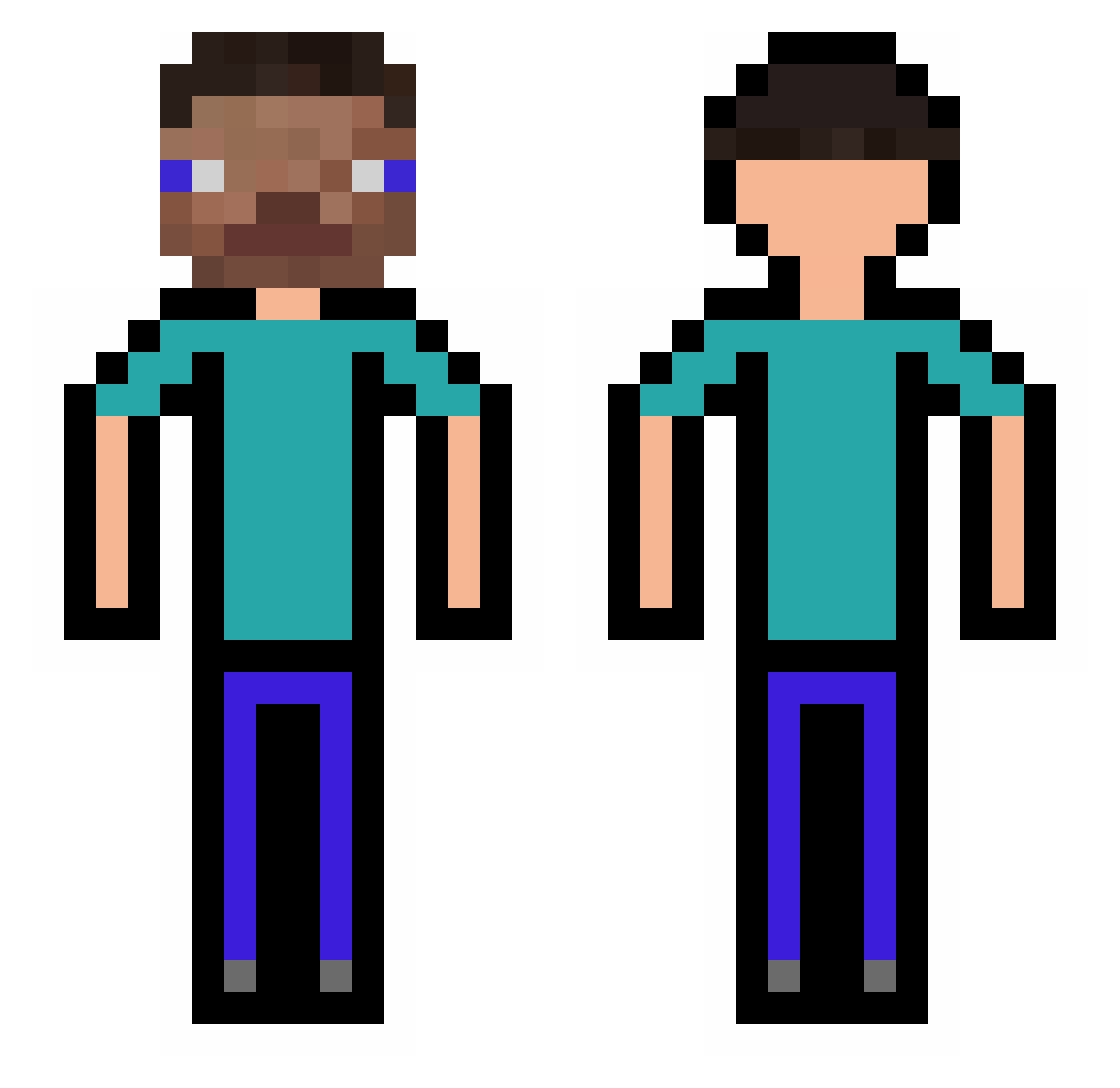
Other players with this skin (308)
Mr_Chinar was the 219th player we have seen with this skin, first spotted on 13.10.2026. The same skin was seen on these players. Open a nickname to see their current skin and skin history.
 wojteqq SIIK Itz_Joelll xpaj Miku_Ruul CoopAhhh8 Camachin07 matko_pipisvonec Thryo alpom74 ogang_9999 kaioko12 AzureKodo21 Mustanikka awqbao NGpres sureQ AfricanChiefBruh Neirbu KiisseZ Slavic090 _BombT Lulfro Nibjet AmeliaDayoo SkarCos x1408_JoJo Hydro_combo Diomedes_15 P0ulpit0 TARUTONGO Tanjarx JungYeongsik youhuuuuuu salkinio thequietkid_ Stef435 lomby04 JaniPlayZz Manthoma29 Nonketgentil Combo_MK zhywwww Murleeee Stank_Pingus bjgjackup Philip0_0 Inseminator69 XmoistbaguetteX ugondoe ANAS_7 AlyxHate AntoineChar Xuan_Zhu_b n0nt4 XENGQI NuncaNemV1 Seoking_ lukasbode uknowAmpro
How to install the Mr_Chinar skin
- Press the Download button above to save the skin as a PNG file.
- Minecraft: Bedrock Edition (PE): open the Dressing Room from the main menu (or tap your character → Edit Character), go to Classic Skins → Owned, press the + (new skin) button, choose the downloaded PNG and pick the Classic (Steve) model. Works on PC and mobile; consoles cannot import custom skins.
- Minecraft: Java Edition: open the Minecraft Launcher, go to the Skins tab, click New Skin, load the PNG, pick the Classic (Steve) model and press Save & Use. You can also upload it at minecraft.net → Profile → Change Skin.
The skin does not show up after import - what should I do?
Restart Minecraft and open the Dressing Room again - imported skins sometimes appear only after a restart. Also make sure you selected the imported skin and picked the Classic (Steve) model.
Which model should I choose, Classic or Slim?
This skin is designed for the Classic (Steve) model. If you pick the wrong model, the arms of the skin will look stretched or squeezed.
Is the skin of Mr_Chinar free to download?
Yes. Press Download, save the PNG file and use it in Minecraft: Bedrock Edition or Java Edition - no payment or registration needed. The skin also works on multiplayer servers and Realms.
More skins
Looking for more? Go back to all Minecraft skins and check the top skins of the week, month and all time, or find any player's skin by nickname.