
MrSimiPlay - Minecraft Skins & Skin History
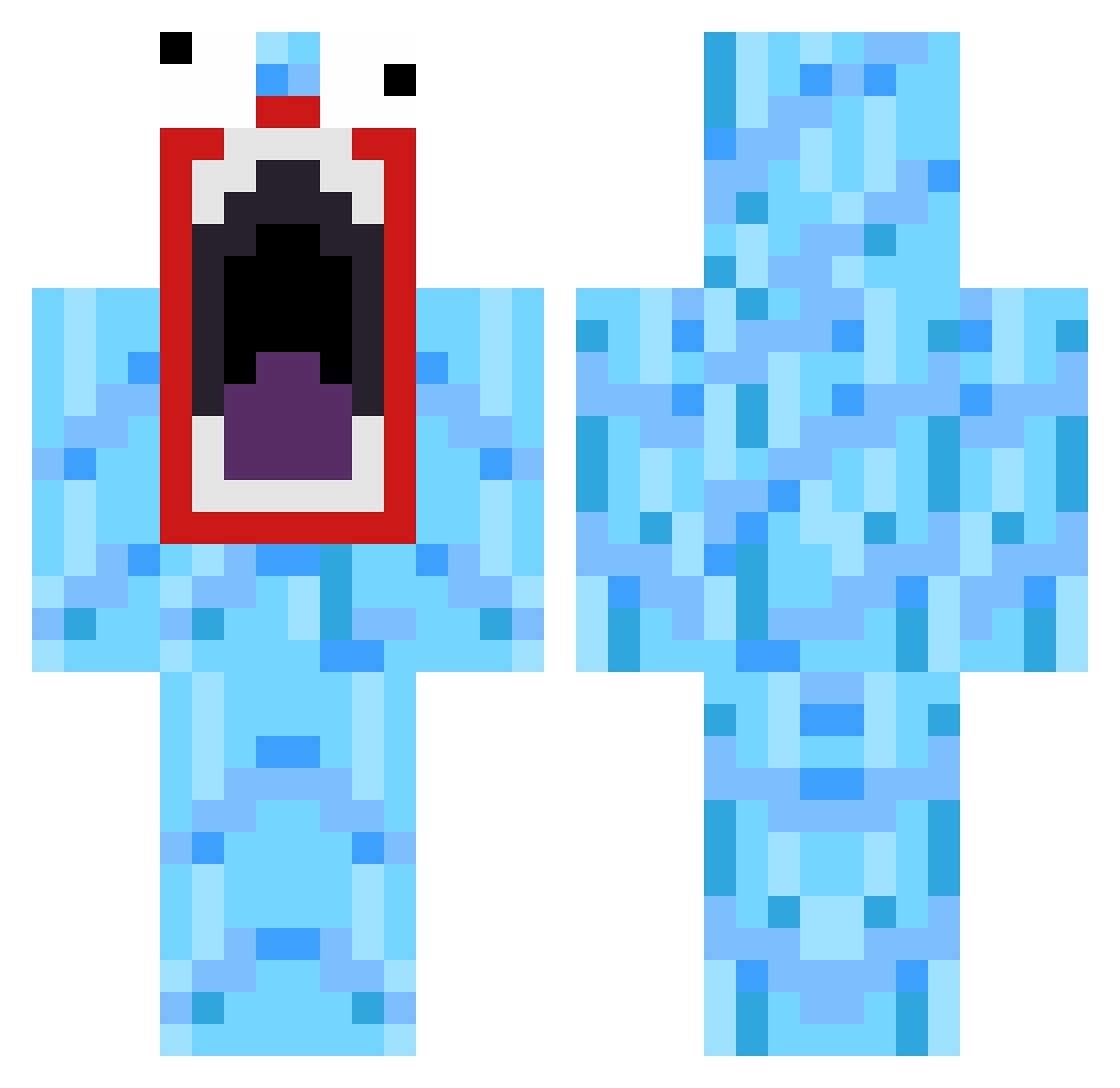
Current Minecraft skin of the player MrSimiPlay, loaded from the official Mojang API. Rotate the 3D model with your mouse or finger, then download the skin as a PNG file and use it in Minecraft: Bedrock Edition or Java Edition for free. When MrSimiPlay changes their skin, this page updates automatically and the old skin stays in the history below.
Other players with this skin (136)
MrSimiPlay was the 40th player we have seen with this skin, first spotted on 03.09.2026. The same skin was seen on these players. Open a nickname to see their current skin and skin history.
 jojo6481 Barebuxan Kylegan16 Lewyboy99 felixketchup6 emufordinner bunela BIG_DROP alwen02 Fallze skyking85 lewis2122 Slobberinherjaws JDBANGER iTroughx Embxca derguteste brooks630 Stevendunk Cubanero97 Conman626 TheWildEspartan TheBaconman35 edo124 Samgeo lassie402 Java0012345 gudni261 VivaLaFrance12 jefmajor DoukiD gockhausen LilNover puts32 badass_bhuna DarKFeeliN lucaadubz12 PechoMc Decowy CardMaster21 Justoutish bubba1223 Pherby C_D0G Lolinsky TrialORDEAL Jimi_b0y ibu1122 henriktorvund95 Tonisupertornado WalkOnWater24 Pajariyo Bollard Luisanator Sqeepo31 allygaytor silkyjimmies krestenw209 Massive_Murphy aleksander2202
More Funny Minecraft skins
How to install the MrSimiPlay skin
- Press the Download button above to save the skin as a PNG file.
- Minecraft: Bedrock Edition (PE): open the Dressing Room from the main menu (or tap your character → Edit Character), go to Classic Skins → Owned, press the + (new skin) button, choose the downloaded PNG and pick the Classic (Steve) model. Works on PC and mobile; consoles cannot import custom skins.
- Minecraft: Java Edition: open the Minecraft Launcher, go to the Skins tab, click New Skin, load the PNG, pick the Classic (Steve) model and press Save & Use. You can also upload it at minecraft.net → Profile → Change Skin.
The skin does not show up after import - what should I do?
Restart Minecraft and open the Dressing Room again - imported skins sometimes appear only after a restart. Also make sure you selected the imported skin and picked the Classic (Steve) model.
Which model should I choose, Classic or Slim?
This skin is designed for the Classic (Steve) model. If you pick the wrong model, the arms of the skin will look stretched or squeezed.
Is the skin of MrSimiPlay free to download?
Yes. Press Download, save the PNG file and use it in Minecraft: Bedrock Edition or Java Edition - no payment or registration needed. The skin also works on multiplayer servers and Realms.
More skins
Looking for more? Go back to all Minecraft skins and check the top skins of the week, month and all time, or find any player's skin by nickname.