
MrRangefinder - Minecraft Skins & Skin History
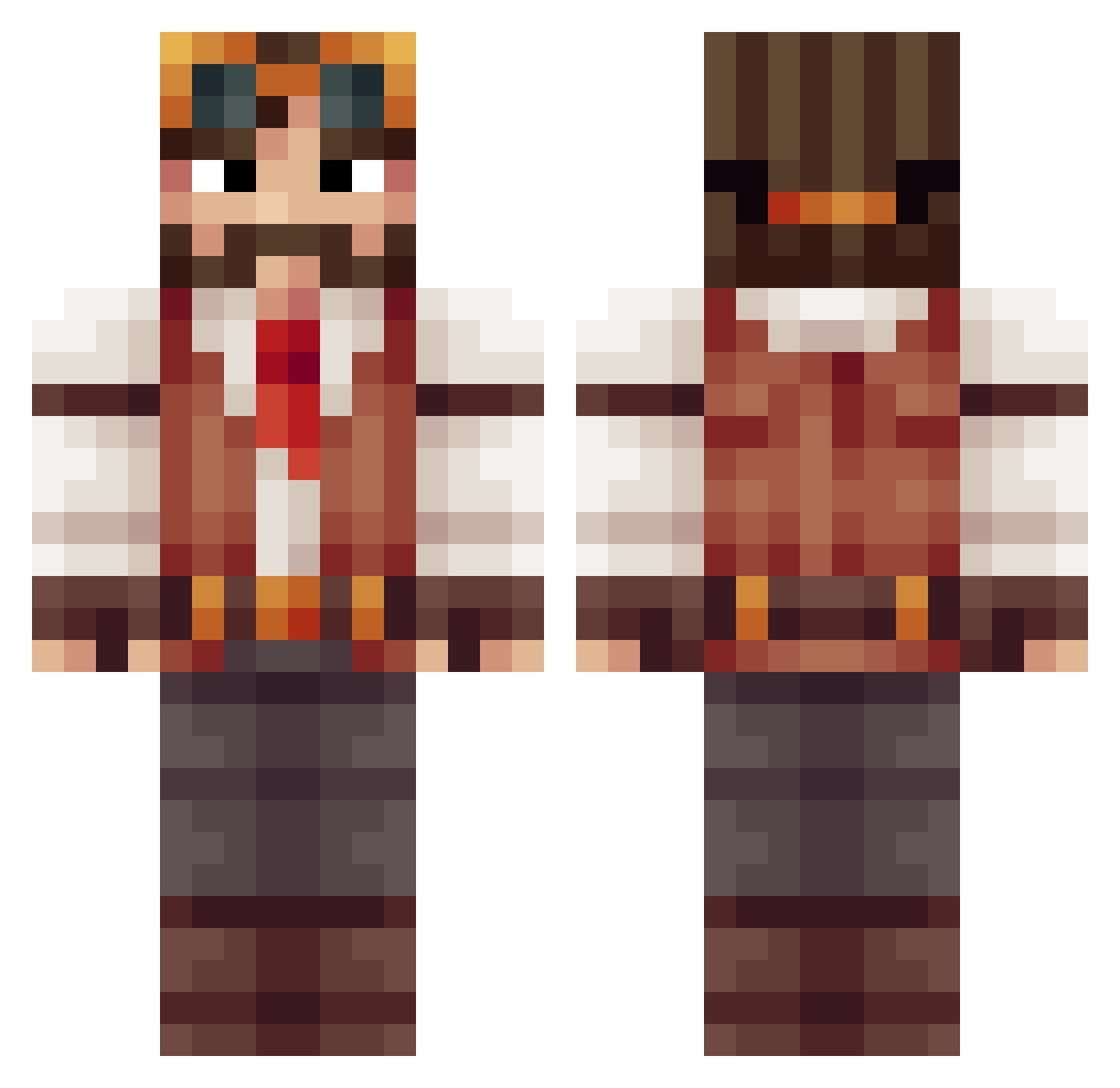
Current Minecraft skin of the player MrRangefinder, loaded from the official Mojang API. Rotate the 3D model with your mouse or finger, then download the skin as a PNG file and use it in Minecraft: Bedrock Edition or Java Edition for free. When MrRangefinder changes their skin, this page updates automatically and the old skin stays in the history below.
Other players with this skin (513)
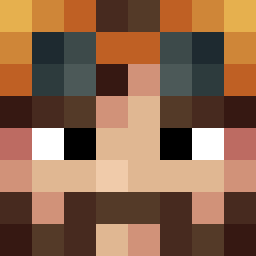
MrRangefinder was the 213th player we have seen with this skin, first spotted on 12.09.2026. The same skin was seen on these players. Open a nickname to see their current skin and skin history.
 MegaMo93 frzerostbite JBrownie97 MuqnBot5 TYLERKEGS Sid013 The_RossEffect Nozshand afmanta coolthemag Abdulmalik_ Andoryuu4 Hofgar Xraysniperz Cinazz souplogic Yzneftamz Kageroza aHarmlessFly Bluntfist DasBertl Touchy1 RandomDevice Bodeuh Syphix Mcknezie180 JackClap Jswordsmith crimsonending Rick190 wiggle69 jefibrown andon01 Baauser Glerimo Tigzillo Panerai02 Royjohn66 Trivh mangosheep123 blueymatt kaimonkey rossow Meesh_13 JTSmile tntblock333 Amosdean Dufflug EarlvonBoehmen Jakob0511 KTA_Raven Sparrah Daftmatlo 1nden1 CumulusCube BUZZER_LAD AxisRhodes Belgerath100 Scarca Veritable_Rex
More Explorer Minecraft skins
How to install the MrRangefinder skin
- Press the Download button above to save the skin as a PNG file.
- Minecraft: Bedrock Edition (PE): open the Dressing Room from the main menu (or tap your character → Edit Character), go to Classic Skins → Owned, press the + (new skin) button, choose the downloaded PNG and pick the Classic (Steve) model. Works on PC and mobile; consoles cannot import custom skins.
- Minecraft: Java Edition: open the Minecraft Launcher, go to the Skins tab, click New Skin, load the PNG, pick the Classic (Steve) model and press Save & Use. You can also upload it at minecraft.net → Profile → Change Skin.
The skin does not show up after import - what should I do?
Restart Minecraft and open the Dressing Room again - imported skins sometimes appear only after a restart. Also make sure you selected the imported skin and picked the Classic (Steve) model.
Which model should I choose, Classic or Slim?
This skin is designed for the Classic (Steve) model. If you pick the wrong model, the arms of the skin will look stretched or squeezed.
Is the skin of MrRangefinder free to download?
Yes. Press Download, save the PNG file and use it in Minecraft: Bedrock Edition or Java Edition - no payment or registration needed. The skin also works on multiplayer servers and Realms.
More skins
Looking for more? Go back to all Minecraft skins and check the top skins of the week, month and all time, or find any player's skin by nickname.