
 Ninja_Brick unicornslayer68 Clinext caroel BlueTWolf101 TwerkFish Sedwick DoctorRML Wakeline TleqalsvoJohann SirDCG MatthewArnold98 datashade theOnyxHeart dap0488 Lameboy91 wiccipedia TylerRex_ SphinxHD Kazm_ napalmwarlock WonderAlex Interro Brainiak2k MrRazac MightWithin Kingzid gamedu38 ladiesman178 PJMacMarty Nexus_Warlord lordofekberga CptDankBeard BastianBalthazar Grey_Jelly Raolle Ordinaryus buc_12 HeyMufti wuteter sporonkubik Endo_D SommyAU accountantt Alphawolf_87 Creepurz ThePillowFighter NoBs4 sweegge bydnmunky tobias_is_macho backpack505 DamienLeDogg sinbad57 mrcokeman_ DeviousChicken NetworkTAS redrexx44 MightyFalling Munch3in
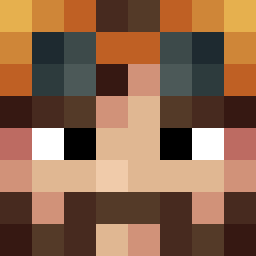
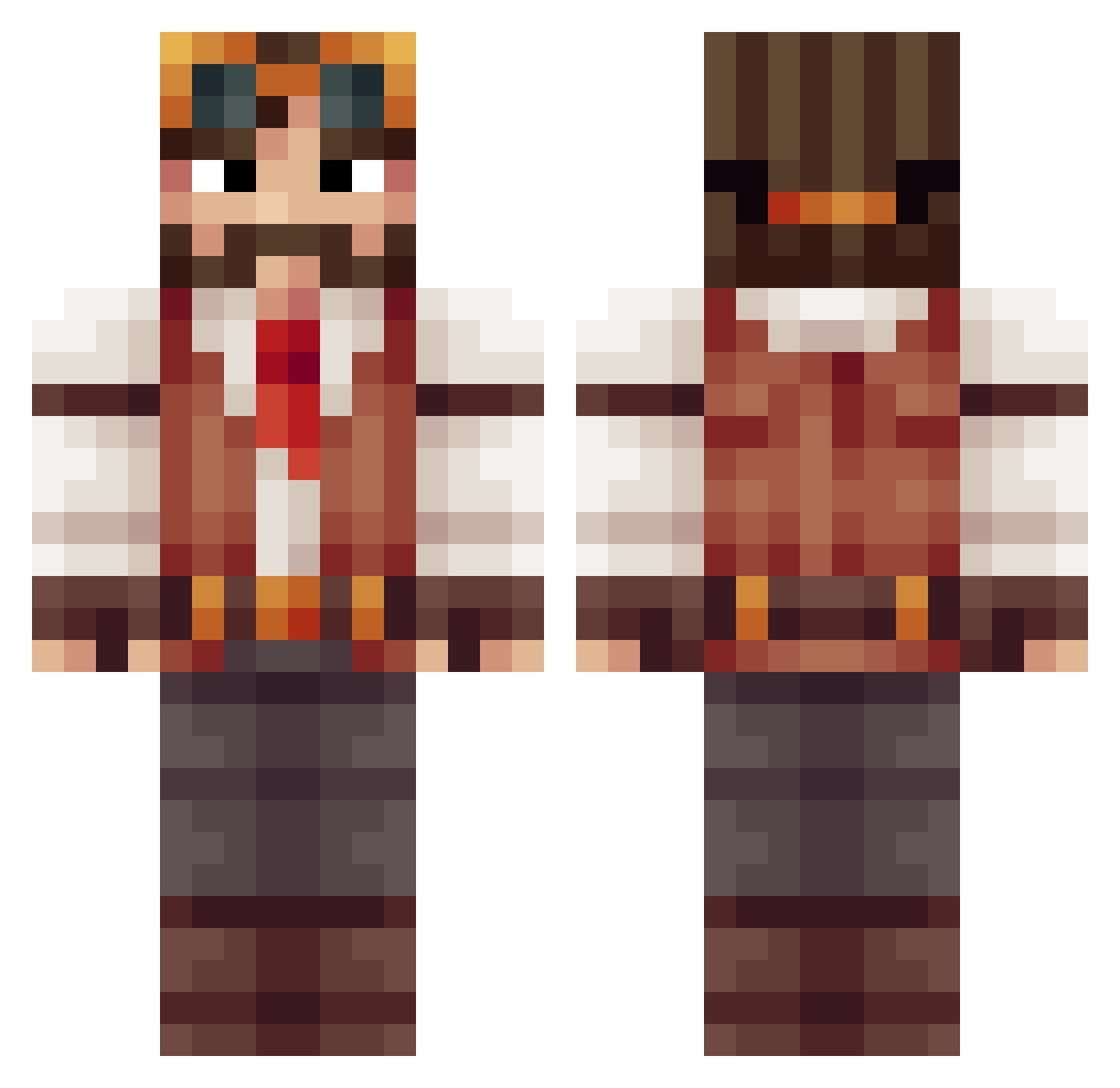
Minecraft skin of Hagoz. Rotate the 3D model with your mouse or finger to view the skin from every angle, then download it as a PNG file and use it in Minecraft: Bedrock Edition or Java Edition for free. Rate the skin with stars to help other players find the best skins in our collection.
How to install the Hagoz skin
- Press the Download button above to save the skin as a PNG file.
- Minecraft: Bedrock Edition (PE): open the Dressing Room from the main menu (or tap your character → Edit Character), go to Classic Skins → Owned, press the + (new skin) button, choose the downloaded PNG and pick the Classic (Steve) model. Works on PC and mobile; consoles cannot import custom skins.
- Minecraft: Java Edition: open the Minecraft Launcher, go to the Skins tab, click New Skin, load the PNG, pick the Classic (Steve) model and press Save & Use. You can also upload it at minecraft.net → Profile → Change Skin.
The skin does not show up after import - what should I do?
Restart Minecraft and open the Dressing Room again - imported skins sometimes appear only after a restart. Also make sure you selected the imported skin and picked the Classic (Steve) model.
Which model should I choose, Classic or Slim?
This skin is designed for the Classic (Steve) model. If you pick the wrong model, the arms of the skin will look stretched or squeezed.
Is this skin free to use?
Yes. Press Download, save the PNG file and use it in Minecraft: Bedrock Edition or Java Edition - no payment or registration needed. The skin also works on multiplayer servers and Realms.
More Explorer Minecraft skins
More skins
Looking for more? Go back to all Minecraft skins and check the top skins of the week, month and all time, or find any player's skin by nickname.