
Mqhdl - Minecraft Skins & Skin History
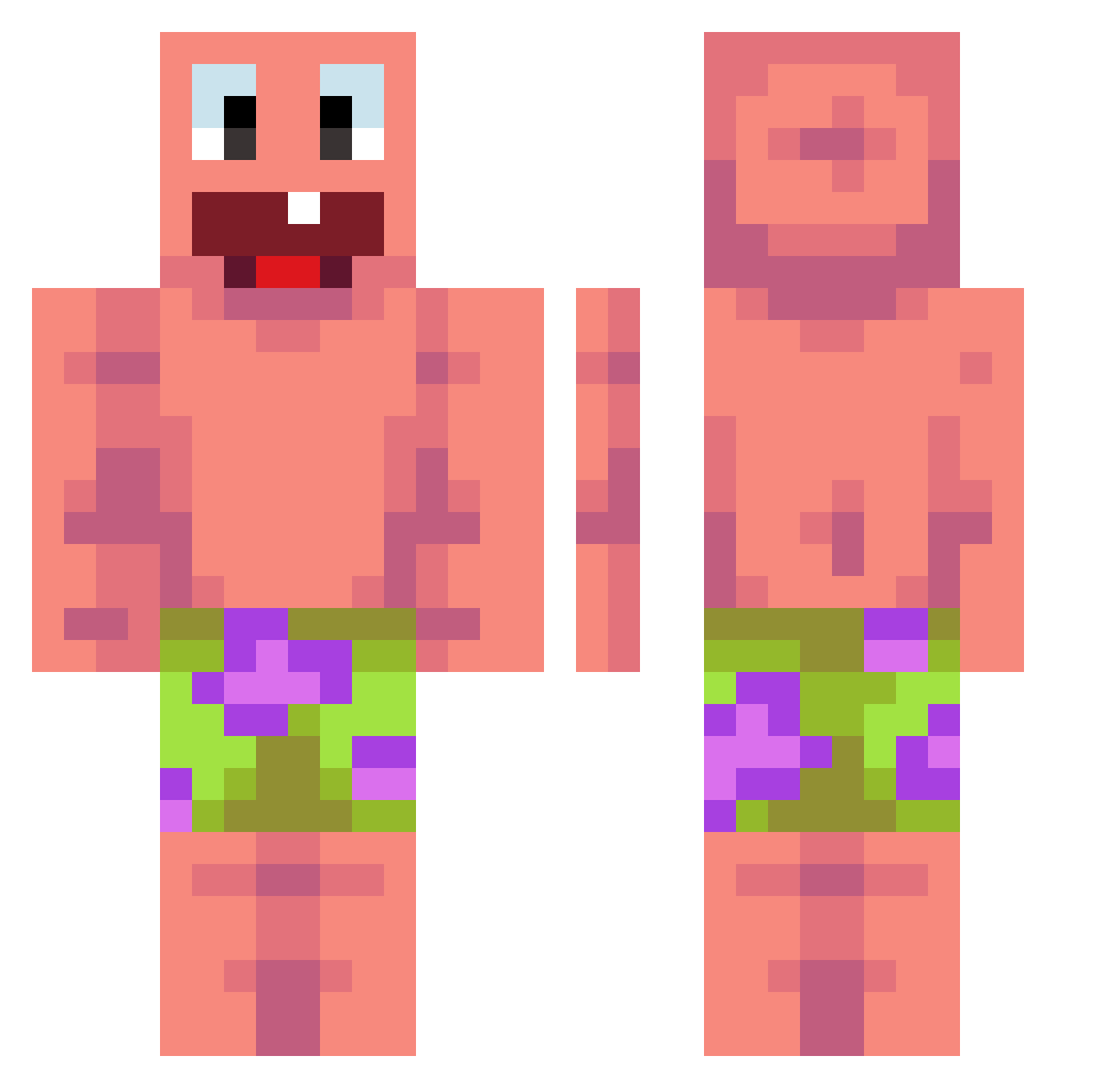
Current Minecraft skin of the player Mqhdl, loaded from the official Mojang API. Rotate the 3D model with your mouse or finger, then download the skin as a PNG file and use it in Minecraft: Bedrock Edition or Java Edition for free. When Mqhdl changes their skin, this page updates automatically and the old skin stays in the history below.
Other players with this skin (476)
Mqhdl was the 366th player we have seen with this skin, first spotted on 17.10.2026. The same skin was seen on these players. Open a nickname to see their current skin and skin history.
 iN4c Townhall NoobSlayerMoo Ahlon swag156 vKUBSIK HimP1 zyziioo t3haxl EthanGough Willow1s Knockk10 MommySteve69 zzonzzone Hill424 MemberMzz Prahsito Poko_loko90 FrankiBurgi ihsankanka Roky1502 vuo3 sorzeyy zurkv min__99 mcakjt3 Brunohaker3693 Fane003 Nexragamin PlayerLukalu half_man4 Glacivex Reathear Sneak_Meister2 FM_A Ignaciio Cryingwinter TheDouglasClan rq1z Rempolon liiin_ gejiral Dylan990527 Swuizy2 icecream9751 Kaepoop Neosten lightmin1028 M1eCi0 Higuin_DELLAS Itz_kasti334 PiePie610 Graf_Lennart dolphin_dom imomusshi bortsog Szabiiii Ezman000 Monlytot nickdacoconut
More Patrick Star Minecraft skins
See all 646 Patrick Star skins
How to install the Mqhdl skin
- Press the Download button above to save the skin as a PNG file.
- Minecraft: Bedrock Edition (PE): open the Dressing Room from the main menu (or tap your character → Edit Character), go to Classic Skins → Owned, press the + (new skin) button, choose the downloaded PNG and pick the Classic (Steve) model. Works on PC and mobile; consoles cannot import custom skins.
- Minecraft: Java Edition: open the Minecraft Launcher, go to the Skins tab, click New Skin, load the PNG, pick the Classic (Steve) model and press Save & Use. You can also upload it at minecraft.net → Profile → Change Skin.
The skin does not show up after import - what should I do?
Restart Minecraft and open the Dressing Room again - imported skins sometimes appear only after a restart. Also make sure you selected the imported skin and picked the Classic (Steve) model.
Which model should I choose, Classic or Slim?
This skin is designed for the Classic (Steve) model. If you pick the wrong model, the arms of the skin will look stretched or squeezed.
Is the skin of Mqhdl free to download?
Yes. Press Download, save the PNG file and use it in Minecraft: Bedrock Edition or Java Edition - no payment or registration needed. The skin also works on multiplayer servers and Realms.
More skins
Looking for more? Go back to all Minecraft skins and check the top skins of the week, month and all time, or find any player's skin by nickname.