
Mooncell888 - Minecraft Skins & Skin History
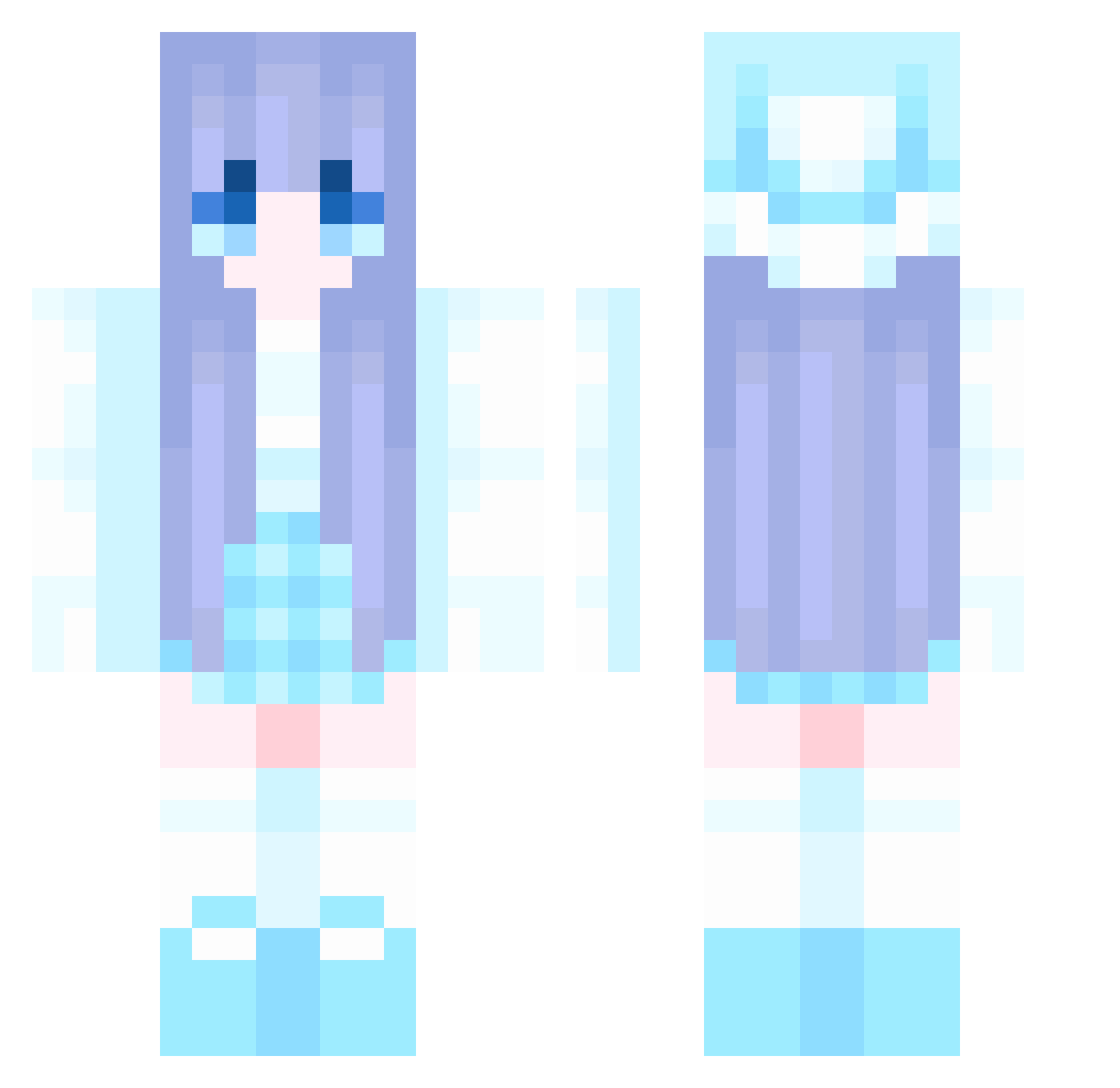
Current Minecraft skin of the player Mooncell888, loaded from the official Mojang API. Rotate the 3D model with your mouse or finger, then download the skin as a PNG file and use it in Minecraft: Bedrock Edition or Java Edition for free. When Mooncell888 changes their skin, this page updates automatically and the old skin stays in the history below.
Other players with this skin (905)
Mooncell888 was the 846th player we have seen with this skin, first spotted on 17.10.2026. The same skin was seen on these players. Open a nickname to see their current skin and skin history.
 kittenrage20 Surname1 Naturalong 7Griezmann JiangMianMian Garmadon05 yuuubbi MouDB hellarunlly Owen12138 Devuner Rylt24 MAL_PRFFge yu1512 W1nter939 littlefishOuO 040109 Robo_tech Silent5515 Rajaaaaaa qingyunya End_Star1 LoveKillsU NING6688 KetsuMoro Lunatricky C3C_ Liuyu19 oFeTo THEMAXJOKER Lithium37 MiroSund yihanw jarwei wuxiaofei SanLi027 QY1010 _ilyEllwi_ xswxl Jakeshy123 SydneyCole Gnixaij snowflurries_ liangshui28 YHN_04B_009 Zer0905 Daniela52 whitecage DeanWillis NiuAiNiuNiuDeNiu ironMan9225 Huuuuu134 sea_a Takarata_Rikka moonquakes29 MortenE6 Powerfulluo ZhangsITUO chun_hyang10 Axjiang
More Winter Minecraft skins
How to install the Mooncell888 skin
- Press the Download button above to save the skin as a PNG file.
- Minecraft: Bedrock Edition (PE): open the Dressing Room from the main menu (or tap your character → Edit Character), go to Classic Skins → Owned, press the + (new skin) button, choose the downloaded PNG and pick the Classic (Steve) model. Works on PC and mobile; consoles cannot import custom skins.
- Minecraft: Java Edition: open the Minecraft Launcher, go to the Skins tab, click New Skin, load the PNG, pick the Classic (Steve) model and press Save & Use. You can also upload it at minecraft.net → Profile → Change Skin.
The skin does not show up after import - what should I do?
Restart Minecraft and open the Dressing Room again - imported skins sometimes appear only after a restart. Also make sure you selected the imported skin and picked the Classic (Steve) model.
Which model should I choose, Classic or Slim?
This skin is designed for the Classic (Steve) model. If you pick the wrong model, the arms of the skin will look stretched or squeezed.
Is the skin of Mooncell888 free to download?
Yes. Press Download, save the PNG file and use it in Minecraft: Bedrock Edition or Java Edition - no payment or registration needed. The skin also works on multiplayer servers and Realms.
More skins
Looking for more? Go back to all Minecraft skins and check the top skins of the week, month and all time, or find any player's skin by nickname.