
Mommadogg - Minecraft Skins & Skin History
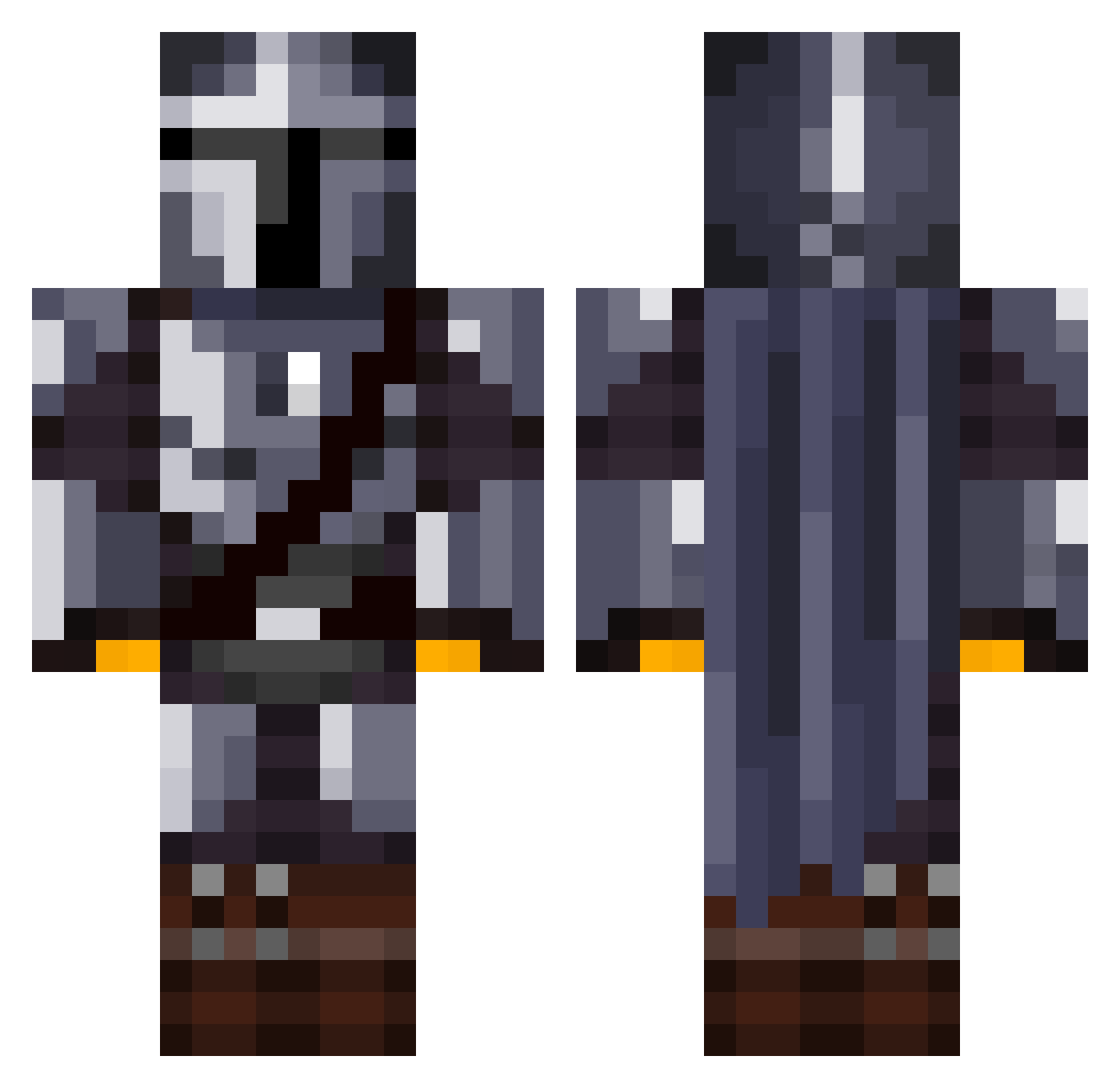
Current Minecraft skin of the player Mommadogg, loaded from the official Mojang API. Rotate the 3D model with your mouse or finger, then download the skin as a PNG file and use it in Minecraft: Bedrock Edition or Java Edition for free. When Mommadogg changes their skin, this page updates automatically and the old skin stays in the history below.
Other players with this skin (1031)
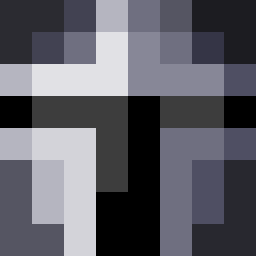
Mommadogg was the 959th player we have seen with this skin, first spotted on 13.10.2026. The same skin was seen on these players. Open a nickname to see their current skin and skin history.
 Rance09 Aoitako KauanPrestes5002 KnockoutRoundab NapalmSandstorm PDawg91 Spawner24 ElionStrife JDLoft22 pumpknstar4 matrixed013 Sister__Fister__ Faroenar bartek12za JBIVZ gwk444 CrezZB FunnyGuy631 Catapulto Simpletask DarkHelmetLOB1 Scarpz ElderBlack freefall1330 CHEESE_BANANA maxswiss SpaceDonkey89 Schwarz40 STRiiDY Fredijasbor2412 Major_Whiskey cohen___ ruru51300 Simxnx CHILENO449 bayleyyy PacPow2K21 svestka52 Chesten Shadowfoxfreeek AbsurdNine LewisVuitton98 BIGdeivid lawless29 General_Ta PressAltF4toWin Zhivopirka KSTGaming Nicolas_Is_RVGD ShioKoori Baboon_X chimimoon RoseOnMars27 TheHellVetia Hellbat369 BangersAndMash47 RiftLift Zalissa Salty_Multi FedExGround
More The Mandalorian Minecraft skins
See all 513 The Mandalorian skins
How to install the Mommadogg skin
- Press the Download button above to save the skin as a PNG file.
- Minecraft: Bedrock Edition (PE): open the Dressing Room from the main menu (or tap your character → Edit Character), go to Classic Skins → Owned, press the + (new skin) button, choose the downloaded PNG and pick the Classic (Steve) model. Works on PC and mobile; consoles cannot import custom skins.
- Minecraft: Java Edition: open the Minecraft Launcher, go to the Skins tab, click New Skin, load the PNG, pick the Classic (Steve) model and press Save & Use. You can also upload it at minecraft.net → Profile → Change Skin.
The skin does not show up after import - what should I do?
Restart Minecraft and open the Dressing Room again - imported skins sometimes appear only after a restart. Also make sure you selected the imported skin and picked the Classic (Steve) model.
Which model should I choose, Classic or Slim?
This skin is designed for the Classic (Steve) model. If you pick the wrong model, the arms of the skin will look stretched or squeezed.
Is the skin of Mommadogg free to download?
Yes. Press Download, save the PNG file and use it in Minecraft: Bedrock Edition or Java Edition - no payment or registration needed. The skin also works on multiplayer servers and Realms.
More skins
Looking for more? Go back to all Minecraft skins and check the top skins of the week, month and all time, or find any player's skin by nickname.