
Modred15 - Minecraft Skins & Skin History
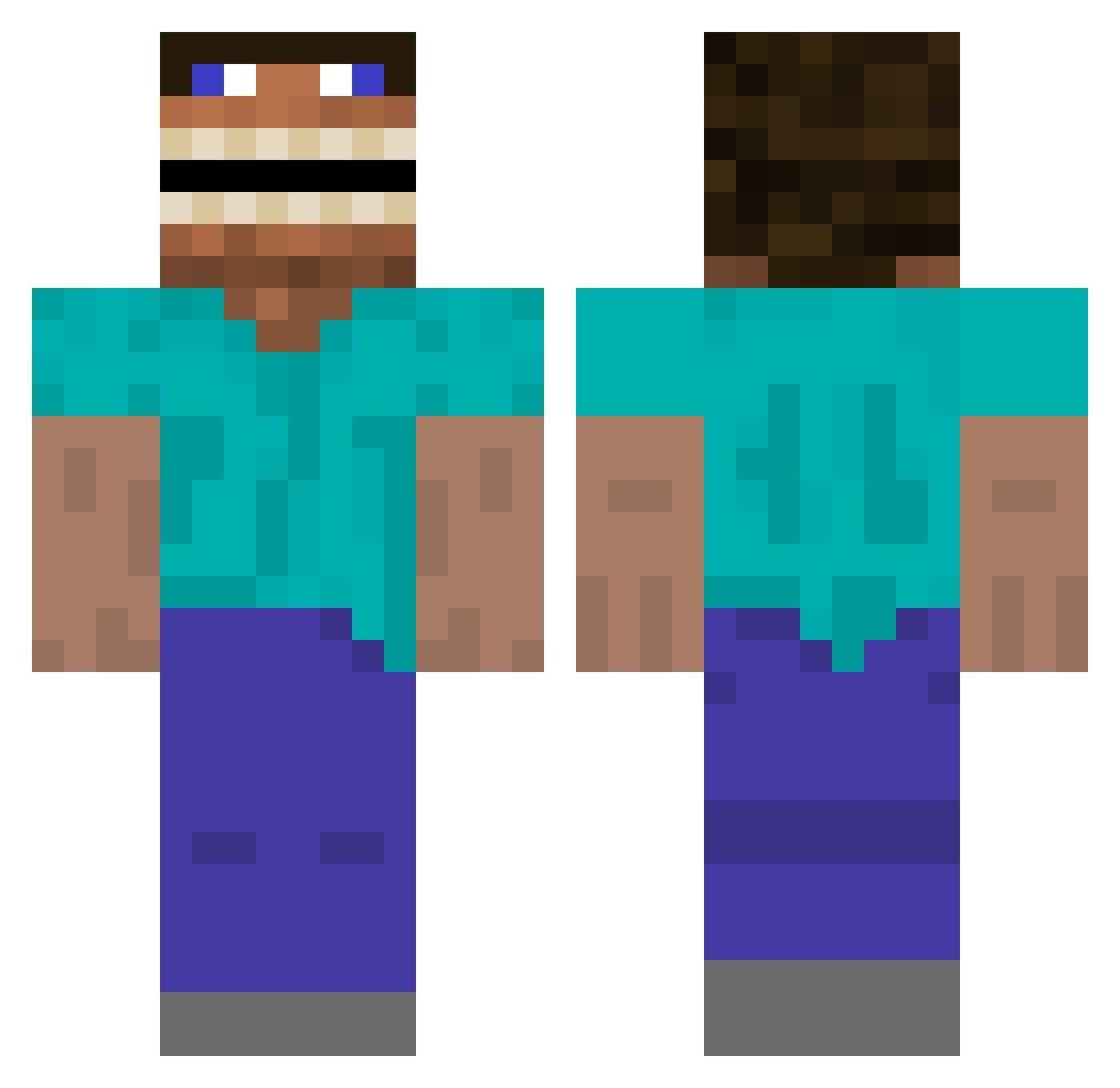
Current Minecraft skin of the player Modred15, loaded from the official Mojang API. Rotate the 3D model with your mouse or finger, then download the skin as a PNG file and use it in Minecraft: Bedrock Edition or Java Edition for free. When Modred15 changes their skin, this page updates automatically and the old skin stays in the history below.
Other players with this skin (393)
Modred15 was the 346th player we have seen with this skin, first spotted on 17.10.2026. The same skin was seen on these players. Open a nickname to see their current skin and skin history.
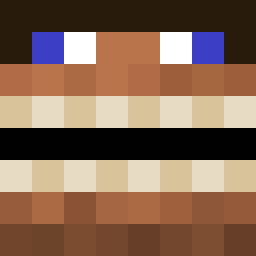 BleachDrinker87 frederik241212 Vraj1470 NillyBaby poeperdiepoep kake441 Sea_Rider BennyRay99999 RealStrandedpie SpeggatiMan GoldenSpace9517 Armyte IT17 megafrank69 Vakaris22 vizebass W_Zombie336 Ellisman332 twistedyeets bootkid Perterrefacio Nimo385_ CeKo_1 Vraj1470x junefails Khaz7 yeetin20 adriiiian herobrock Pugalaxei Eduardoodoo sigma1762 _Cross_2 Zawodowy_MichaL aryavTHEpro ElQueRompAnitoss Lucam228 Marcellow starfan_13 IppoH24 Suveli AidenGaming123 Annikaenya ginkking xx_abdullh_xx stogian summer078 hal3yy DennisAmca KennyHong1 commanderbeans1 Powerkicker5177 BRINX116 SirPie_ ARHBRUV kyuppp Saul_Johnson HankHillsBoyToy godmaster444 Emmalyn016
More Funny Minecraft skins
How to install the Modred15 skin
- Press the Download button above to save the skin as a PNG file.
- Minecraft: Bedrock Edition (PE): open the Dressing Room from the main menu (or tap your character → Edit Character), go to Classic Skins → Owned, press the + (new skin) button, choose the downloaded PNG and pick the Classic (Steve) model. Works on PC and mobile; consoles cannot import custom skins.
- Minecraft: Java Edition: open the Minecraft Launcher, go to the Skins tab, click New Skin, load the PNG, pick the Classic (Steve) model and press Save & Use. You can also upload it at minecraft.net → Profile → Change Skin.
The skin does not show up after import - what should I do?
Restart Minecraft and open the Dressing Room again - imported skins sometimes appear only after a restart. Also make sure you selected the imported skin and picked the Classic (Steve) model.
Which model should I choose, Classic or Slim?
This skin is designed for the Classic (Steve) model. If you pick the wrong model, the arms of the skin will look stretched or squeezed.
Is the skin of Modred15 free to download?
Yes. Press Download, save the PNG file and use it in Minecraft: Bedrock Edition or Java Edition - no payment or registration needed. The skin also works on multiplayer servers and Realms.
More skins
Looking for more? Go back to all Minecraft skins and check the top skins of the week, month and all time, or find any player's skin by nickname.